


Lieutenant Dan
Members
-
Joined
-
Last visited
Everything posted by Lieutenant Dan
-
-
.thumb.png.6e075684b8ddf096b1e63bdf05a0c3eb.png) Cool, and it may be useful, but the lines on the left side are way too thick, as a result, making body panel trims would still be difficult. I suggest making the lines thinner on the left side. About as thin as on the front, back and top.
Cool, and it may be useful, but the lines on the left side are way too thick, as a result, making body panel trims would still be difficult. I suggest making the lines thinner on the left side. About as thin as on the front, back and top.- 1 review
-
-

- 1
-
-
-
-
-
Finally, somebody came to their senses and is making a good LAPD pack! Can't wait to have these in my game!
-
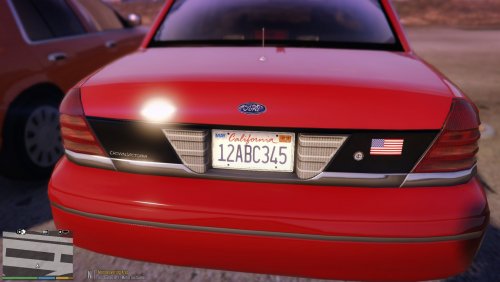 Did you use the "mods" folder? Do you get any kind of crash message? Did you try reverting to stock?
 -
Hi, have you ever wanted to be in the streets of California, but tired of crappy "San Andreas" plates? Well, this pack is for you! This pack includes most default designs of California license plates, with the following 5 designs: - Modern California (Cursive) - Square California (Black and Yellow) - Square California (Blue and Yellow) - Old California (Sun Background) - California Exempt This took me 3 hours, so any and all feedback is appreciated, negative or positive, as long as you aren't a condescending prick.
-
Most models are locked, so there's no opening them. Which slot do you have the car installed in? Is it a custom slot, "elscharl"?
-
I'm quite sure that isn't an ELS issue, as ELS only places coronas in the same place as the headlights and doesn't actually control the headlights. It might be a carcols.ymt issue, try replacing it with the stock one (mods/update.rpf/x64/data). If that doesn't work, you should send me the .ytd and +hi.ytd (if applicable) of the model to see if it might be a problem with one of the textures.
-
Do you have menyoo installed? If so, try disabling "Keep Vehicle Engine & Lights On", last time this happened to me, that was the problem. If not, I've got no clue.
-
-
-
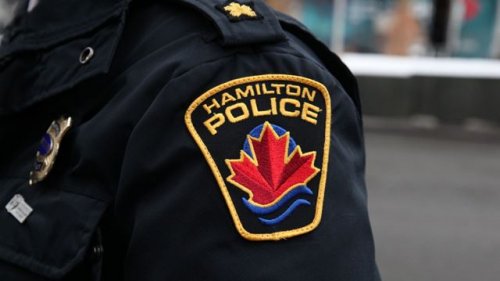 Definitely an improvement over the solid color PNGs, keep it up :)
 -
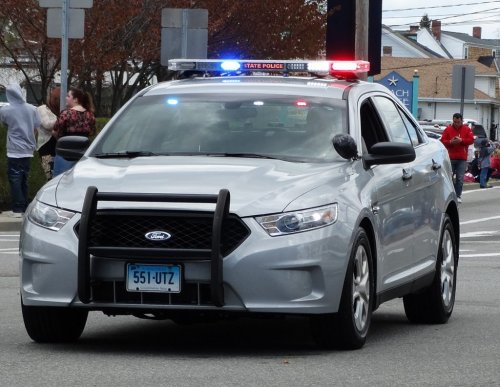 I seriously don't believe that the reviews you got are genuine. If they are, then WHY? How can somebody actually look at this and go: "Oh yeah, this looks like 10/10 quality shit right here!". Stop, just stop. All you're doing is uploading grey pngs with license plates plastered on that you most likely copy+pasted from Google Images.
- 21 comments
- 7 reviews
-
Mate, I'm not uninstalling SHIT, modding is legal whether some big corporation likes it or not.
-
-
-
-
Please, make these a mod! They look great!
-
-
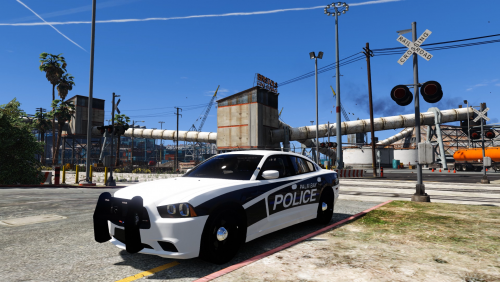 Do I even need to say it? Amazing. Just amazing. I'm gonna convert it to LS police and have some fun :)
- 16 comments
- 7 reviews
-
-
- 1
-
-
-
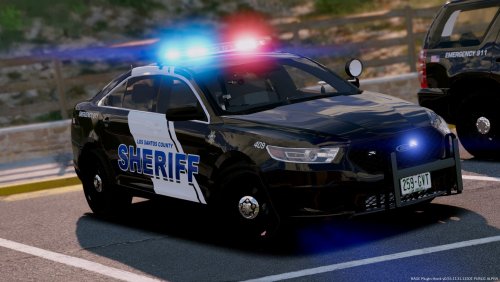
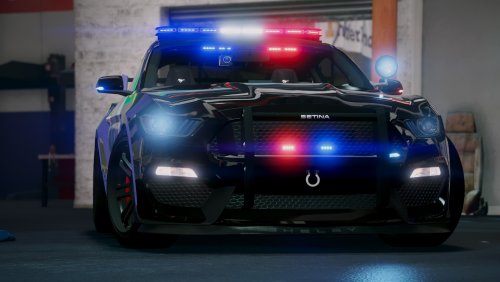
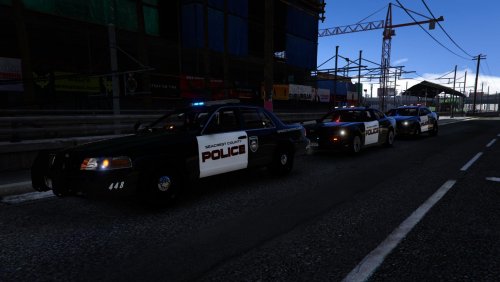
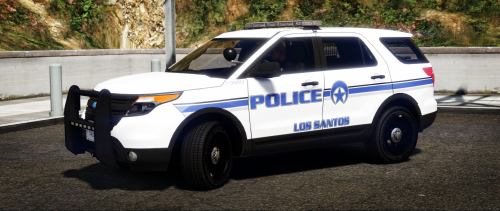
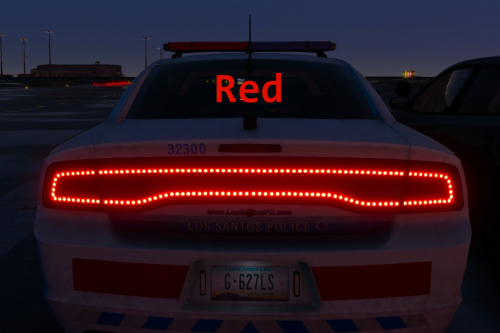
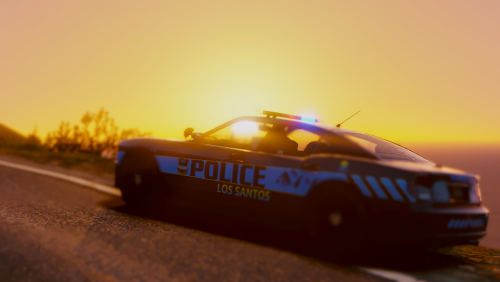 This is a goddamn amazing pack! I will however, not use it for the near future, but that's just my personal preference and it would be unfair to judge your effort based on my personal preference. (I prefer realism) PROS: - Liveries look like an actual police department, liveries are creative - Lights have proper env lighting (for the most part, errors are ELS's fault) - Solid interior - For once, somebody gives a consistent fleet! - Flash patterns look convincing and beautiful CONS: - Installation is a bit of a hassle (would be nice to have a separate dlcpack you can just drag into the dlcpacks folder, and add a line to dlclist.xml) - Lack of FIB cars Overall, I would give around a 4.5/5, but 4.5 rounds to 5 so 5 stars...
- 82 comments
- 30 reviews
-


.thumb.png.6e075684b8ddf096b1e63bdf05a0c3eb.png)



.thumb.jpg.b61d5f418cf11a267eb9da46a821d5f9.jpg)
