



shadowdiver710
Members
-
Joined
-
Last visited
Everything posted by shadowdiver710
-
Thanks!
-
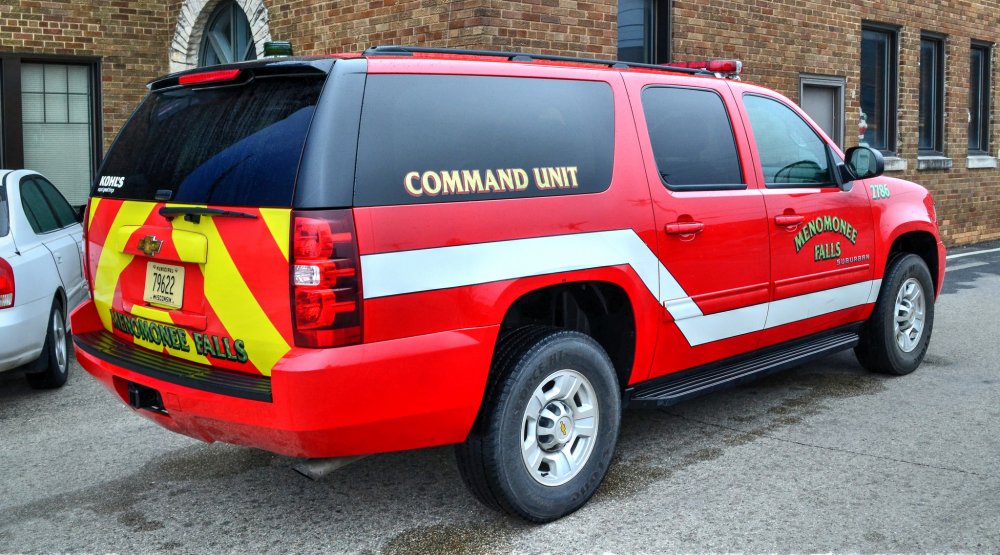
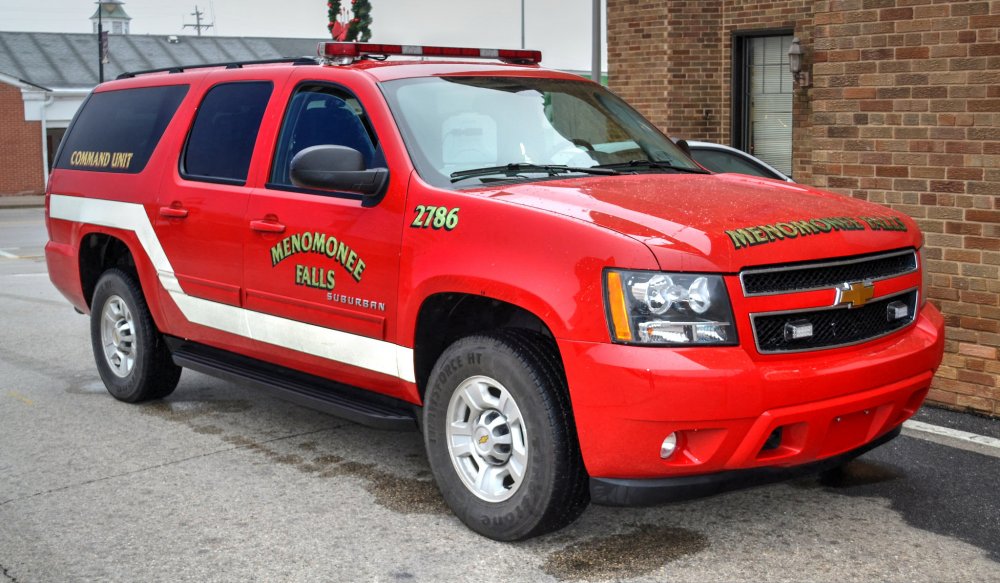
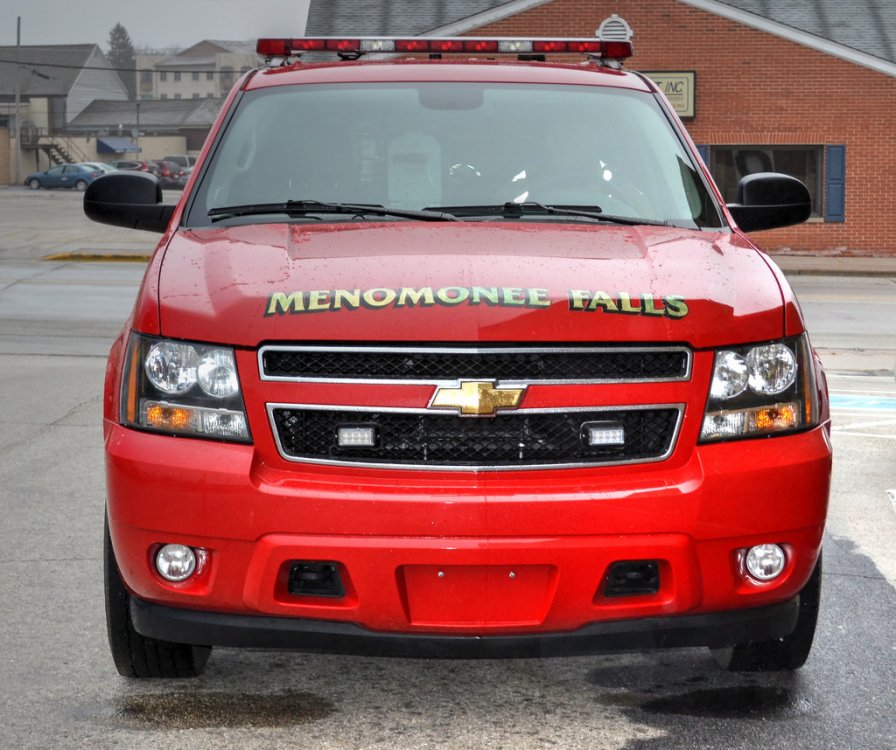
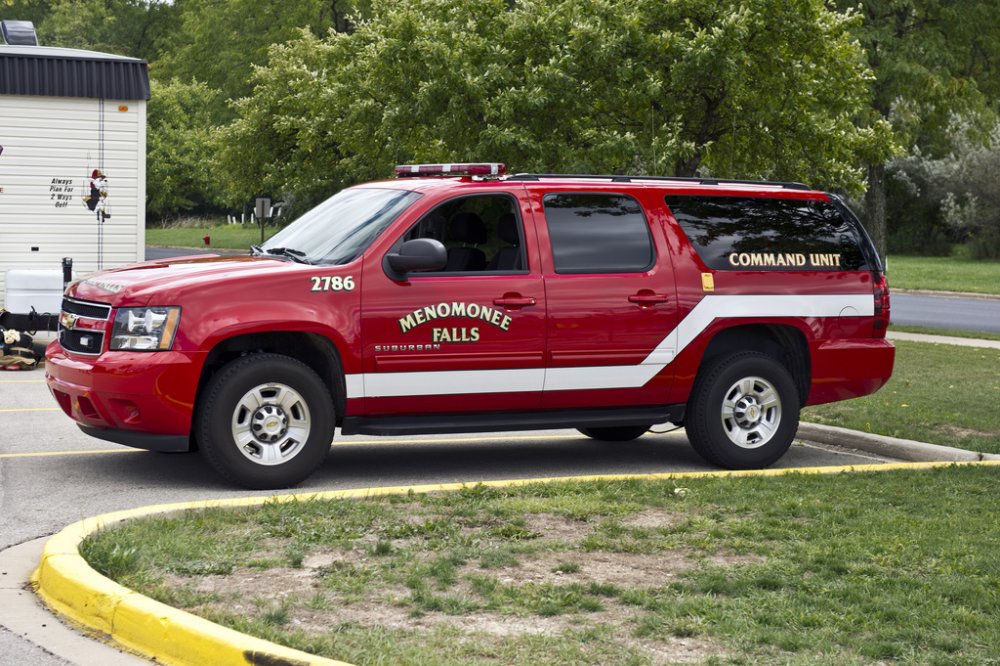
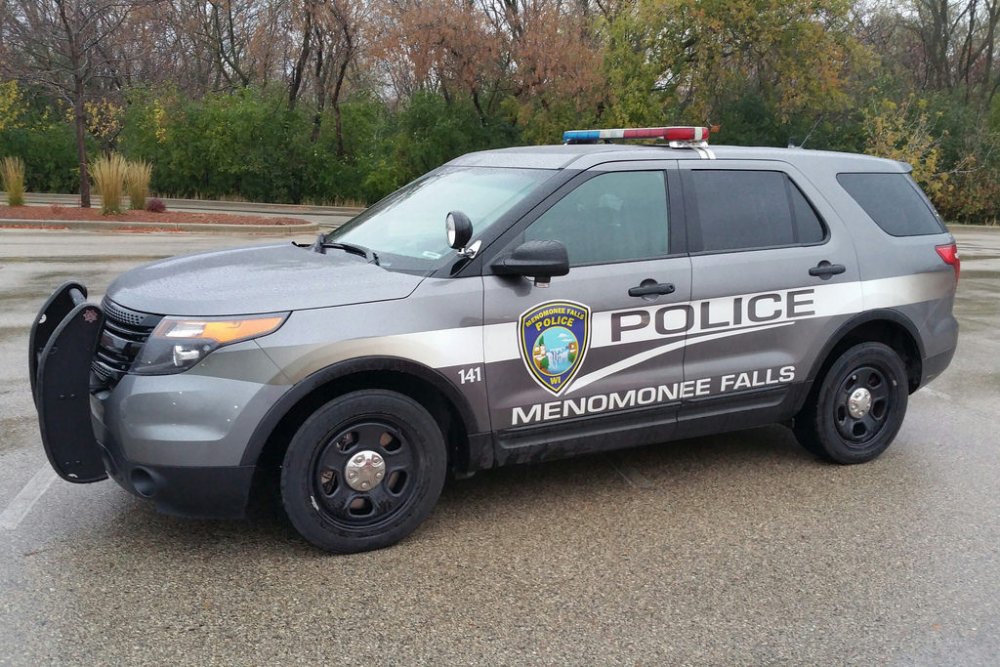
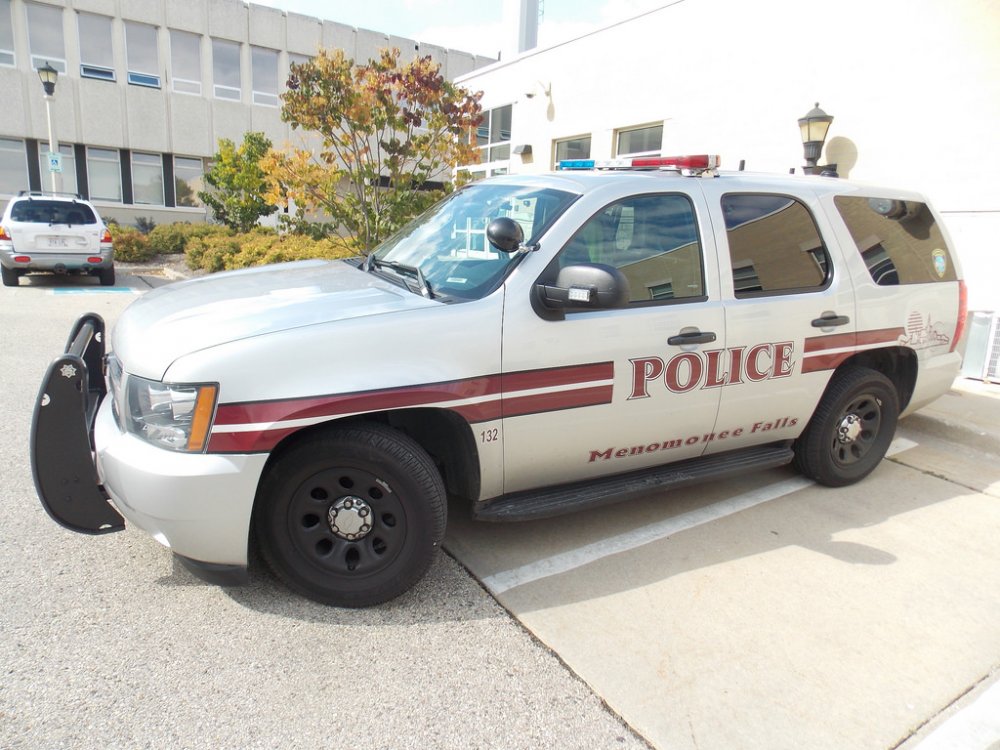
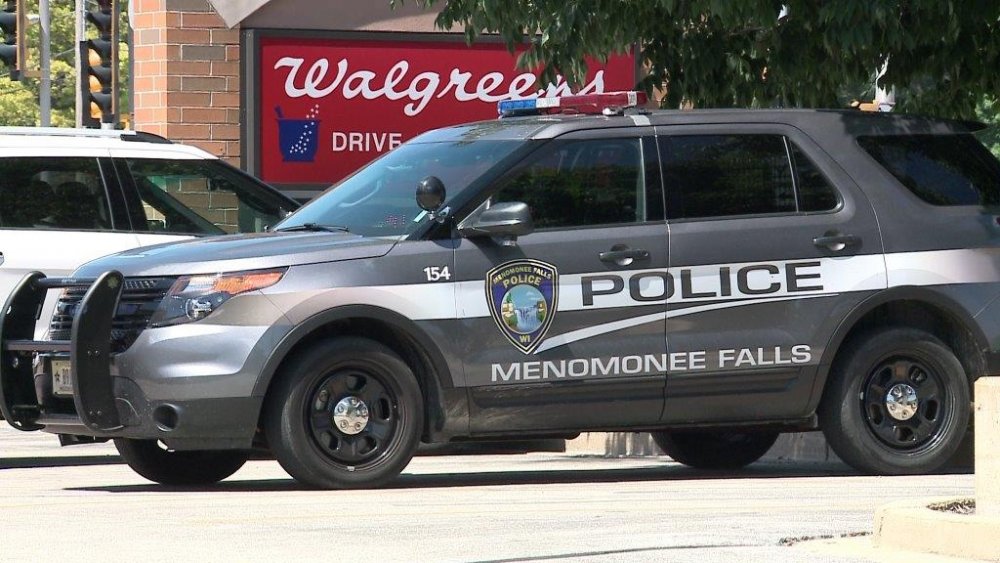
So one of the municipalities near me uses a light bar which I have never seen before; both on their PD cruisers and their FD Shift Command Vehicle. Does anyone know what is the name of it and who it is made by? I have seen it up-close and if I remember correctly I think it says code3 or something like that on the mounting stand/bracket.
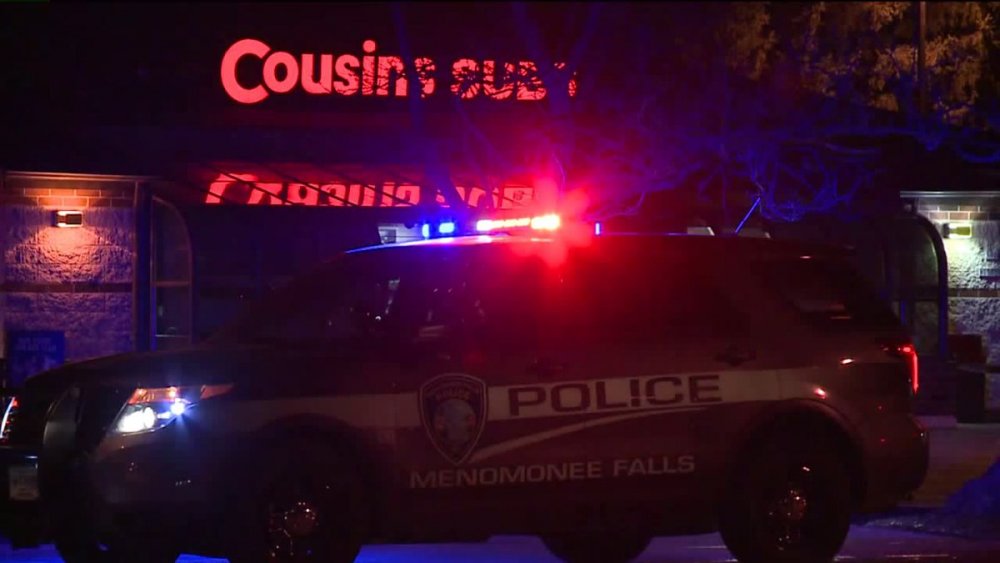
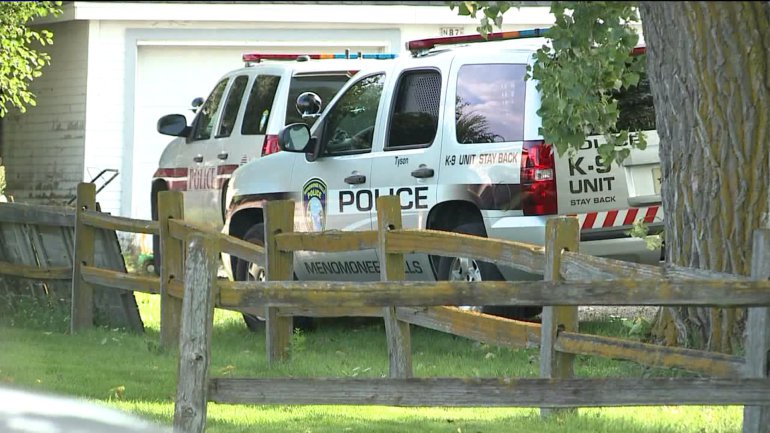
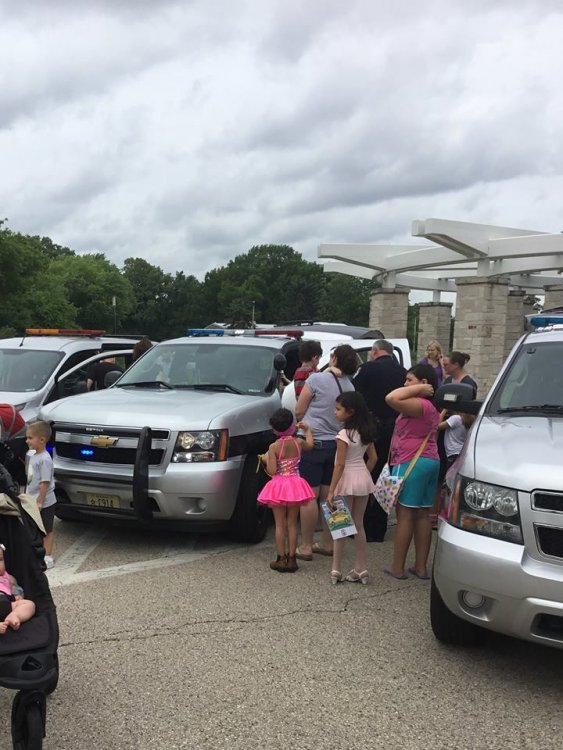
-
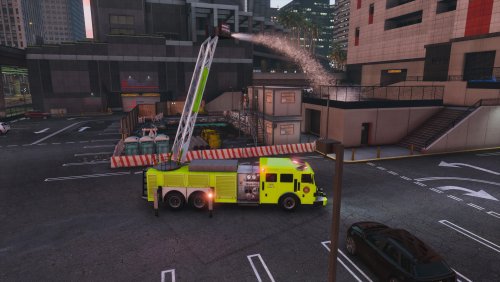 Overall, a great addition to the community. Fantastic job on the model. The download and description could use some work so there is not as much digging and experimenting to do on the user-end (such as including a carvariation file) The default skin is a disservice to what a beautiful model this truck is (No Offense). Not to worry though, as I and I am sure others are creating or have already created skins that will satisfy that area. Some bugs I found/noticed: -Reverse Light: Only the right reverse light illuminates. Also, there is no ambient light effect when in reverse. -Truck spins easily when turning at somewhat high speed. -The right rotating red light on the rear flashes like a strobe light instead of rotating like the left one. (might just be my carvariation line. If anyone knows a fix, please tell me (See Picture) -Warning lights on the out-riggers: the emissive texture is placed sideways and can be seen even when lights are turned off. (See Picture) -Template: If you would be so kind, label all of the parts of the template, not just most. There is no indication of where in the template the pistons for the ladder are. (See picture) Other Suggestions: -Change the lights on the out-riggers to ELS lights. Preferably Extras 5 & 6. Overall, a very well-done model. 4/5 Stars due to the few bugs. If I could, I would have given it 4.5/5 because the bugs don't necessarily warrant a full star deduction but they should also not go unnoticed.
- 53 comments
- 7 reviews
-
A Gallery of my newest textures.
-
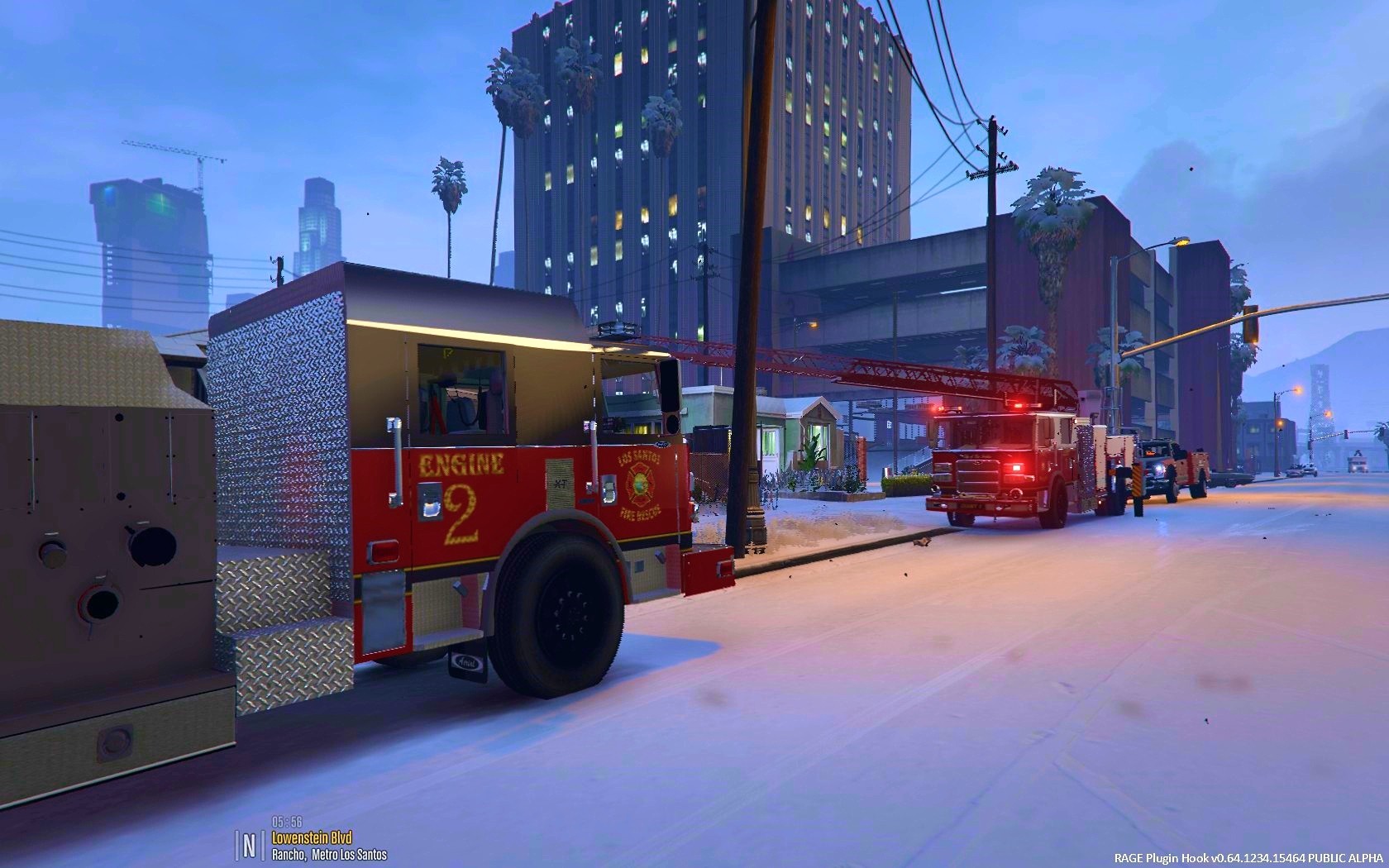
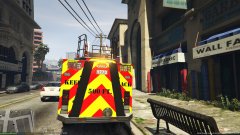 LSFD's New Tower Ladder in service at a Commercial Fire Alarm at the Fabric Company
-
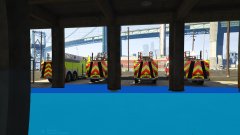 The final walk-around led to some changes that the chiefs' found to be necessary.
-
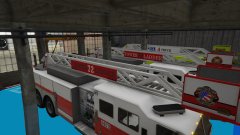 SA State Grant funds new fire trucks for dept.'s in San Andreas
-
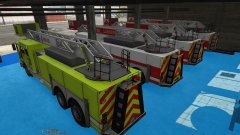 Final build update at the Pierce MFG Blue Floor.
-
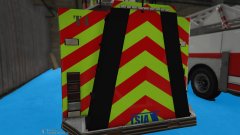 SA State Grant funds new fire trucks for dept.'s in San Andreas
-
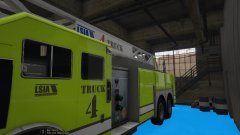 SA State Grant funds new fire trucks for dept.'s in San Andreas
-
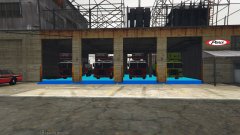 SA State Grant funds new fire trucks for dept.'s in San Andreas
-
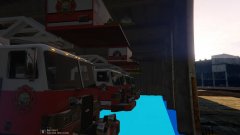 SA State Grant funds new fire trucks for dept.'s in San Andreas
-
-
From the album: Shadow's Texture Showcase
The new Pierce Quints are now in-service! Custom features include rear hose bed for LDH and a preconnect. Each truck also features a Large Diameter intake at the rear of apparatus, allowing for elevated master streams. -
From the album: Shadow's Texture Showcase
-
From the album: Shadow's Texture Showcase
-
From the album: Shadow's Texture Showcase
-
From the album: Shadow's Texture Showcase
-
From the album: Shadow's Texture Showcase
-
From the album: Shadow's Texture Showcase
-
From the album: Shadow's Texture Showcase
-
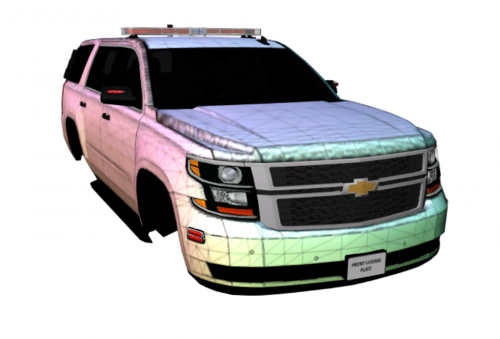 This may just be me but when I am creating textures, if I have a skin from one vehicle I would like to make for another, sometimes I grab various graphics from the other vehicle to see how they are scaled on the one I am currently working on. If one texture is 4096x4096 and the other is 2048x2048, it is a nuisance to have to resize it. That, and if someone else has the same issue and does not know how to resize it, this saves them some time.
 -
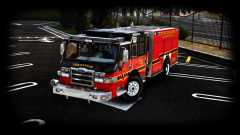 Any progress updates?
 -
Lately, after playing for a few minutes, my game crashes. At first the picture and audio both freeze. Then the audio comes back but then the whole game crashes and closes. Here is the latest crash log:
-
I don't know what tou mran by albos modding but I used this file: to add it on as Firetruk2
- 53 comments
- 7 reviews
-
-
-
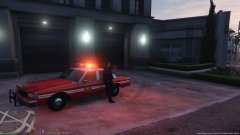
From the album: Shadow's WIP
Finally figured out the carcols file edit to make @Lundy's Caprice all red. -
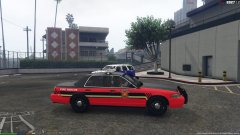
From the album: Shadow's WIP
Another skin based off of a local dept. I also have the same style for the 2015 tahoe and a 2016 explorer. -
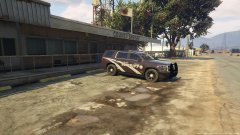
From the album: Shadow's WIP
Should I release the pack? -
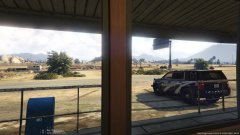
From the album: Shadow's WIP
BCSO texture I made based off of an area department. -
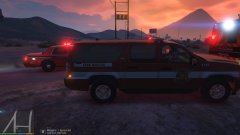 Yeah, I was trying to get one with the command light (Green light) on on the suburban.
 -
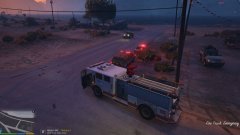
From the album: Shadow's WIP
© Shadowdiver710
-
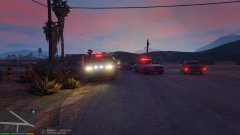
From the album: Shadow's WIP
© Shadowdiver710




