TrooperJamie
Members
-
Joined
-
Last visited
Everything posted by TrooperJamie
-
-
Like I said it’s still WIP. I don’t think a date or time frame has been set yet.
-
@tpilios It is currently stillness a WIP and is in an open beta. To get access to Coastal callouts and some of PNWParksFan’s beta plugins by joining the Parks Benefactor Program. For more details go to this link https://parksmods.com/donate/
-
Check your email associated with PayPal
-
I have donated to you at the link that was posted. How do I get access to the beta? I put my lspdfr.com user name in the box that it asked for.
-
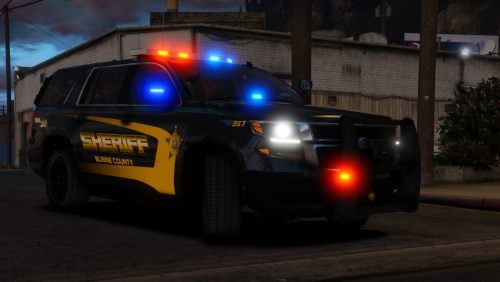 When I spawn it the light bar is opaque and the lights aren’t visible. Any ideas on how to fix this?
- 38 comments
- 21 reviews
-
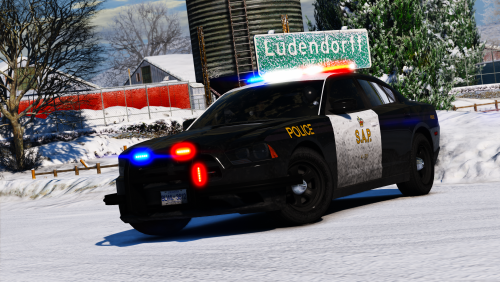 I found a different one will it work? https://www.gta5-mods.com/vehicles/2013-cargo-delivery-mercedes-sprinter
- 12 comments
- 6 reviews
-
-
-