


138th
Members
-
Joined
-
Last visited
Everything posted by 138th
-
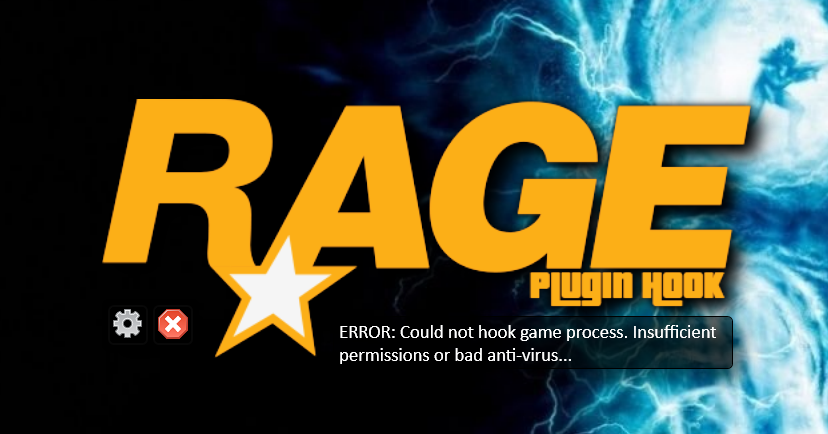
So no matter how I start it, launch the game first and then load RagePluginhook, or just start it direct through the hook it gives me a "Insufficient permissions or bad anti virus," i have attached the pic of exactly what it says, i also have no mods or plugins installed and already reinstalled the game as well as done both manual and .exe lspdfr install, any help that is offered is much appreciated! Also included is the hook fail file, the timing is set to 60000 so unsure why it force quit it RagePluginHook.log
-
I've used computer+ since it came out and have never really had problems with it, but the today it has crashed LSPDFR twice when searching for vehicle records. the pax records works fine and it seems to crash only when I search for a veh after searching for pax, I have included the crash logs, any suggests on what could be causing that, I have gone through and looked over install and everything should be where it needs to be. Any help on this is much appreciated. Nov29vehsearchcrash.txt
-
Okay I tried your suggestion, it seemed to work well doing it that way, thank you very much!
-
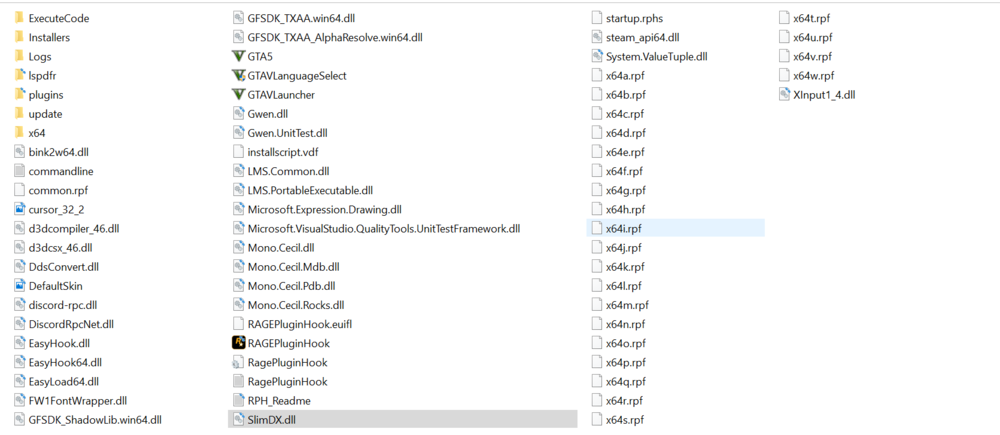
Alright here is the main directory, I have gone over a few times to see if I messed something up but a new set of eyes is much appreciated!
-
So I recently updated GTA with the casino update and then updated ragehook, tried to start it up and it crashed right on startup. I deleted everything out of the directory folder for GTA and then tried it and it crashed (might have missed something), then uninstalled and reinstalled GTA completely, and the game itself loaded. so I redownloaded LSPDFR and reinstalled it in the directory folder, with no mods at all and it went back to crashing on start up. I have included the crash report that I was given from rage hook, any help on this issue would be much appreciated. thank you in advance! Crash report B1.txt
-
.thumb.png.ccb0302957ee78eebc9b6db9b98a38d2.png) Wonderful addition to the game, and giving it 5 for effort and the idea, just crashes every now and then but all things start out that way, look forward to see what you have next!
Wonderful addition to the game, and giving it 5 for effort and the idea, just crashes every now and then but all things start out that way, look forward to see what you have next!- 68 comments
- 14 reviews
-
running computer+ seems to be crashing it most however here is the full list, Arrest Manager, Computer+, better EMS Mod, LSPDFR+, Police Smart Radio, Search Warrant, Stop the Ped, Ultimate Backup, Vocal Dispatch, Assorted Callouts, CalloutV, Code 3 Callouts, More Callouts, Officer Status Plugin, Road Incident, and Security Callouts.
-
Hello everyone, im not sure if this belongs here but as im sure everyone is aware the link to report crashes is down. I have researched some threads about it and I cannot seem to find anything that might be crashing it, however I did include the .txt file I created of the crash incident. any help that anyone could be able to offer is much appreciated! Crashreport6.txt
-
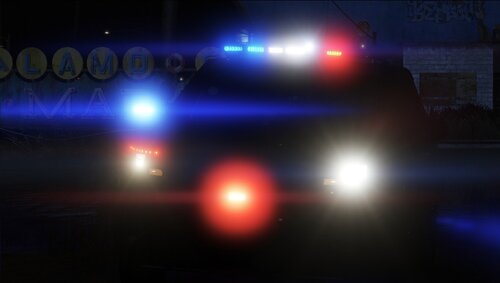 Absolutely insane vehicle pack, great job. look forward to seeing some more work from you.
- 21 comments
- 10 reviews
-
-
 Great mod! I just have one question, I have been using it and reading your read me and the description, but I cannot figure out how to use the breathalyzer or the drugalyzer. just wondering what the specific keys were, thank you as always!
- 3,646 comments
- 306 reviews

.thumb.png.ccb0302957ee78eebc9b6db9b98a38d2.png)
