


princed
Members
-
Joined
-
Last visited
Everything posted by princed
-
Vielen Dank Rabbit.....I think that did the trick.
-
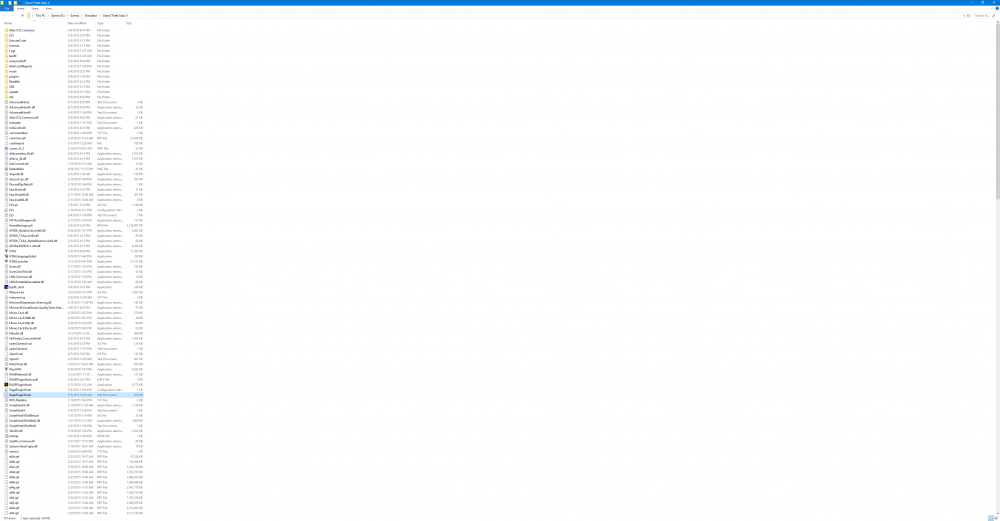
RagePluginHook.log
-
That's correct. I restarted several times and just tried hitting the F4 key to jump start ragehook and it seemed to work. I'm thinking that there may be a plugin causing this.
-
I make is past the loading splash screen but I get the infinite circle of death loading LSPDFR after that. Any help figuring out what the culprit is is much obliged RagePluginHook.log
-
Hystery, Just to make sure that I don't gump this up. Any add on cars that I install should be installed in the RDE folder for that department and not the folder that the car has in the installation instructions.....and the ELS name has to match the slot that the car is installed? Thanks
-


