princed
Members
-
Joined
-
Last visited
Everything posted by princed
-
Thanks for any advice RagePluginHook.log
-
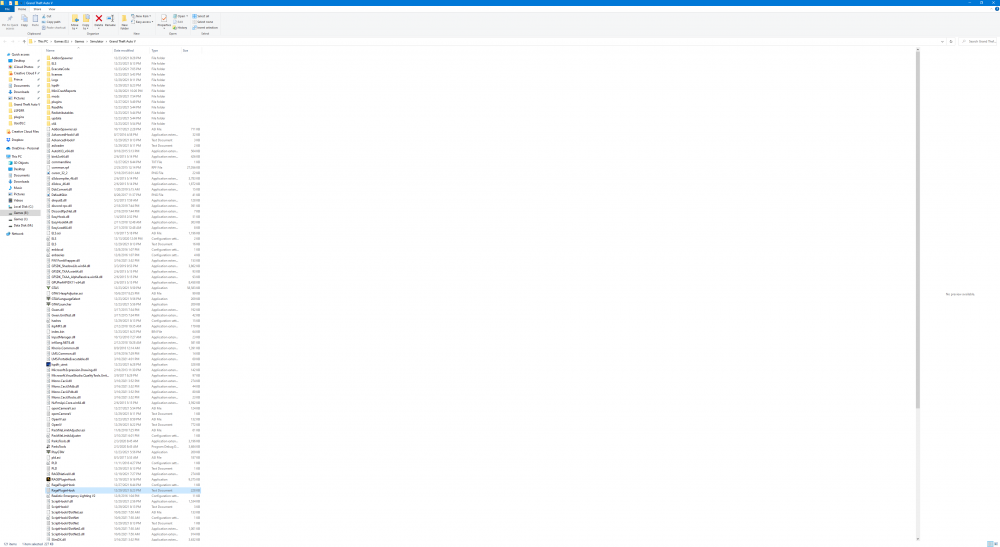
Worked like a champ...Was running through all my plugins trying to find the culprit.
-
That seems to have done the trick. Thanks....one more question. I have vehicles installed in the lasted patchday but they don't show up....any tips you can provide is much appreciated.
-
Not sure if my officer doesn't like working the road or what but I get about 5 minutes into a shift then crash RagePluginHook.log
-
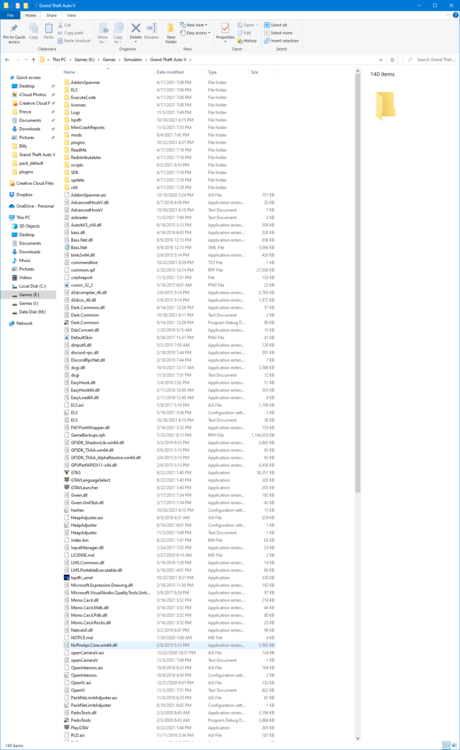
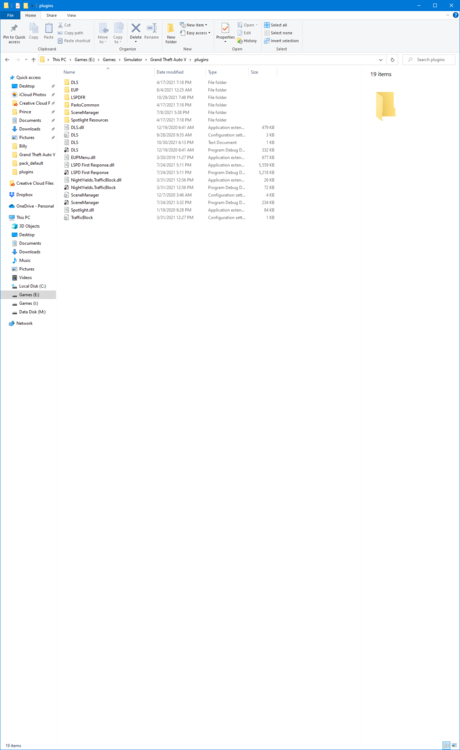
Sorry for the slow response time. Just fired up PC.
-
For some reason my game is taking and excess amount of time to load and then it crashes. Any help is much appreciated RagePluginHook.log
-
Not sure which AV program you are using but I use Norton 360. I had the same problem. I had to continue to website in isolation mode. I also use Malwarebytes to catch anything that Norton misses. Hope this helps some.
-
No crashes....Does this mean that I have to dump my entire mods folder? RagePluginHook.log
-
I get about 10 minutes on duty and then a hard crash. I've looked through my plugins and deleted all the Albo ones that I could find. RagePluginHook.log
-
Which vehicle pack was it?
-
Looks like that was the fix....thanks again for the save 🙂
-
Will Do and Thanks
-
Read through some of the threads here to try and self medicate but nothing has worked so far RagePluginHook.log
-
-
Couldn't narrow down the cause of the crash so I just terminated the mods folders and started over. I'm guessing it may have been a plugin at the root. Thanks for the assist though.
-
Thanks for the tips guys....I disabled my mod folder and updated LSPDFR. Just on a whim I went and checked my dlclist file and found an entry error where there was a blank space in the figured this might be the cause of the crash. Will test it out later today and report back findings. Could a car pack cause a hard crash? Sorry for the noob question but it is what it is.
-
Can't even make it to going on duty. RagePluginHook.log
-
Crash times vary depending where I'm on duty. I wonder if the ambient callouts could be causing it. RagePluginHook.logThanks...trying that right now. Didn't think I would have that problem with my rig. I running 2 Titan GTX's in SLIOkay did that and it seemed to be okay. I re-installed RPH and for some reason that has seemed to clear everything up. My streets seem to become faded or disappear altogether sometimes but it's not a game crasher. Thanks for the assist.Sorry for the long time span for responding. Yes I do have one.Tried looking through some of the other threads to find some commonalities in crashes but didn't see anything that fits my problem. I removed some of the suggested plugins in troubleshooting but still suffer crashes after short session. RagePluginHook.logThanks Charlie686 and stay safe 🥳👍Thanks for your help. Merry Christmas to you too 🙂