
Rodriguez Modifications
Members
-
Joined
-
Last visited
Everything posted by Rodriguez Modifications
-
-
 Then change the livery? Not too hard pal. Secondly, there’s something wrong in your meta if the vehicles aren’t yielding to you at LTSG 3.
- 26 comments
- 8 reviews
-
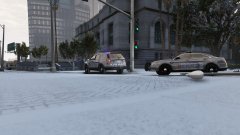
From the album: Dauphin County, PA WIP Pack
-

From the album: Dauphin County, PA WIP Pack
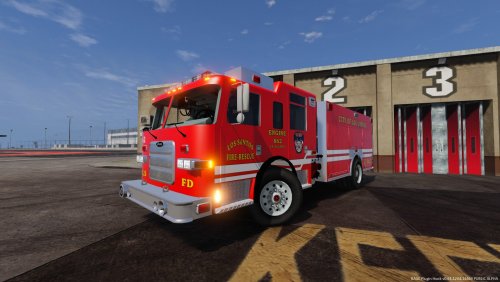
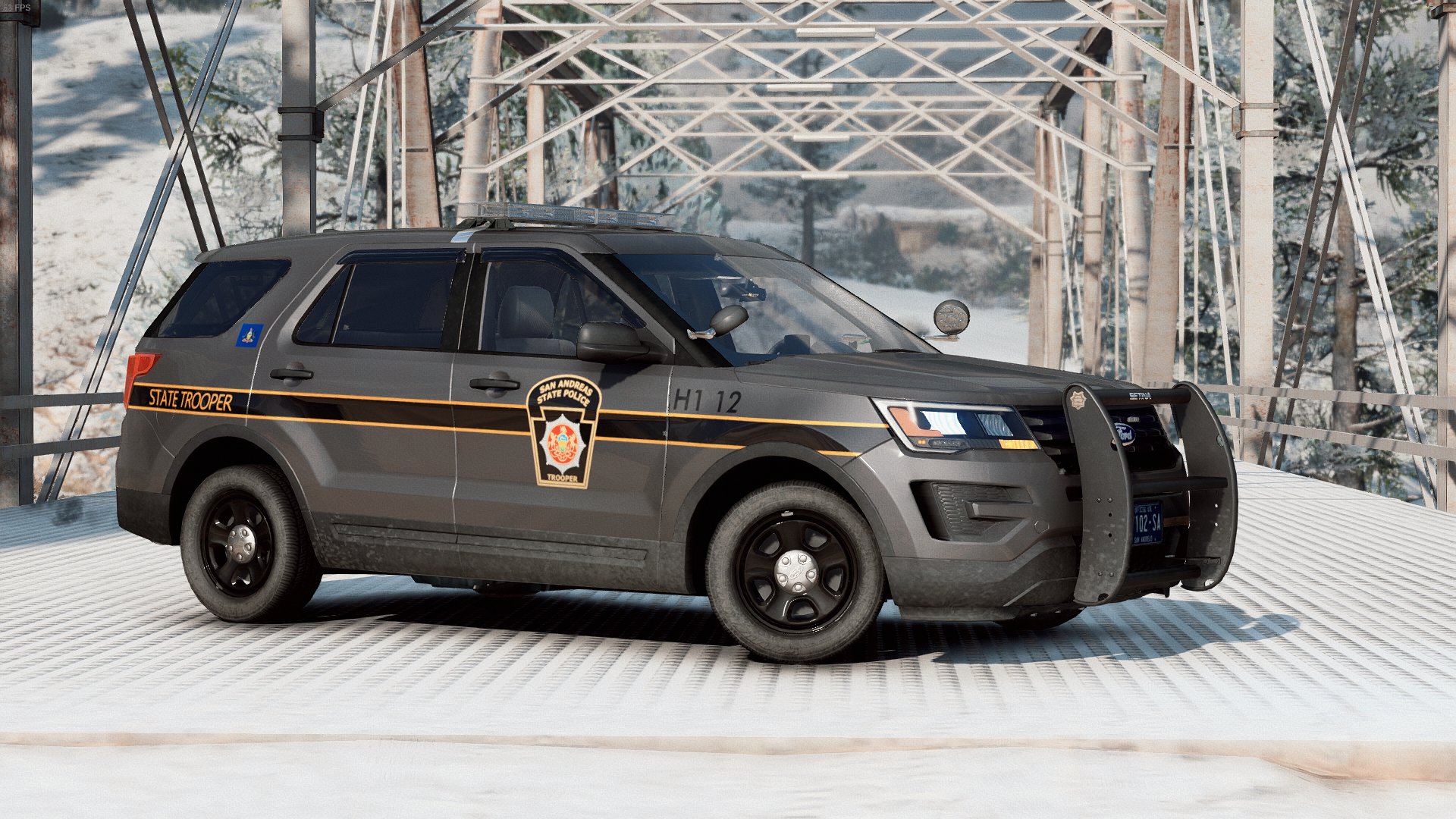
Today, Wagon 4, Truck 2, SCEMS, and PSP responded to an Accident with Entrapment. Quick grabs of PSP's new Explorer and Taurus, and HBF's Wagon 4 and Truck 2. SSEMS will be updated soon (; -
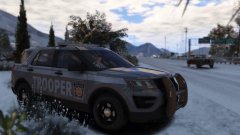
From the album: Dauphin County, PA WIP Pack
Finally finished up PSP’s new gray paint scheme. Gotta snag some pics of the Taurus in action. Shortly I will be working on the old style White Themes! Then onto reworking Harrisburg City Police. -
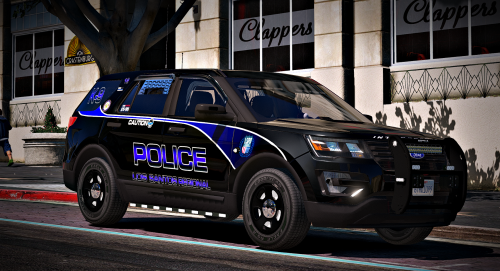 Beautiful! From being right across the river in West Hanover, it’s amazing to see this model coming from so close to home! Awesome work bro!
- 23 comments
- 21 reviews
-
-

- 1
-
-
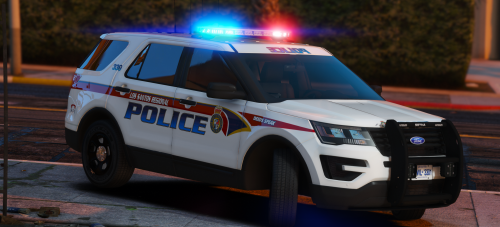 Any chance we could see a ‘16 Explorer and Taurus with a Liberty Bar? Maybe some lighting similar to the Pennsylvania State Police? Either way, keep up the awesome work!
- 12 comments
- 10 reviews
-
@Helper Bot I’ve got it squared away now, sadly though, I don’t know how I fixed it, just slowly added a mod at a time and it seemed to fix the issue. But it was quite strange, I still have ELS in and I have no issues now. Unless I was writing something wrong in the ELS Config?
-
Hello, I'm trying to figure out what the issue is with my game, and I can't seem to figure it out. My game was running perfectly fine last night, then out of no where, started crashing. No new mods, nothing. So, I did a fresh install. Seems everything with my main game was fine as it loaded and played properly. I slowly added things one by one. First, LSPDFR, and the newest ragehook. Ran fine. Second, a copy of my old plugins folder, and trainerv with scriphookv. Ran fine. 2 new cars, ran fine. Everything was okay until I added in ELS. Game started crashing. I removed ELS Files one by one, and seems the issue occurs when AdvancedHookV.dll is in my game. Took it out, things were fine, Put it back in, issues, Now I do get an error once in a while, stating that Windows Defender was blocking AdvancedHookV.dll, to which I would have ragehook unblock it. Still the game would crash, I pulled it out loaded fine. I need help.
-
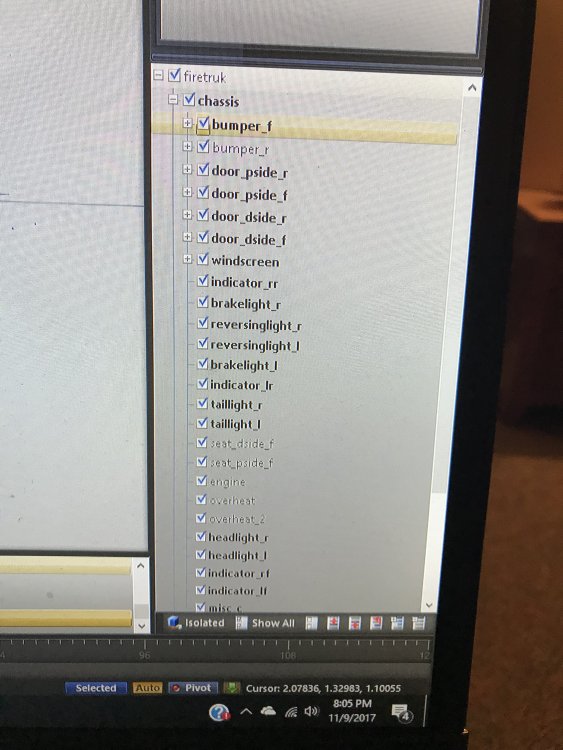
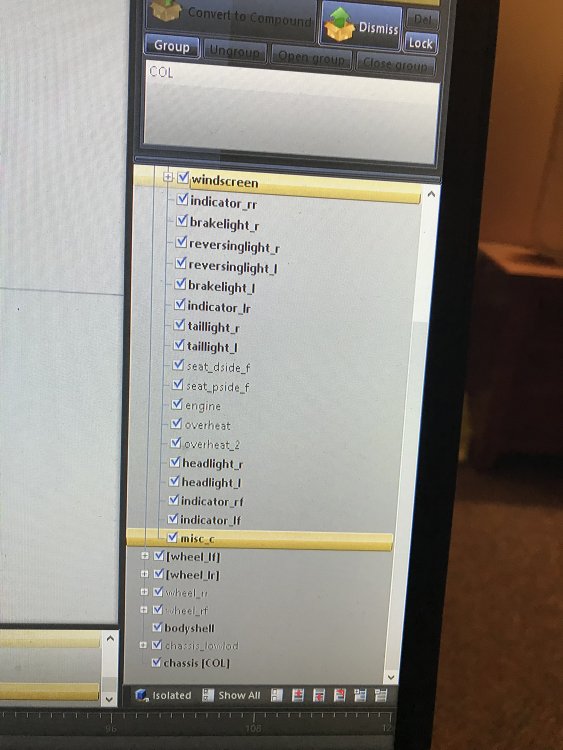
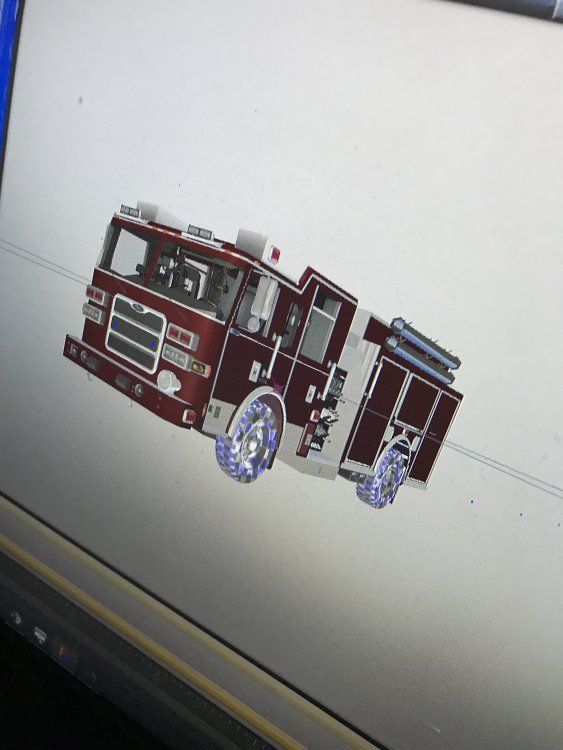
Here’s what I have so far, still having an issue with the tires not moving whatsoever
-
Hey Guys, I’m in the process of converting a car from GTA4 to GTA5 and I’m having an issue with my wheels and tires. I have them set up perfect so they spawn and all, but the won’t turn when I turn the wheel, or spin when I’m driving. What am I doing wrong??
-
Hey Guys, I’m attempting to Convert some Fire Apparatus from GTA 4 to 5 and I’m just looking for some tips and tricks to get the job done. If anyone has anything feel free to shoot me a message, and hopefully we’ll have a boat load of Pierces and Seagraves coming!
-
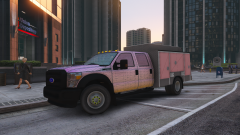 Would kill to see a FD Utility/Brush Truck!
 -
 Where do we purchase the engine??
 -
Hey guys, is there anyone out there working on some realistic fire apparatus for GTA 5? I've noticed an extreme lack of them and was curious if anyone was looking for beta testers or could even show off some W.I.P's to get us pumped lol.
-
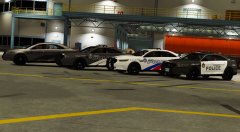 What color setup did you have the “ghost car” spawn as??
 -
This is beautiful! Will it ever be released??
-
-
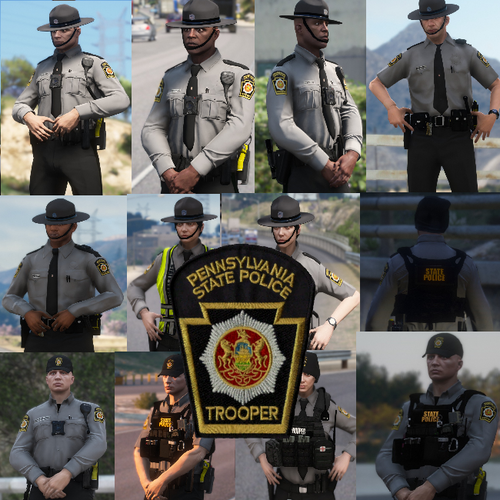 Yessssss!!!!! Looks beautiful, as I just worked with our troopers last night at a fire. Reminds me perfectly of them! Great work man! Maybe you could add a secondary version without the hat strap around the chin? Either way, 10/10, Great Work!
- 26 comments
- 2 reviews
-
-
- 1
-
-
-
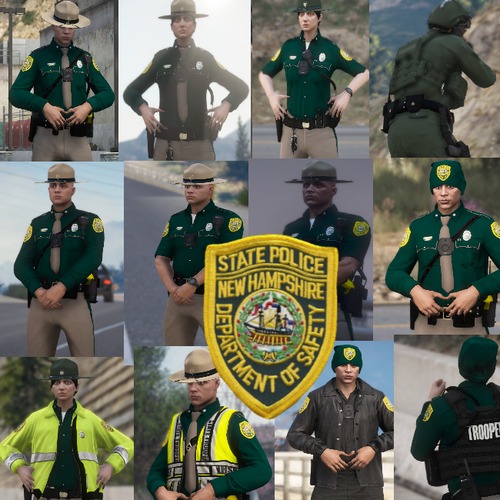 Great Trooper models I've seen from you man! I would LOVE to see a Pennsylvania State Trooper Ped though if possible! Keep up the great work!
- 22 comments
- 3 reviews
-
-
- 1
-
-
 Love this mod! Along with all of your others, sadly! LSPDFR+, Assorted Callouts, Arrest Manager, and Traffic Policer aren't compatible with the newest update to GTA. Any idea on when you will be rereleasing to work with the update?
- 3,646 comments
- 306 reviews