
Rodriguez Modifications
Members
-
Joined
-
Last visited
Everything posted by Rodriguez Modifications
-
 I don’t plan on revisiting the lighting pattern, as it would require a complete carcols re-write since the lightbar is fully Non-ELS. In due time I do plan on doing an entire pack! Just unsure what it’s going to be yet!
- 21 comments
- 1 review
-
Hybrid is a mixture between ELS and Non-ELS utilizing the functionality of both lighting systems. Included in my download is a DLC that you would install, and then put the ELS config file in as well. Hope that answers your question!
- 21 comments
- 1 review
-
-
-
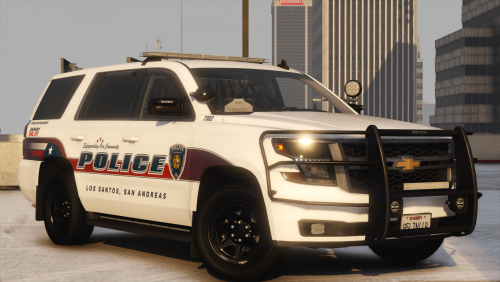
Los Santos Police Department Chevrolet Tahoe -------------------------------------------------------------------------- Vehicle Description Year/Make/Model: 2020 Chevrolet Tahoe Type of Vehicle: Hybrid Lighting: Whelen Lighting Color Options: Red/Blue Console: Havis MDT: Toughbook Containment System: Setina Spotlight: Par46 Radar: Stalker Dual DSR Dashcam: Watchguard Additional Details: Wig-Wags, Bobble Antenna, Setina Weapons Locking System, Custom M4, Remington 870, Moving Spotlight, Full Front Takedowns, Alley Lights and a beautiful graphics upfit from Anthony! Want to see more work from me? Join my discord - https://discord.gg/4dnkdHW
- 21 comments
- 1 review
-
-

-

- 4
-
-
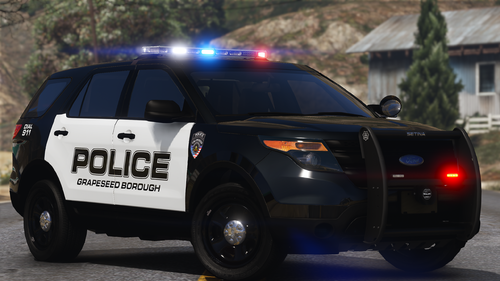 "Today, I am bringing to you a 2015 FPIU from the Grapeseed Borough Police Department. This unit features an all Whelen setup, while incorporating a full complement of Setina products as well." Jokes aside, I decided I wanted to drop a free release since I haven't done one in a very long time. This model was made with Trooper18's edit of Insanities edit of Matts edit of BXBuggs Explorer. Sadly, it doesn't have full LOD's but I had an itch for an older style Explorer with the soon listing of ZZ's FPIU. So, this is what you get. -Full Whelen Setup -Full Setina Setup -Havis Console -HQ Parts (Aside from the base, best we have for now) -Traffic Advisor -Takedowns -Alley Lights Please read the read me, and install all required files, with this being a hybrid, it will not function properly without those files.
 -
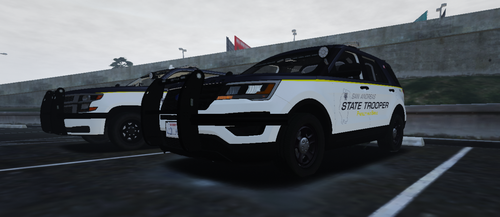 @Viper212 - These actually arent my skins, they are Campbells
 -
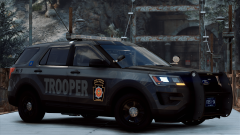
From the album: Dauphin County, PA WIP Pack
-
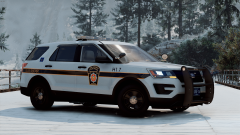
From the album: Dauphin County, PA WIP Pack
-
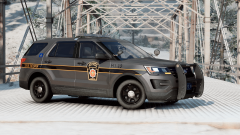
From the album: Dauphin County, PA WIP Pack
-
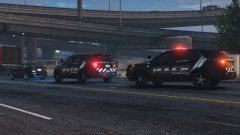 I’m well aware lol, I work with them almost daily.
 -
This ones actually going to be coming soon, I’m going to be doing a full PA pack, skins and models. I’m finishing up this NForce pack then I’m going to start on PSP
-
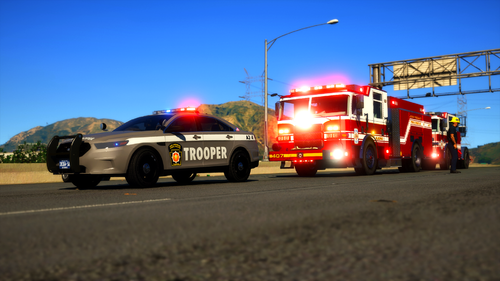 I may, I’m currently working on a PA Pack for LEO. Sheriff, PD and State. Might release it, might not. After that I’ll head back to fire ✌🏼
- 7 comments
- 2 reviews
-
These vehicles were made with the templates from Medic4523's Pack. Do not rip, do not alter in any way. Do not re-upload at all Give credit to the author(Ofc. Rodriguez). Do NOT use in FiveM Communities without my permission.
- 7 comments
- 2 reviews
-
-
- 1
-
-
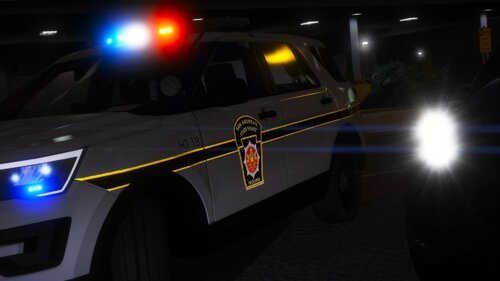 Amazing pack dude. Been waiting forever for someone to make a legit PSP pack. And he’s 150% correct. Pennsylvania State Law prohibits any type of moving radar device. State law also prohibits any municipal police department to utilize a radar device, which is where the VASCAR comes into play. Vegas did a 1000% stunning job with this. *Note* The back part of the wheels on the Taurus are invisible toward the back 1/4th of the tire tread.
- 31 comments
- 8 reviews
-
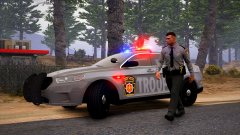
From the album: Dauphin County, PA WIP Pack
-
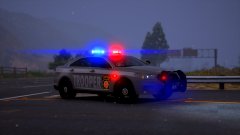
From the album: Dauphin County, PA WIP Pack
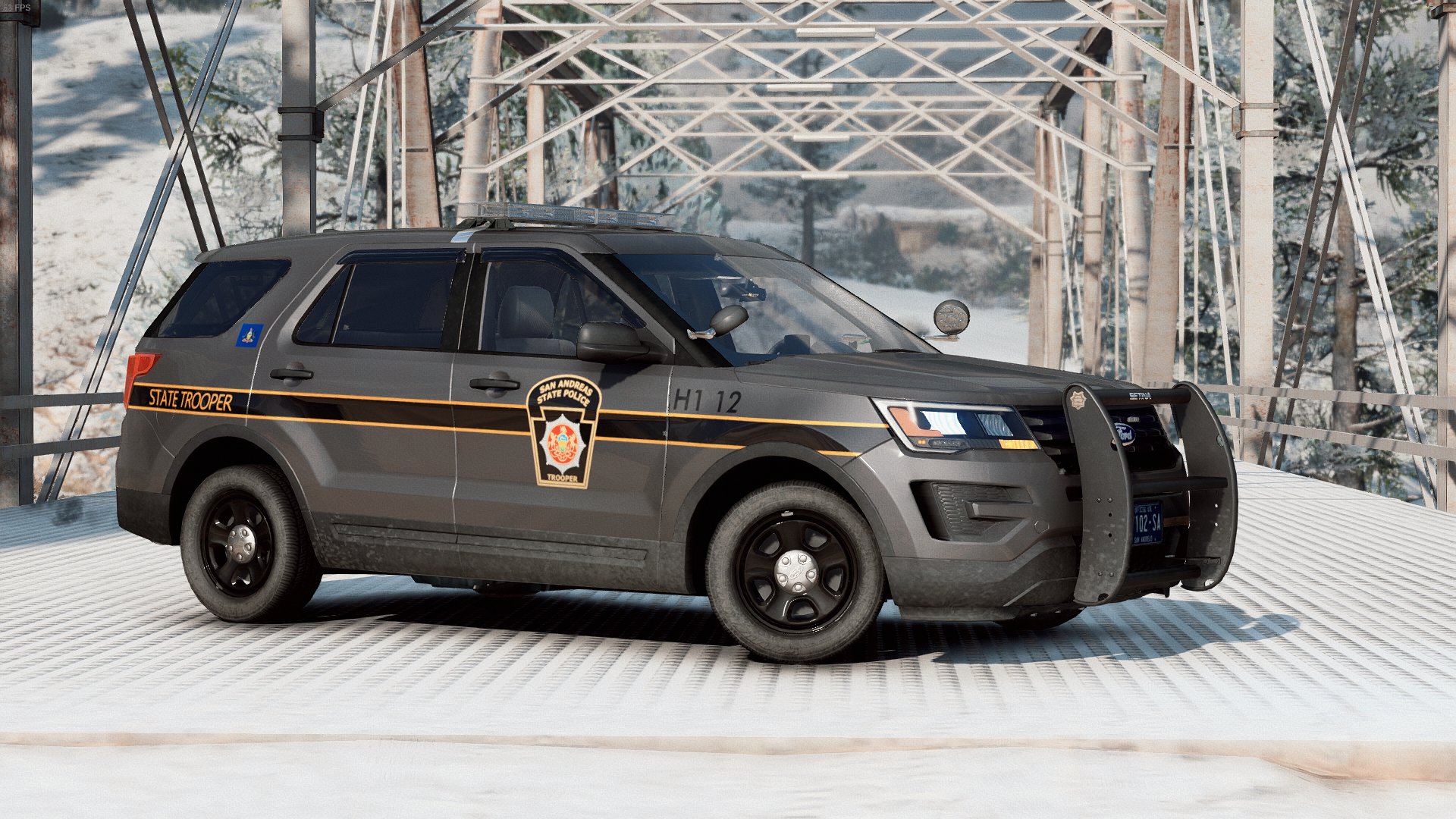
PSP Car 15 out of the Harrisburg Barracks responding to a DUI Related Crash on Interstate 81, just North of the Linglestown Exit -
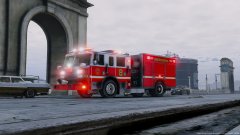 I already have, how do you think I got this beast?(;
 -
Stay tuned for more!! Thank you!
-
From the album: Dauphin County, PA WIP Pack
-
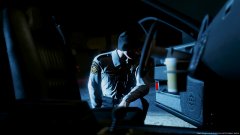
From the album: Dauphin County, PA WIP Pack
-
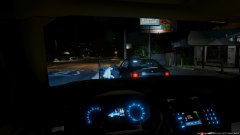
From the album: Dauphin County, PA WIP Pack
-
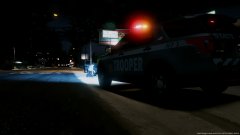
From the album: Dauphin County, PA WIP Pack
-
From the album: Dauphin County, PA WIP Pack
-
@UnitedOrange I’m having this same issue. I’m trying to play online through Windows Live, so I cant remove the Paul.DLL, yet the issue I have is my whole game will run fine until I throw my ENB in the the D3D9.DLL. What could be a fix to this??