
Myer Flyer
Members
-
Joined
-
Last visited
Everything posted by Myer Flyer
-
That would be great.How exactly would I be able to do that?I am trying to use wft files in zmodeler 3 by bringing them into zmodeler 2 and saving them z3d files. My problem is once they get into zmodeler 3 they have no texture. Despite having one in zmodeler 2. I also get this error along with it.
.thumb.png.c1a6d415141b9beaef0c6077b7e10996.png) I've seen some models on LCPDFR that wobble and like ones on vehicles in real life. I am wondering how to do this in zmodeler 3.
I've seen some models on LCPDFR that wobble and like ones on vehicles in real life. I am wondering how to do this in zmodeler 3.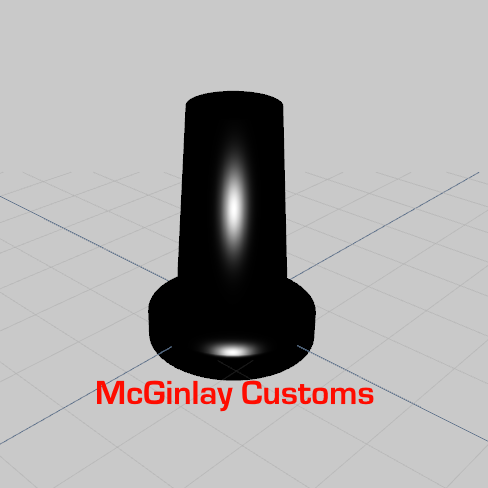 What did you use to make it, blender?Excuse me if I'm mistaken I've been trying to use mods made for GTA 4 vehicles from the resources and assets. I'm having trouble getting WFT files in to Zmodeler 3 is there anyway at all? I've seen the resource I'm trying to put on my vehicle (partition) used on other GTA 5 vehicles so I'm very confused. Or am I only restricted to GTA 5 mods?
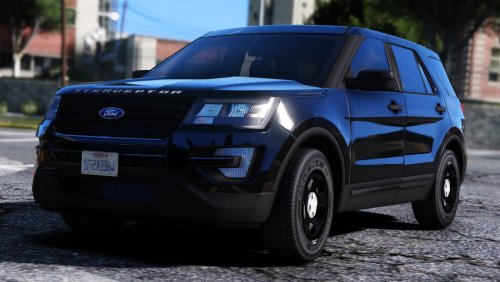 Thank you so much I almost bought this instead!
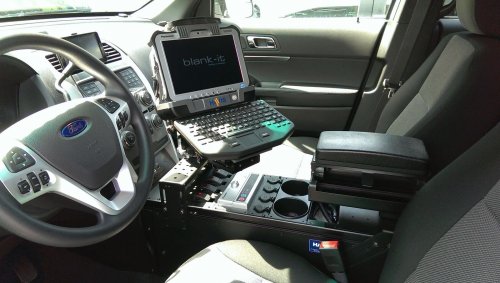 I get this error Some files not imported, more information below. sports_saloon_2_eur_5cyl.oac(Line 16): File "sports_saloon_2_eur_5cyl\EXHAUST_ACCEL.wav" not found.
the install's bugged
I get this error Some files not imported, more information below. sports_saloon_2_eur_5cyl.oac(Line 16): File "sports_saloon_2_eur_5cyl\EXHAUST_ACCEL.wav" not found.
the install's bugged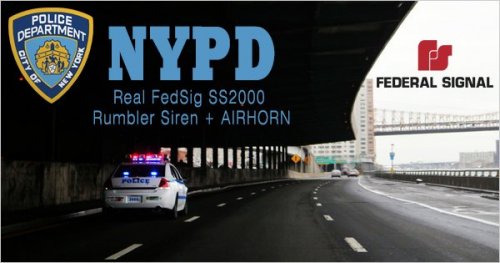 If you're gonna put an air horn in your mod maybe you should showcase it in the video!?!?!?!
- 21 comments
- 12 reviews
-
-

- 1
-
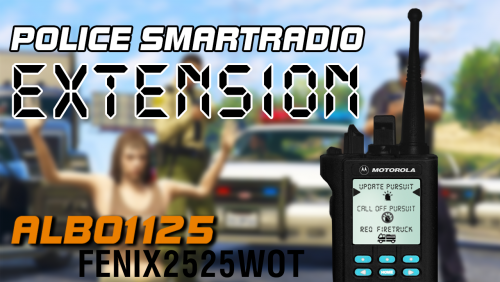 broke my radio
- 42 comments
- 13 reviews
-
-

- 1
-
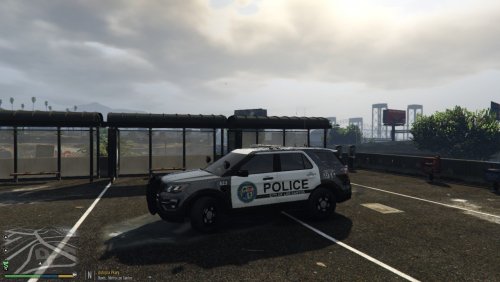 I would make call 911 emergency text more bold and make the other text a different font but besides that it looks great.
- 2 comments
- 1 review

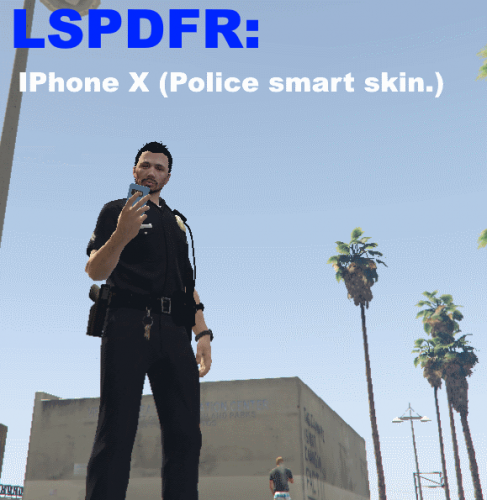
.png.ff094f199fe2254fbc58ca1733e79216.png)
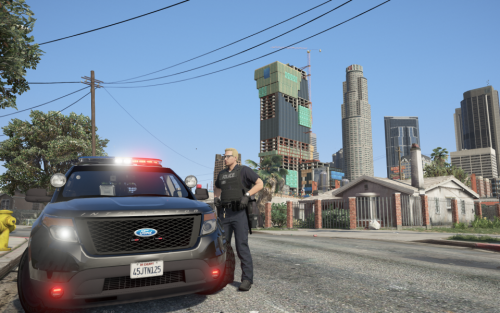
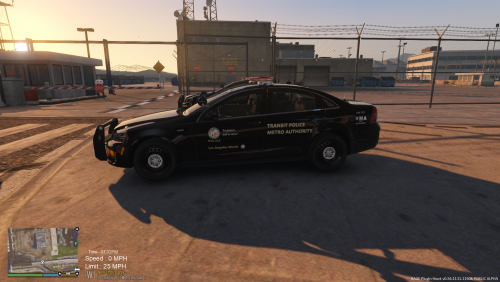
.thumb.jpg.4066677156985e22489bfecddc2f6c45.jpg)
.png.e43bd3a52e6c5c7d68d2a6c3e88ac499.png)