




Sgt. Divine Liberty
Members
-
Joined
-
Last visited
Everything posted by Sgt. Divine Liberty
-
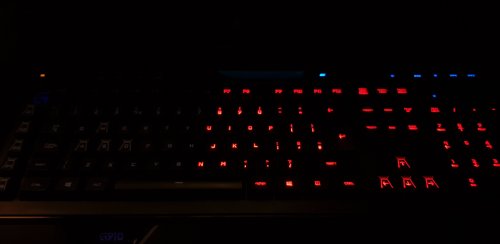 Is there a way for this to be made a regular profile without needing GTA or anything, I just want this running as a lighting profile.
 -
 I like the pack, the liveries are creative, very unique. Great work for a first release. Just one thing bugs me. The lightbar on the explorer isn't large enough, the edges of the lightbar typically line up with the edge of the vehicle. I doubt you had any control over that though. I give the Divine seal of approval!
- 15 comments
- 1 review

