
Sgt. Divine Liberty
Members
-
Joined
-
Last visited
Everything posted by Sgt. Divine Liberty
-
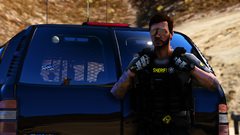
From the album: Portraits
-
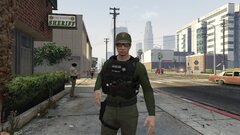
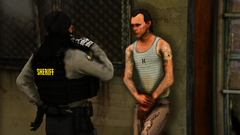
From the album: Portraits
-
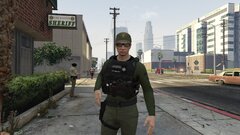
From the album: Portraits
-
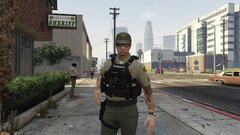
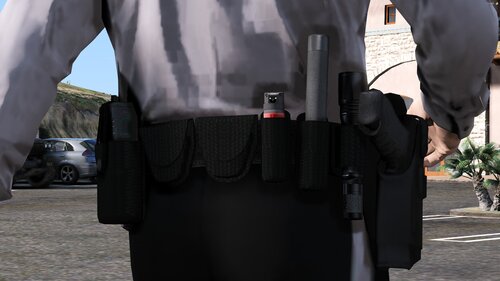 The holster is not included, it is the Safariland 6360 holster by Laggo, who's discord is exclusive.
- 13 comments
- 1 review
-
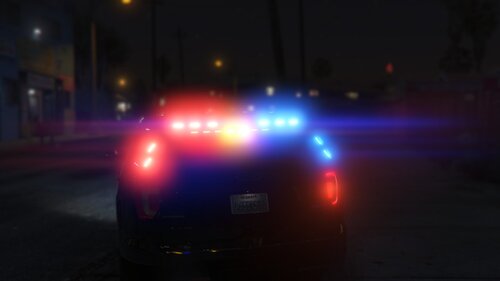 There are never enough lights.
 -
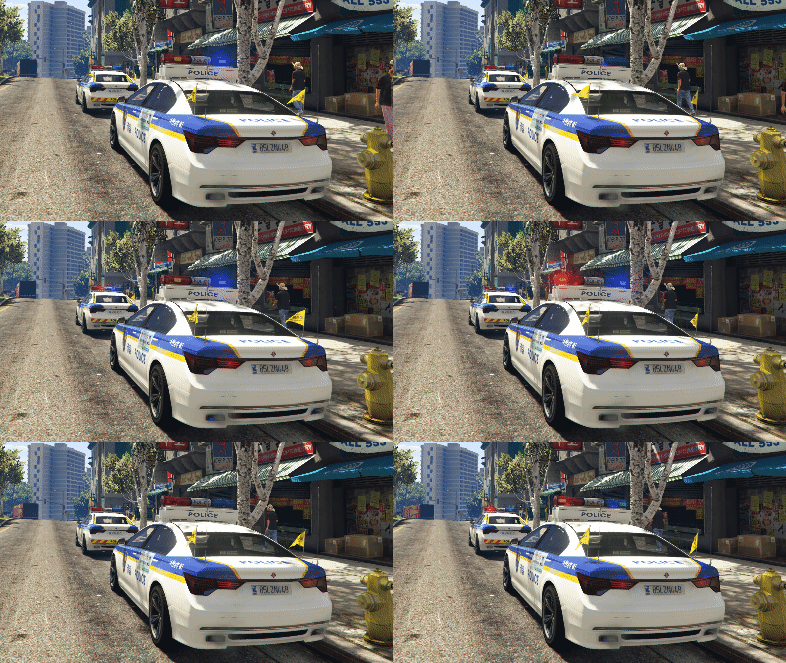 These are 99% Identical to the KNP units I see outside of my base. Great work.
 -
.png.4080301942da38b0b13652d1485a4593.png)
From the album: Portraits
-
.png.c18ca15c901def895f6e184e59b19924.png)
From the album: Portraits
-
.png.cac178bdf5d4a96cbd8ee791413182a7.png)
From the album: Portraits
-
.png.1c9073e8fdc677e7e70e473ba37ff704.png)
From the album: Portraits
-
 I love you, also, if you want to incorporate more blue light agencies besides KSP, I suggest moving to Bullitt County for BCSO and including Shepherdsville Police for Paleto Bay. Just my suggestion, live there, well before the Army, but great place, their cruisers are beautiful.
- 214 comments
- 38 reviews
-
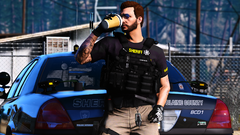 Since Mr. Frankie won't do it, I will. You can get the vest here https://discord.gg/WZ24rEQ Since Mr. Frankie won't do it, I will. You can get the vest here https://discord.gg/WZ24rEQ
 -
-
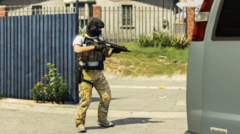 Hey buddy, an answer would be nice.
 -
-
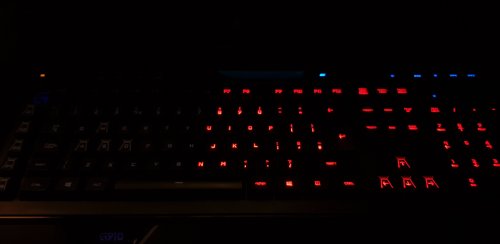 Is there a way for this to be made a regular profile without needing GTA or anything, I just want this running as a lighting profile.
 -
 I like the pack, the liveries are creative, very unique. Great work for a first release. Just one thing bugs me. The lightbar on the explorer isn't large enough, the edges of the lightbar typically line up with the edge of the vehicle. I doubt you had any control over that though. I give the Divine seal of approval!
- 15 comments
- 1 review

.png.4080301942da38b0b13652d1485a4593.png)

.png.c18ca15c901def895f6e184e59b19924.png)
.png.cac178bdf5d4a96cbd8ee791413182a7.png)
.png.1c9073e8fdc677e7e70e473ba37ff704.png)