MrDaGree
Members
-
Joined
-
Last visited
Everything posted by MrDaGree
-
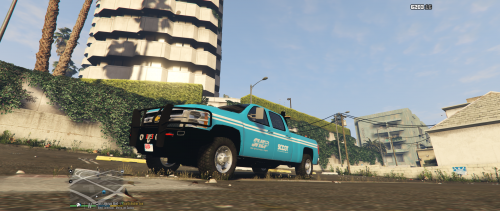 Link to the truck?
 -
 Looks great! Is there a way to allow communities to self-host the database? Is it based on mySQL storage or is it using a node.js backend, etc?
- 79 comments
- 28 reviews
-
-

- 1
-
-
-
Would you also release this as non els?
-
I would totally show you but I do not have a recording license.
-
How would I go about checking if they are in a specific area? Say like downtown Los Santos?
-
Thanks for the continuous updates!
-
Are we able to transport boats on trailers?
-
Sweet!!! Cannot wait!!
-
Just donated, cant wait to try it out!
-
Is there a F450 police truck out there for GTA 5?
-
Do you know what audioref they are from?
-
Thank you.
-
sweet! Cant wait.
-
What do you use to make new liveries? I want to get started doing some texturing for vehicles. I've been using Adobe Illustrator + Photoshop, using Illustrator for smooth lines, but what do you recommend?
-
Will you release these? They are beautiful.
-
 Nice job! Just a small problem... the police lights arent inside the vehicle.
- 157 comments
- 28 reviews
-
Hi, I was wondering how people go about getting nice clean lines that are at angles in photoshop with this? Also how might I be able to limit what part of the texture I want to work on? Would I use the magic tool and select it?