



HAYNATE
Members
-
Joined
-
Last visited
-
HAYNATE changed their profile photo
-
-
ok cool thanks for replying back i keep an eye out for the new ones to be released :)
-
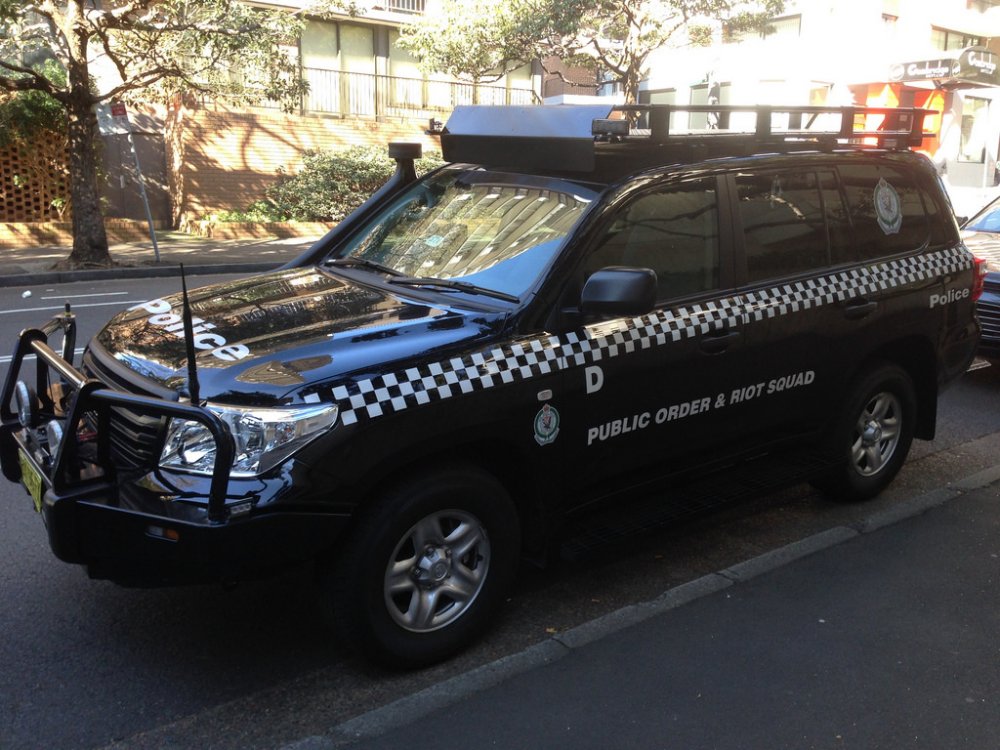
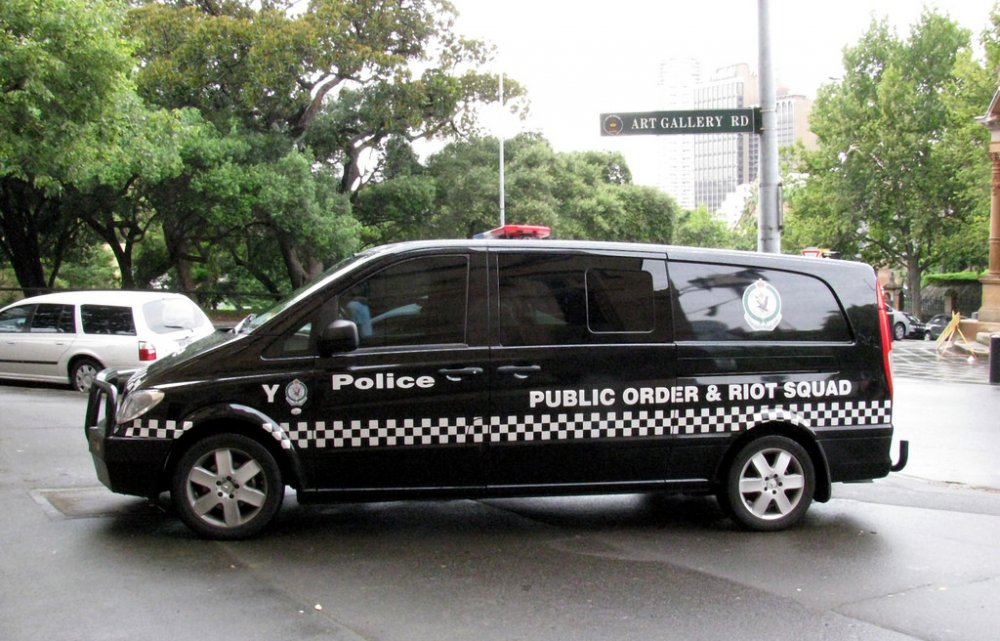
Hi im not sure what vehicles have been created or in the process of being created but i wouldn't mind coming across or waiting for some of the vehicles mention in this post. If they already have been publish can someone send a link to it that be great. HWP Ford F150 Raptor HWP Bike GD Volks Wagon van GD Hyundai iLoad Van Ambulance Mercedes Sprinter ( LED's for lightbar, rear spolier, tail lights with blue red LED's, plus LED grill lights and on the bonnet/hood (in between windscreen and bonnet) Fire Rescue Scania P94 Telesqurt Aerial Appliance AFP Holden Ve Wagon (red) AFP Toyota Hilux Public Order & Riot Squad 4x4 Public Order & Riot Squad Mercedes Van
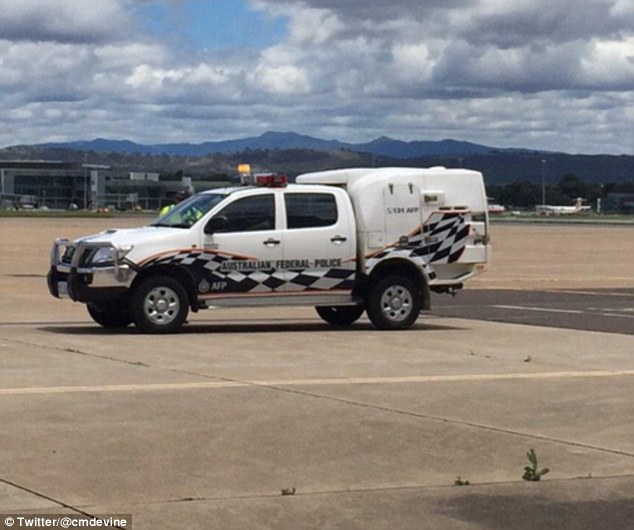
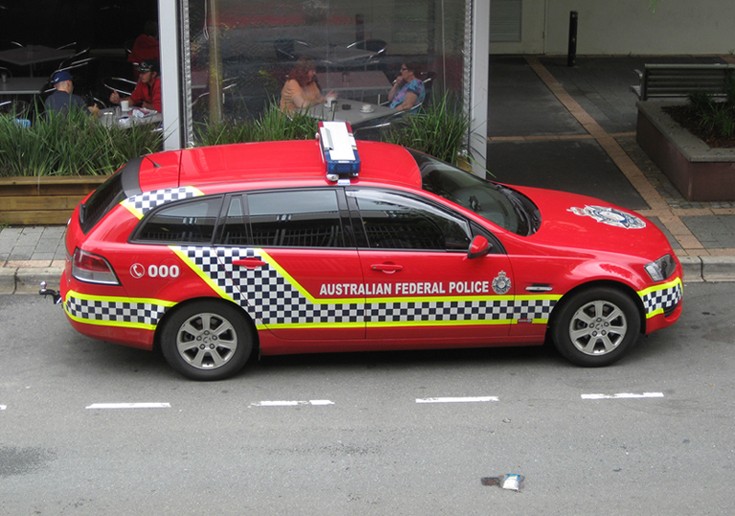
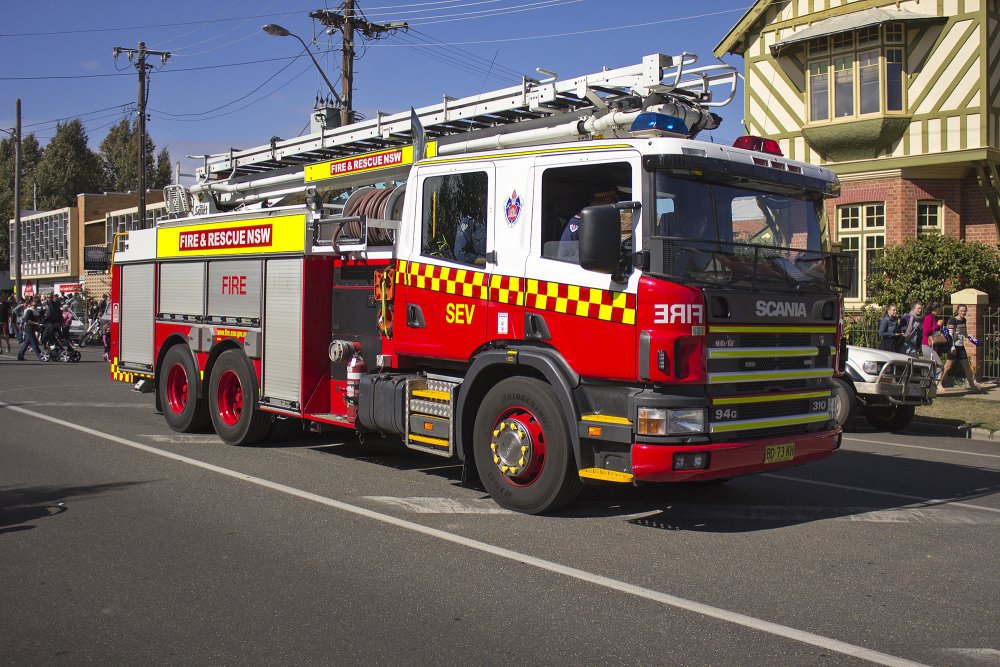
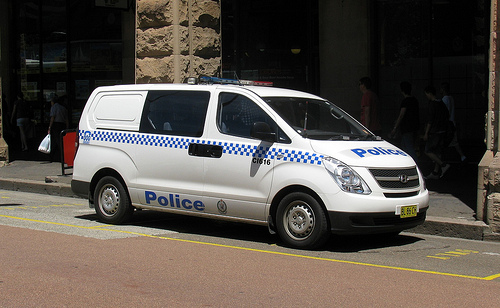
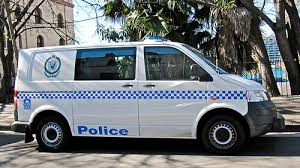
.jpg.52573e8fdad11b3a565e3650377ba1f6.jpg)
.jpg.b424dffff57381b2ba1ba865decc1a9d.jpg)
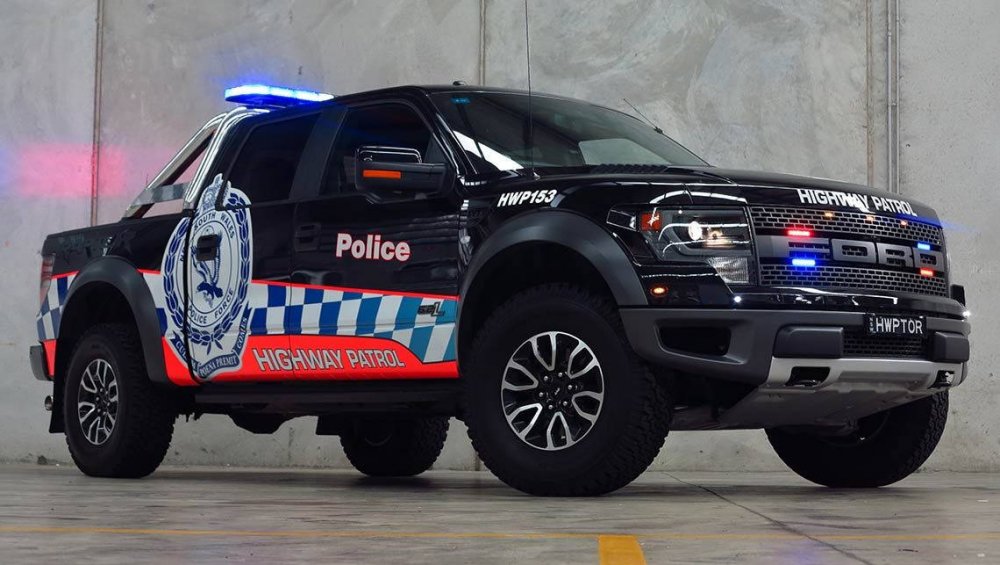
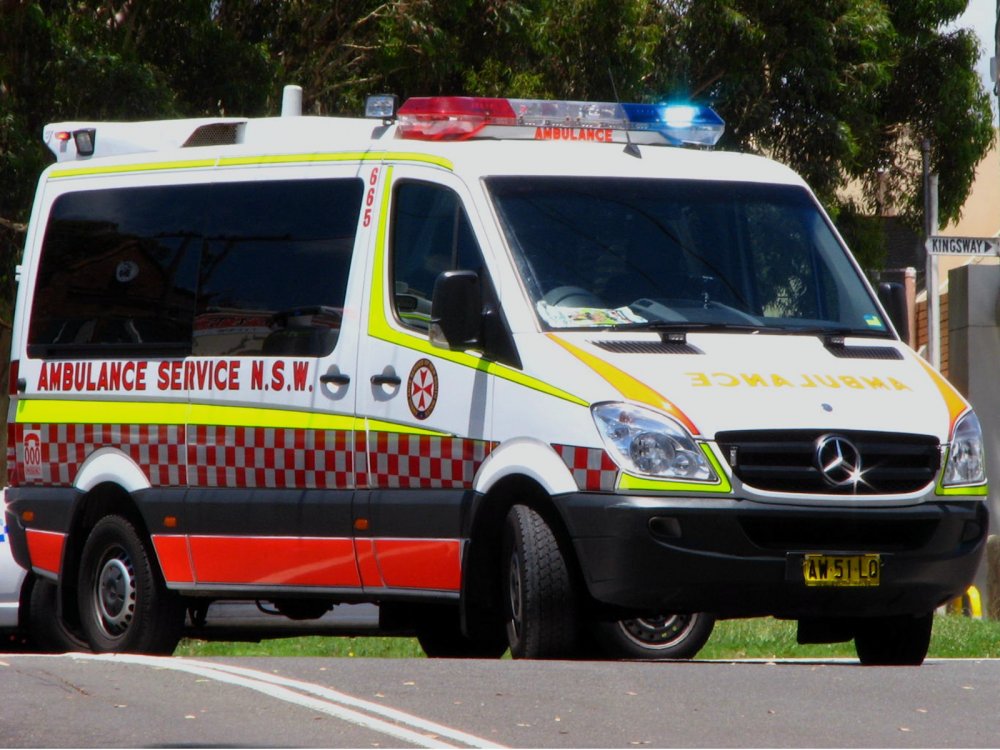
-
 Liking this plugin been waiting for something like this to be release. I do I have slight problem, since installing it I can't get any other plugin to work beside Code Red callouts, Spike Strips and emergency strobes :/ I have used your trouble shooter to see if it would pick up and issues but its all good and up to date. Would this issues be of this plugin or something else? thanks in advance
- 853 comments
- 108 reviews



.jpg.52573e8fdad11b3a565e3650377ba1f6.jpg)
.jpg.b424dffff57381b2ba1ba865decc1a9d.jpg)


