t0y
Members
-
Joined
-
Last visited
Everything posted by t0y
-
-
-
From the album: t0y's Projects
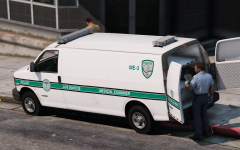
Yeah... So its an ME van not based on anything in particular, so when you request a coroner a van from the LSPD will respond, includes a full interior as shown below so if you want to use it you can, diamond patterns by 0taku.© t0y
-
 In a few weeks maybe
 -
I think I just use the OIV Oh lol, ty
-
Thx I think MVGA thats it Soon soon
-
-
I wish I could dislike this comment. 3 on each side? is that enough? Like the NYPD amiright ;) Indeed, thanks for the base. Very cute. Negative.
-
Deal Thanks Thanks, and ofc
-
From the album: t0y's Projects
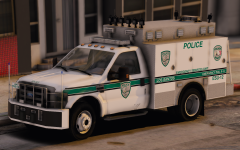
Logos by @Slendis go give him a high five or something.© t0y, Slendis
-
 thats not how that works
 -
Baby dont hurt me.
-
-
-
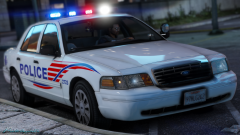 McDonald's is unhealthy.
 -
-
-
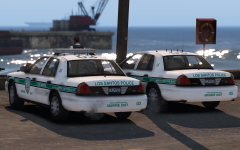 It's very hard to tell but if you look close they are actually turned, Sticky Wheels does that automatically, although for some reason it hasnt been going to the full turn anymore, but the dummy is where it should be so the mesh isnt pushed in. Thanks! Thank you :) And I was considering the fact it is similar to the Paleto Bay pack, but I have decided I will be putting the Freedom on every car, and it will in total be around 15 models, most of which will be cars not from the PB pack, and in the PB pack I only used the freedom on the vic and the Tahoe and a Liberty on the rest, but for this pack they will all have freedoms. I hope that combined with a MUCHHHHHH improved interior, and exterior features, and added TKD lighting, and better light patterns on the Freedom will set this pack apart from my PB pack. no u
 -
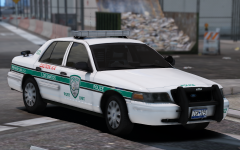 Not in San Andreas
 -
Thats for the doggo
-
Thanks Nope every vehicle is going to have hubcaps :( Invisible windows
-
From the album: t0y's Projects
© t0y
-
-
-
Thanks Indeed Incorrect. Blocked. Banned. Thanks