TRDOffroad03
Members
-
Joined
-
Last visited
Everything posted by TRDOffroad03
-
I preformed the downgrade and, had a simular issue. as it turns out, after preforming this step , http://www.lcpdfr.com/forums/topic/65921-new-fixing-those-bugs-improving-iv-performance/ I found out that in order to fix that issue, I had to pump up the resolution. [In my case, it was all the way because, I have a Nvidia GTX 860M running at 2560x 1440.] Finally I added in the commandline.txt the following notifications Edit: added code in a spoiler
-
-
-
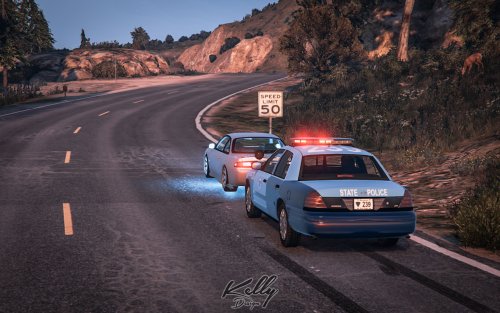 You did a great job with this Mass State Trooper skin. Seeing it spawn and pursue me always makes highway chases more amusing!
- 3 comments
- 1 review