


Technical Coyote
Members
-
Joined
-
Last visited
Everything posted by Technical Coyote
-
Cpl. Coyote posing a Merry Christmas in the frigid wilderness. Everyone have a safe and Merry Christmas especially if you're 10-8!
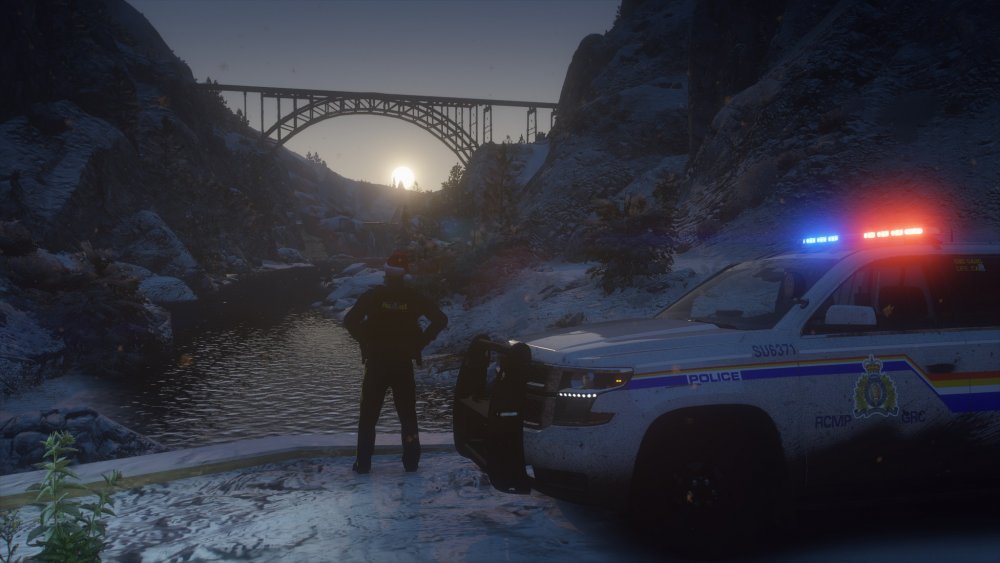
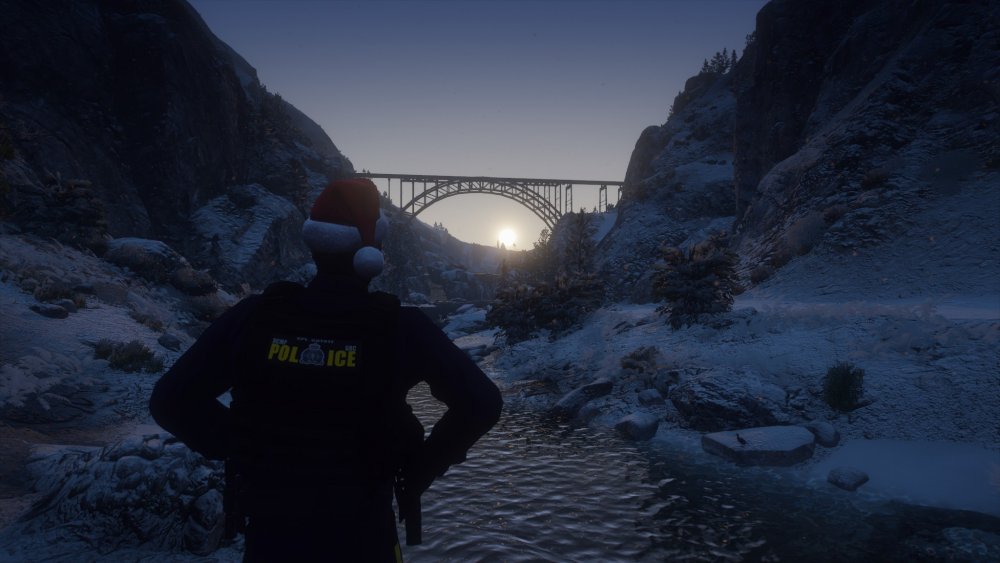
-
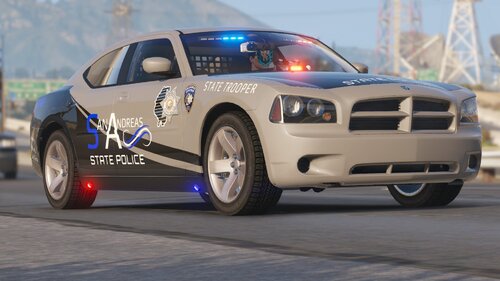 Love this pack, been using it for a while and I just can't get enough of it. I also really love having the matching uniforms, makes LSPDFR worth playing for hours! Thank you for taking the time in creating these amazing packs!
- 44 comments
- 17 reviews
-
-

- 1
-
-
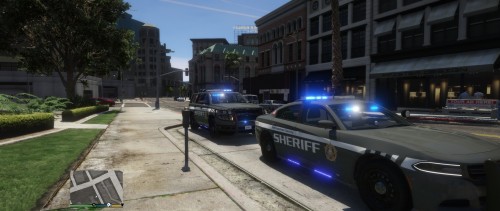 I have installed the vehicles and everything works great on the Charger but on the Tahoe the push bumper and spotlight does not spawn in however, the lights spawn in but just float. I tried changing the components but none are linked to it. Does anybody have an idea why this is happening? Even straight out of the file open IV doesn't spawn them in.
- 31 comments
- 7 reviews
-
When is a new LSPD:FR going to be release for the new GTA V update and Rage Plugin Hook 0.47+? I've been looking everyday since the new GTA V and Rage update and I've seen nothing.


