Agame
Members
-
Joined
-
Last visited
Everything posted by Agame
-
I got LSPDFR today so sorry if I made some stupid mistake. I installed the ELS mod aswell as a few ELS cars like Dawson's Explorer, BXBugs' charger and CVPI and Im not sure what I've done wrong but the lights on the explorer and cvpi don't even turn on while the ones on the charger look worse than default.
-
thanks, Yea what I meant was I installed a new "riot" van but I wanted that model to show up when I call noose support
-
So I installed a new Riot van but I was hoping to have my noose backup to come in the riot when I call them, but I dont know how to do that. Also, Does anybody know any good ELS Charger/CVPI/Tahoe Models? Please link me
-
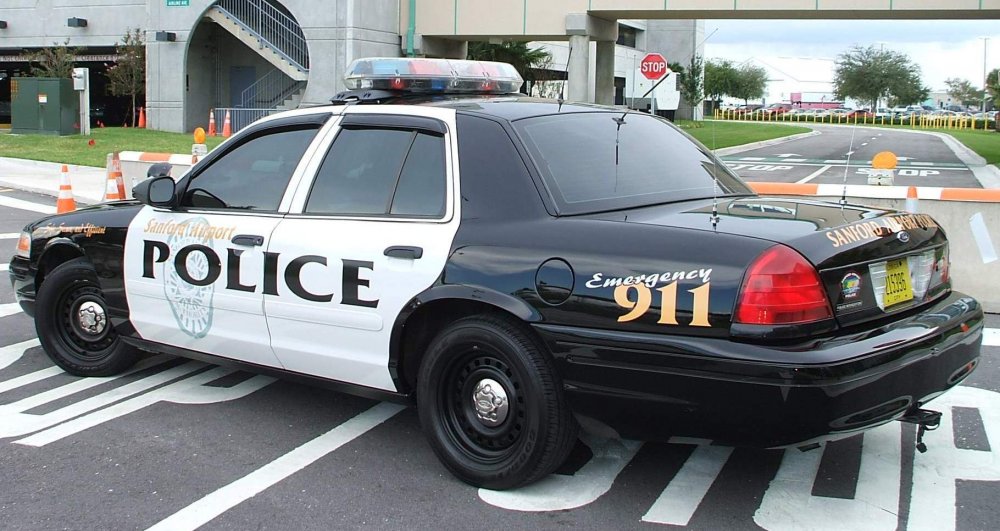
Hi could someone please make sheriff and police skins like the images below for a crown vic, bxbug's charger as well as a Suv. And if these skins already exist I cant find them so can you please link me?