
themodelcarpage
Members
-
Joined
-
Last visited
Everything posted by themodelcarpage
-
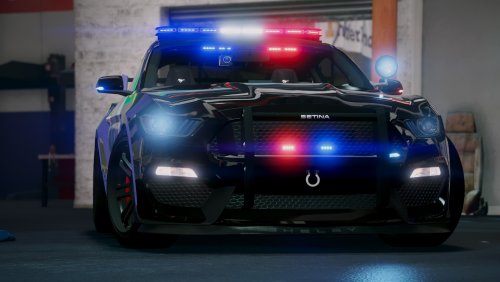 The car is great, looks great but if I could get it too work in my game then I would give this 5 stars. The car constantly crashes my game and I’m certain I’ve installed it correctly, I’ve even tried older versions both add on install method and replace and neither work. If this could be fixed then I will change my review and rating! Thanks
- 82 comments
- 17 reviews
-
 Quite possibly one of the best ELS packs out there! Light patterns are perfect and they forsure don’t lack lights but still not overkilled with lights! Models and textures are good... I would recommend this too anyone
- 207 comments
- 94 reviews
-
-

- 1
-
-
-
 Non ELS is quite a pain for editing light textures, ill try to release a second pack non-els with a Charger and FPIU if I can find fitting models and have the time but no promises, currently I'm going to focus on the ELS Versions for now, Thanks for your understanding :)
- 4 comments
- 4 reviews
-
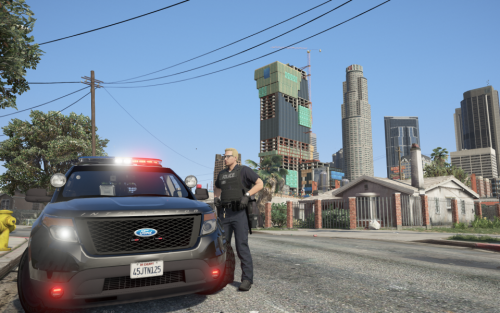
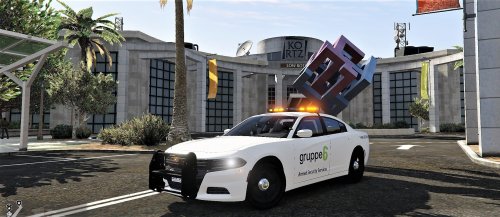
This is a Gruppe 6 Security Mini Pack including a skin for the 2016 Charger and FPIU. These models (not made by myself) both have new edited ELS files and amber light textures which is very suitable for security vehicles. The Models Required: http://www.lcpdfr.com/files/file/16839-els-lspd-vehicle-pack/ http://www.lcpdfr.com/files/file/15718-venice-police-department-inspired-pack-els/ Please make sure you follow instructions in the ReadMe so you dont place the files incorrectly. The Texture was originally uploaded to GTA5-mods by tichenord... I have modified the texture to fit the 2016 Charger and FPIU and both models feature top quality textures/skins and amber lights Special Thanks goes out to medic4523 for helping with orange light textures, ELS config. settings and checking over all files to make sure they look good! Please leave a comment or review and dont forget if you have any questions to leave it in the comments or personal message me and we will work on getting it resolved. Thanks and Enjoy! New Update includes: FPIU made by thegreathah
- 4 comments
- 4 reviews
-
-
- 3
-
-
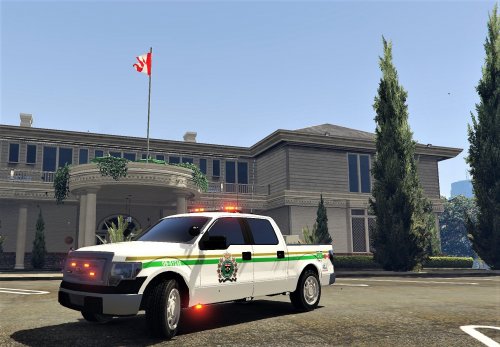 Download this Model: This is a MTO (Ministry of Transportation Ontario) Vehicle which if you live in Ontario, Canada I'm sure you have seen them cruising the streets or waiting at truck stops along the 401. "Ministry of Transportation Enforcement Officers (TEOs) enforce a variety of provincial highway safety legislation specific to operators of commercial vehicles. Driver hours of service, cargo securement, dangerous goods transportation, weights and dimensions, and vehicle maintenance and roadworthiness are the predominant focus of TEO inspection activities. Ontario’s Highway Traffic Act, its regulations, the Compulsory Automobile Insurance Act, and the Dangerous Goods Transportation Act are core pieces of legislation from which TEOs derive their enforcement authorities." -Wikipedia MTO Texture originally created by: tacobell432 and made for GTAIV I have reworked the texture to fit the F-150 Model provided as well as modified the ELS to all red lights which is realistic to MTO Enforcement Vehicles. Special Thanks goes out to medic4523 for helping with ELS config. settings and checking over all files to make sure they look good! I hope you all enjoy this model and I have yet to see one like it made so if you have any concerns or question please feel free to comment them below and ill try my best to resolve the issue or concern
 -
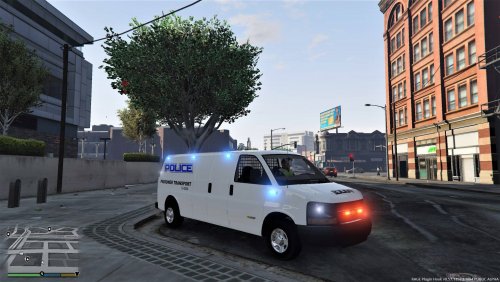 New Version (v2) is Awesome, the ELS light set up is fixed and all lights works with no isssues... although you may run in to an issue where the van has no place for a texture or skin. Easy Fix: Import a new texture file named as; express_sign_1 Example: Undercover skin is just a white background named like above
- 137 comments
- 13 reviews
-
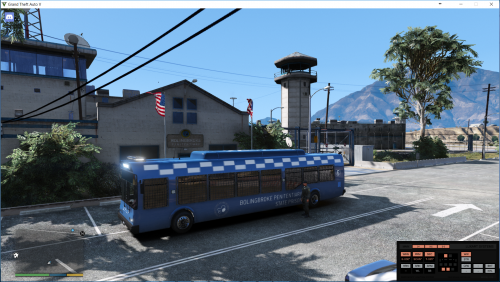
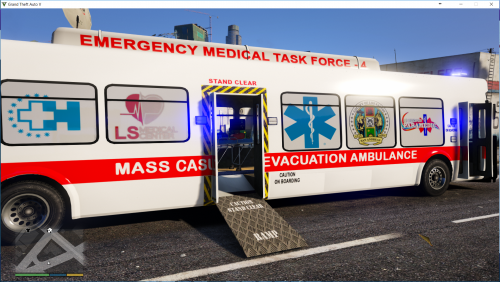 No need for a long paragraph... simply put “amazing” this bus is needed and the livery looks great as well !!!
 -
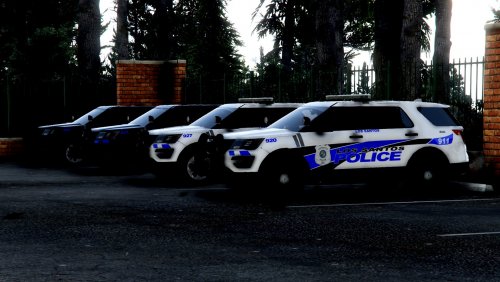 Communication is key and this author is amazing at that! Very fast and accurate with his words. I love this new version with the Red/Blue lights and the fact that it doesn't have a wrap around push bar and is the newer style FPIU makes this model even that much more excellent! Great Job once again
- 35 comments
- 7 reviews
-
-
- 2
-
-
-
-
-
Cool FPIU, could you release a version with red/blue flashing lights in the front as well?
- 35 comments
- 7 reviews
-
-
- 3
-
-
-
-
-
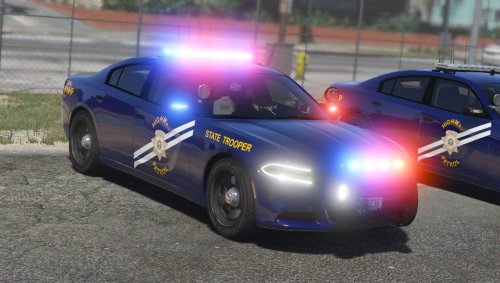 Could you please message the first version file the one with out the wrap around bar :) that would be awesome if you could
- 38 comments
- 19 reviews
-
I love the original push bar with out the wrap around, could you make it a variation for both, so some could have the original push bar with out the wrap around and others could have the one with... Also could you make a variation for a rear deck light bar in red/blue lights if you need a photo for it then I can send one, Thanks and great model
- 38 comments
- 19 reviews
-
-
- 1
-
-
 My laptop does not have a Numpad so I can get the main menu up by pressing F7 but cannot navigate menu up, down or select as the keys are NumPad Controls
- 211 comments
- 28 reviews
-
I'm using a laptop and ive looked in to the ini. files and have tried to change them to keyboard keys but it only appears to have controls such as dpad controls which I cannot use and or controls for a controller, if you could provide help with how I can get controls to work for a PC or laptop that would be greatly appreciated (I can get the main screen up by pressing F7 but then cannot move up and down the menu or select a car)
- 211 comments
- 28 reviews