


fritomnky
Members
-
Joined
-
Last visited
Everything posted by fritomnky
-
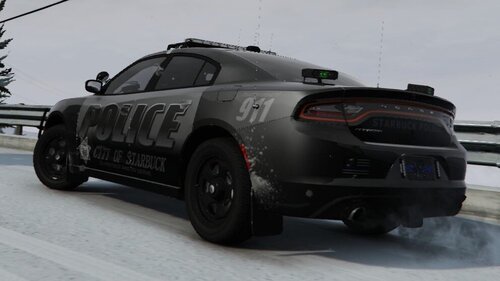 very nice looking...def enjoy seeing more and more MN skins
 -
Should be LAO....law and order
-
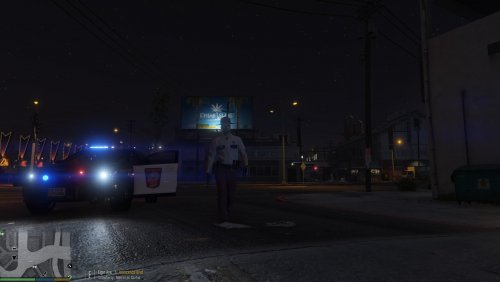 so in the readme it says the lowr_diff file goes in eupcomponents.rpf and then under the file mp_m_business 2...but i dont' see that file? any update on that?
- 14 comments
- 1 review
-
-
-
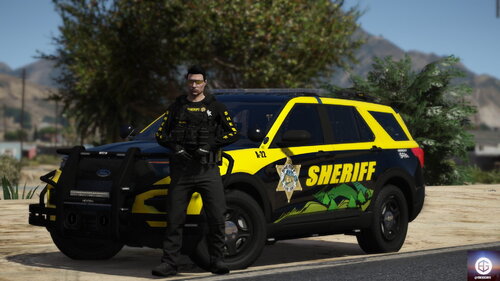 very cool and very unique!
 -
awesome I will check those out. Yea i tried using these ones as seen in my vehicles file, and spawned the fire truck to see if it worked and it didn't work LOL

-
I'm having trouble trying to figure out how to do this. I have the federal q siren downloaded for my firetrucks, and the federal smart ss2000 for my pd cars, but the fire truck plays the police car siren, and I dont wanna mess stuff up too badly....what should i change the file line to in els for the fire to play firetrucks? mainly i'm having a problem finding the files such as 0x0D329446 in my vehicles file so its not working in my head
-
-
.thumb.png.c755e65ea8657f1c57debb23df6accb3.png) No worries at all, take your time. I appreciate it!
No worries at all, take your time. I appreciate it! -
These are perfect so far. Very nice looking. Any chance you can make one for the Taurus? I'd love to have a bit more realistic state squad as there are not very many Chargers on the road for the state patrol.
-
-
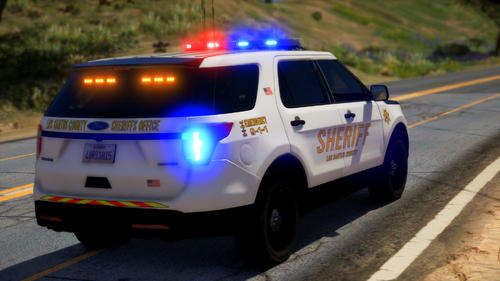 I found out that the issue was that i was trying to install in the fbi slot as thats what it was named in the download, and because the fbi car doesn't have a lightbar, but this pack does...it went haywire. I renamed file to sheriff, installed, and it works beautifully and the car is fucking gorgeous.
- 29 comments
- 6 reviews
-
i found out the problem...it was that i was installing into the fbi slot, where its a vehicle not meant to have a light bar. Once i changed the name to sheriff..it worked perfectly
- 29 comments
- 6 reviews
-
so i seem to be having issues with this vehicle. I've loaded it in via openIV, however, it seems to only load the black car version, and not the white one...also ELS doesn't seem to be working. I loaded the r&b vcf file...but some lights are staying on, and it only activates the way you do with non els cars...i have it added into the fbi slot so...not sure whats going on..but heres what i'm getting
- 29 comments
- 6 reviews
-
-
I'm trying to add this tow truck to the game...and i'm not sure I'm getting it right, so i want to ask before i complete what i'm doing...so i don't mess up my game. So this is the one i want to add https://www.gta5-mods.com/vehicles/els-fivem-international-durastar-flatbed-candice_211, and it doesn't come with any meta files. So if I'm remembering right, there are 2 ways i could install this...first would be to change the file names to Flatbed, and just go with that...or, add as a separate truck, and copy the vehicle.meta for flatbed, change the name to dsflatbed, and then just use like that? And then to get them to respond for tow requests i'd change the name in my ini file to dsflatbed. If any of that doesn't seem right, let me know? Thanks for everyone who looks and helps with my question...along with answering all the questions you can.
-
 if you only replace one vehicle, do you have to replace the meta for the entire thing...or just the vehicle you're replacing? For example, i installed the durango in the fbi2 slot, so should i only update the meta for fbi2?
- 95 comments
- 24 reviews
-
-
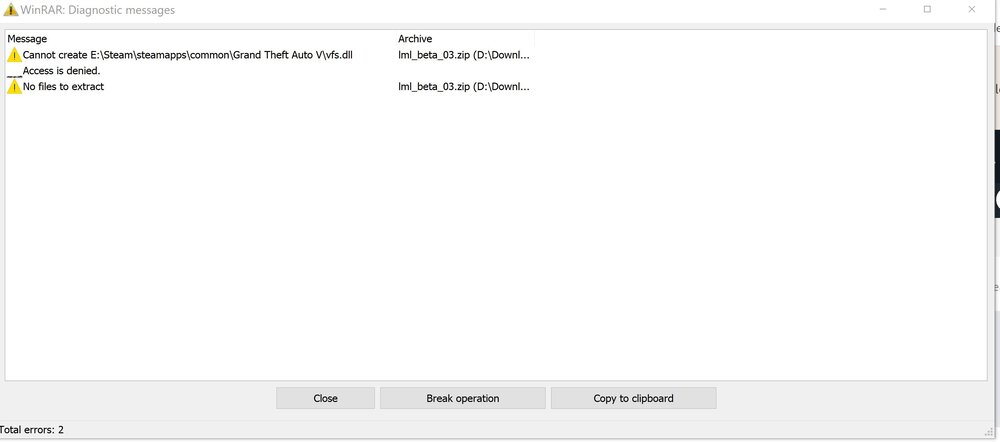
When i'm trying to extract file to my gta folder, its saying that the vfs.dll will not extract, access denied. I have all my folders set as admin...so not sure whats going on here. If I try and just copy and paste that file, my virus program automatically deletes it. Any help in getting this file to post? TIA
-
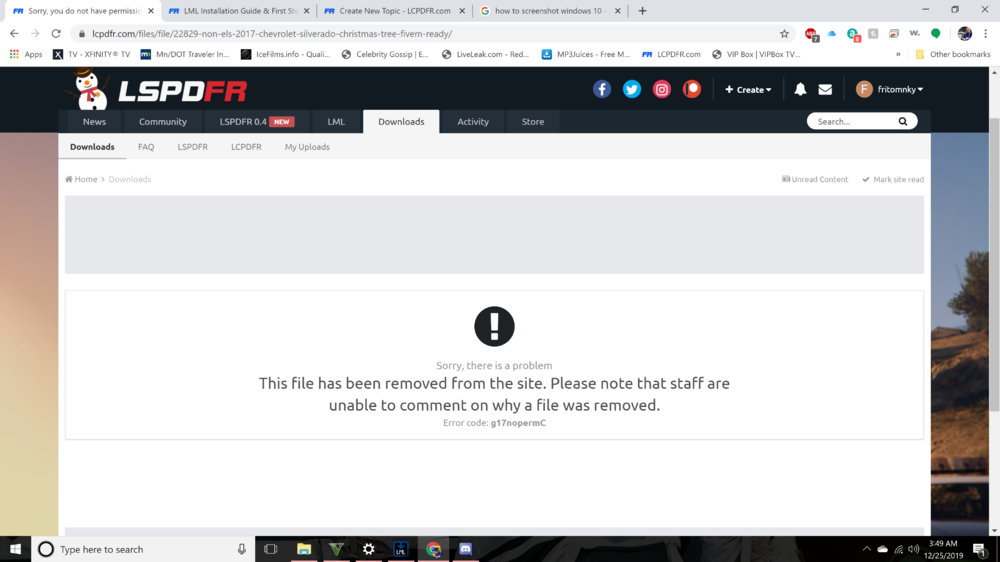
Anyone else getting this when you try and download the file in the instructions for the test vehicle?
-
Very good points thank you for adding! I know mine gets slowed down slightly from running lspdfr but mines quite a bit older. I wouldn't think a new one would be bad...but you never know
-
Really what you want to look at is will it run GTAV. Thats the most important part of any pc shopping is to make sure it runs the main game. All LSPDFR is is a modification for it, so the best way to find out is go to https://www.pcgamebenchmark.com/ and enter the specs. Sorry had wrong site first
-
good looking out man!

-
So...validated the game, restarted vanilla version, ran good. Did a benchmark test, but graphics still seem....off to me a little bit? Hard to explain but, its all working fine now. So on to fixing my key bindings so i can play the game again! Thanks for your help! Ugh not looking forward to this part LOL

.thumb.png.c755e65ea8657f1c57debb23df6accb3.png)


