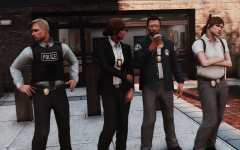
Myrphac
-
Joined
-
Last visited
Everything posted by Myrphac
-
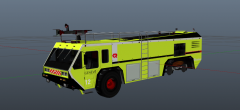
From the album: Myrphac projects (WIP and releases)
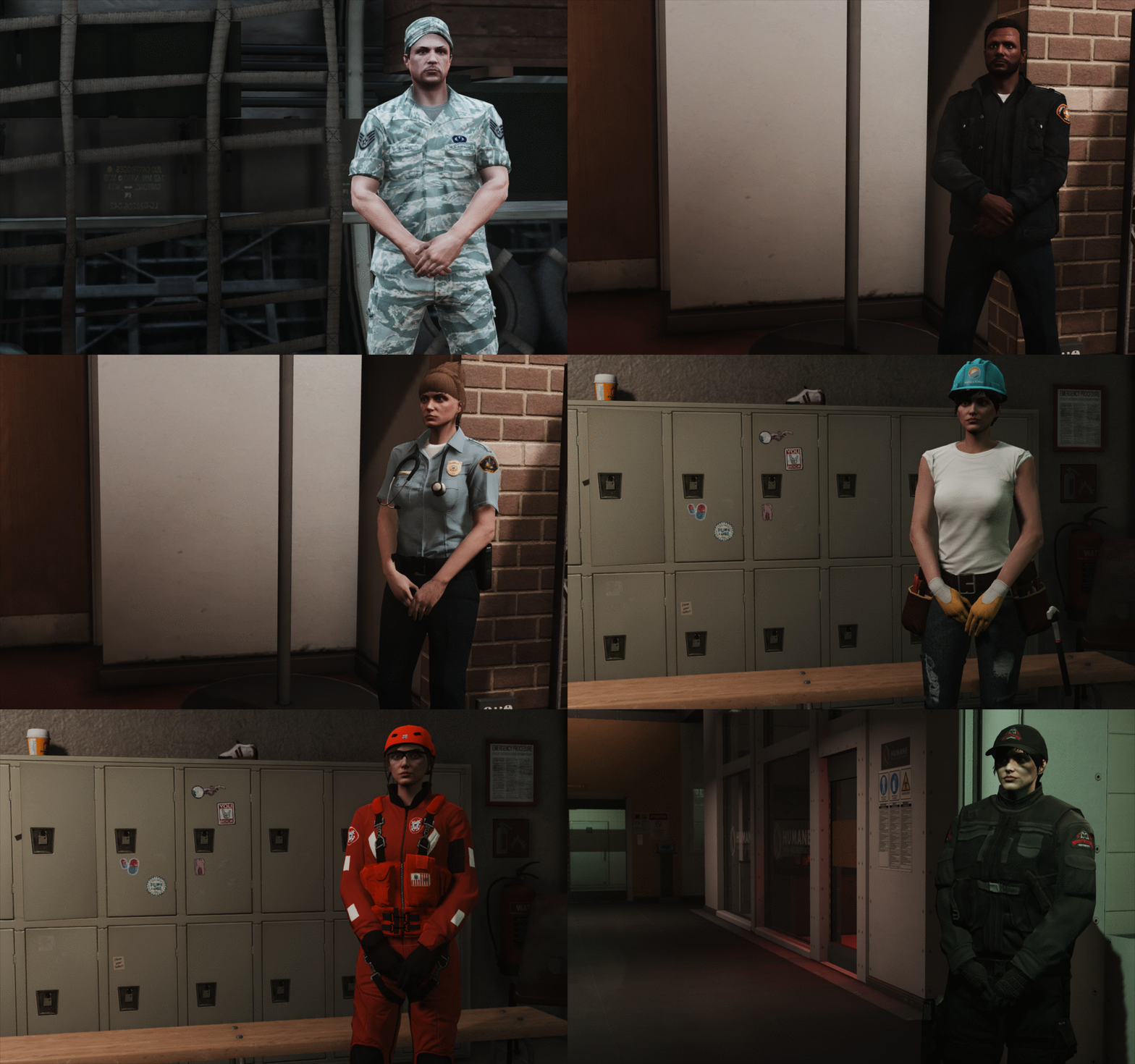
English: I'm working on these projects (only this weekend xD), I didn't have access to Photoshop for the past months, problem solved! I've go a lot of work to do, some adjustments, license plates, solve the bomb squad's windows and so on. I just give you an idea of the next projects, I won't give release dates but expect them in the next days/weeks. French: Je travaille sur ces projets (j'ai tout fait en deux jours xD), je n'ai pas eu accès à Photoshop depuis Juillet, ce n'est plus le cas! J'ai beaucoup de boulot à faire, beaucoup de projets en tête; je dois faire des corrections, les plaques d'immatriculation, régler les problèmes sur les fenêtres du fourgon de déminage (jâi passé trop de temps sur ce logo à la c** pour le cacher), etc. Ces captures d'écran vous donnent une idée des projets en cours, je ne vais pas de donner de dates mais ces textures sortiront probablement dans les prochains jours/semaines. Je les postes pour vous montrer que je travaille quand même, j'ai de nombreux projets en attente (problèmes diverses à résoudre, copyright pour certains logos,etc) sur lesquels je travaille dans l'ombre. Je précise que celui-ci n'est de loin pas terminé. -
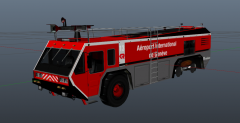
From the album: Myrphac projects (WIP and releases)
English: I'm working on these projects (only this weekend xD), I didn't have access to Photoshop for the past months, problem solved! I've go a lot of work to do, some adjustments, license plates, solve the bomb squad's windows and so on. I just give you an idea of the next projects, I won't give release dates but expect them in the next days/weeks. French: Je travaille sur ces projets (j'ai tout fait en deux jours xD), je n'ai pas eu accès à Photoshop depuis Juillet, ce n'est plus le cas! J'ai beaucoup de boulot à faire, beaucoup de projets en tête; je dois faire des corrections, les plaques d'immatriculation, régler les problèmes sur les fenêtres du fourgon de déminage (jâi passé trop de temps sur ce logo à la c** pour le cacher), etc. Ces captures d'écran vous donnent une idée des projets en cours, je ne vais pas de donner de dates mais ces textures sortiront probablement dans les prochains jours/semaines. Je les postes pour vous montrer que je travaille quand même, j'ai de nombreux projets en attente (problèmes diverses à résoudre, copyright pour certains logos,etc) sur lesquels je travaille dans l'ombre. -
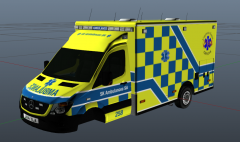
From the album: Myrphac projects (WIP and releases)
English: I'm working on these projects (only this weekend xD), I didn't have access to Photoshop for the past months, problem solved! I've go a lot of work to do, some adjustments, license plates, solve the bomb squad's windows and so on. I just give you an idea of the next projects, I won't give release dates but expect them in the next days/weeks. French: Je travaille sur ces projets (j'ai tout fait en deux jours xD), je n'ai pas eu accès à Photoshop depuis Juillet, ce n'est plus le cas! J'ai beaucoup de boulot à faire, beaucoup de projets en tête; je dois faire des corrections, les plaques d'immatriculation, régler les problèmes sur les fenêtres du fourgon de déminage (jâi passé trop de temps sur ce logo à la c** pour le cacher), etc. Ces captures d'écran vous donnent une idée des projets en cours, je ne vais pas de donner de dates mais ces textures sortiront probablement dans les prochains jours/semaines. Je les postes pour vous montrer que je travaille quand même, j'ai de nombreux projets en attente (problèmes diverses à résoudre, copyright pour certains logos,etc) sur lesquels je travaille dans l'ombre. -
From the album: Myrphac projects (WIP and releases)
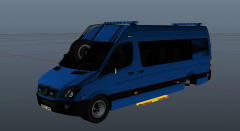
English: I'm working on these projects (only this weekend xD), I didn't have access to Photoshop for the past months, problem solved! I've go a lot of work to do, some adjustments, license plates, solve the bomb squad's windows and so on. I just give you an idea of the next projects, I won't give release dates but expect them in the next days/weeks. French: Je travaille sur ces projets (j'ai tout fait en deux jours xD), je n'ai pas eu accès à Photoshop depuis Juillet, ce n'est plus le cas! J'ai beaucoup de boulot à faire, beaucoup de projets en tête; je dois faire des corrections, les plaques d'immatriculation, régler les problèmes sur les fenêtres du fourgon de déminage (jâi passé trop de temps sur ce logo à la c** pour le cacher), etc. Ces captures d'écran vous donnent une idée des projets en cours, je ne vais pas de donner de dates mais ces textures sortiront probablement dans les prochains jours/semaines. Je les postes pour vous montrer que je travaille quand même, j'ai de nombreux projets en attente (problèmes diverses à résoudre, copyright pour certains logos,etc) sur lesquels je travaille dans l'ombre. -
From the album: Myrphac projects (WIP and releases)
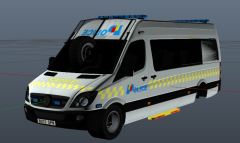
English: I'm working on these projects (only this weekend xD), I didn't have access to Photoshop for the past months, problem solved! I've go a lot of work to do, some adjustments, license plates, solve the bomb squad's windows and so on. I just give you an idea of the next projects, I won't give release dates but expect them in the next days/weeks. French: Je travaille sur ces projets (j'ai tout fait en deux jours xD), je n'ai pas eu accès à Photoshop depuis Juillet, ce n'est plus le cas! J'ai beaucoup de boulot à faire, beaucoup de projets en tête; je dois faire des corrections, les plaques d'immatriculation, régler les problèmes sur les fenêtres du fourgon de déminage (jâi passé trop de temps sur ce logo à la c** pour le cacher), etc. Ces captures d'écran vous donnent une idée des projets en cours, je ne vais pas de donner de dates mais ces textures sortiront probablement dans les prochains jours/semaines. Je les postes pour vous montrer que je travaille quand même, j'ai de nombreux projets en attente (problèmes diverses à résoudre, copyright pour certains logos,etc) sur lesquels je travaille dans l'ombre. -
From the album: Myrphac projects (WIP and releases)
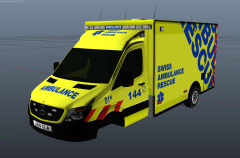
English: I'm working on these projects (only this weekend xD), I didn't have access to Photoshop for the past months, problem solved! I've go a lot of work to do, some adjustments, license plates, solve the bomb squad's windows and so on. I just give you an idea of the next projects, I won't give release dates but expect them in the next days/weeks. French: Je travaille sur ces projets (j'ai tout fait en deux jours xD), je n'ai pas eu accès à Photoshop depuis Juillet, ce n'est plus le cas! J'ai beaucoup de boulot à faire, beaucoup de projets en tête; je dois faire des corrections, les plaques d'immatriculation, régler les problèmes sur les fenêtres du fourgon de déminage (jâi passé trop de temps sur ce logo à la c** pour le cacher), etc. Ces captures d'écran vous donnent une idée des projets en cours, je ne vais pas de donner de dates mais ces textures sortiront probablement dans les prochains jours/semaines. Je les postes pour vous montrer que je travaille quand même, j'ai de nombreux projets en attente (problèmes diverses à résoudre, copyright pour certains logos,etc) sur lesquels je travaille dans l'ombre. -
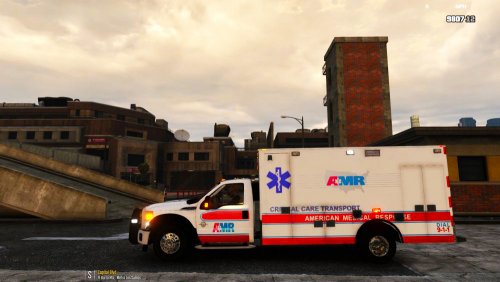
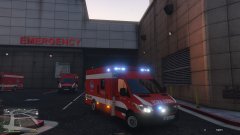 I'm sorry for this late answer, I didn't saw it. I don't really understand the question here. If you're asking about the skin, I did it myself, I posted it long ago (I just added a 3rd one) and I have many others coming (brace for impact): If you're asking about the real vehicle, It's from Geneva in Switzerland. I live there and I see them every week (they go out of the airport to respond to emergencies and I'm on the way to the hospital) . If you're asking about the reference pics, I used my memory, some self made pics and some from "Urgences Genève": https://www.youtube.com/user/optiqueurgence Feedbacks are welcome btw!
 -
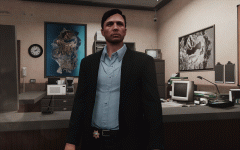 I like you.
 -
 No prob, thank for fixing!
 -
Nice mod, I'll definetly try it out, but you did a spelling mistake: "reasponse" instead of "response". Just to warn you (: EDIT: fixed
-
 Wow, really nice work! I can't find the words to describe this... But one thing is sure, I can't wait!
 -
-
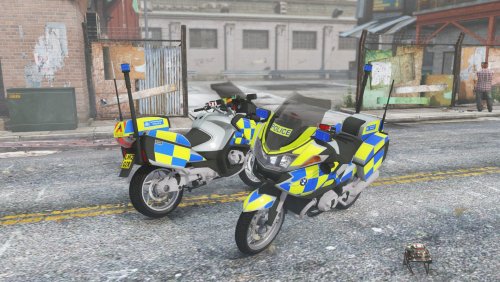 Nice bike! Sadly, I doesn't fit in my LAPD fleet, hope someone will make a skin and some red lights. Can I ask you how to allow pullover? I have some issues with some other vehicles and I would like to know how you resolved this problem with your vehicle. Thanks in advance!
- 32 comments
- 3 reviews
-
Really nice mod! I have a problem, I installed all like said in the readme (except Step 6: place lines from 'livery change.txt' to 'LiveryChanger.xml' in 'scripts/LiveryChanger'; I'm not using RDE) and the lights don't work when I change sirensetings to value 24, when it's on value 10, the lightbar partially works. Can you help me please? EDIT: Problem solved by installing another carcols.ymt
-
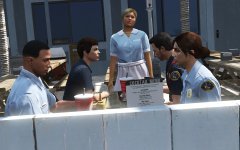 I don't know how you do all these screenshots but they're always beautiful! Keep it up and merry christmas!
 -
 Wow, you were fast XD
 -
Nice, we have the same on medic cars here in Geneva, I worked on it but I haven't uploaded yet (I'm busy).
-
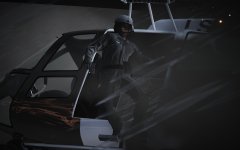 That's how you know you f*cked up: no parachute... sh*t...
 -
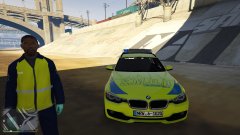
From the album: Myrphac projects (WIP and releases)
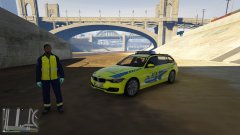
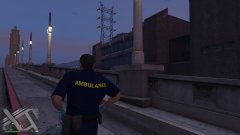
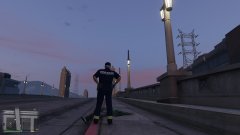
Here's some pics of a texture I'm making, I don't know when it will be released, I'm working on several different things (peds, textures, and siren mod...). I haven't many time right now, I'm very busy (and lazy), I'm a bit late because some files haven been lost yesterday, I had a car accident, I have many other things to do I do my best! Voila des photos de la texture sur laquelle je travaille, je ne sais pas quand je la publierai; je travaille sur beaucoup de choses en même temps (textures, joueurs, sirènes...). Je n'ai pas beaucoup de temps ces jours, je suis très occupé (et j'ai la flemme), j'ai du retard car j'ai perdu des fichiers hier, j'ai eu un accident de voiture, j'ai beaucoup d'autres problèmes à régler mais je fais de mon mieux! -
From the album: Myrphac projects (WIP and releases)
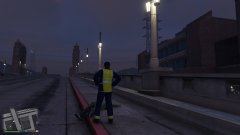
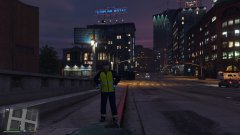
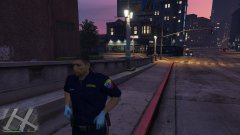
Here's some pics of a texture I'm making, I don't know when it will be released, I'm working on several different things (peds, textures, and siren mod...). I haven't many time right now, I'm very busy (and lazy), I'm a bit late because some files haven been lost yesterday, I had a car accident, I have many other things to do I do my best! Voila des photos de la texture sur laquelle je travaille, je ne sais pas quand je la publierai; je travaille sur beaucoup de choses en même temps (textures, joueurs, sirènes...). Je n'ai pas beaucoup de temps ces jours, je suis très occupé (et j'ai la flemme), j'ai du retard car j'ai perdu des fichiers hier, j'ai eu un accident de voiture, j'ai beaucoup d'autres problèmes à régler mais je fais de mon mieux! -
From the album: Myrphac projects (WIP and releases)
-
From the album: Myrphac projects (WIP and releases)
-
From the album: Myrphac projects (WIP and releases)
-
From the album: Myrphac projects (WIP and releases)
-
From the album: Myrphac projects (WIP and releases)