



By Myrphac
- 742 views
- View Myrphac's images
English:
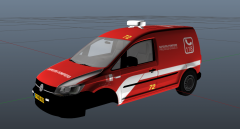
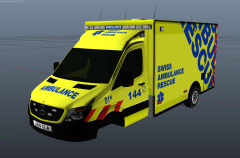
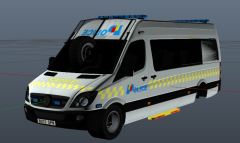
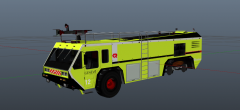
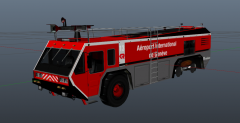
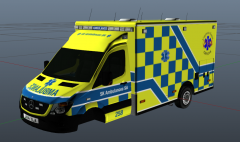
I'm working on these projects (only this weekend xD), I didn't have access to Photoshop for the past months, problem solved! I've go a lot of work to do, some adjustments, license plates, solve the bomb squad's windows and so on. I just give you an idea of the next projects, I won't give release dates but expect them in the next days/weeks.
French:
Je travaille sur ces projets (j'ai tout fait en deux jours xD), je n'ai pas eu accès à Photoshop depuis Juillet, ce n'est plus le cas! J'ai beaucoup de boulot à faire, beaucoup de projets en tête; je dois faire des corrections, les plaques d'immatriculation, régler les problèmes sur les fenêtres du fourgon de déminage (jâi passé trop de temps sur ce logo à la c** pour le cacher), etc. Ces captures d'écran vous donnent une idée des projets en cours, je ne vais pas de donner de dates mais ces textures sortiront probablement dans les prochains jours/semaines. Je les postes pour vous montrer que je travaille quand même, j'ai de nombreux projets en attente (problèmes diverses à résoudre, copyright pour certains logos,etc) sur lesquels je travaille dans l'ombre.

Recommended Comments
Join the conversation
You can post now and register later. If you have an account, sign in now to post with your account.