Skip to content
View in the app

A better way to browse. Learn more.

LCPDFR.com

A full-screen app on your home screen with push notifications, badges and more.

To install this app on iOS and iPadOS
  1. Tap the Share icon in Safari
  2. Scroll the menu and tap Add to Home Screen.
  3. Tap Add in the top-right corner.
To install this app on Android
  1. Tap the 3-dot menu (⋮) in the top-right corner of the browser.
  2. Tap Add to Home screen or Install app.
  3. Confirm by tapping Install.
Myrphac projects (WIP and releases)

Myrphac projects (WIP and releases)

Album created by Myrphac · Updated

English:

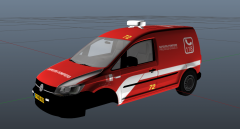
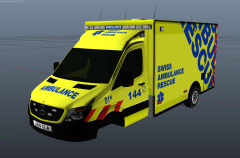
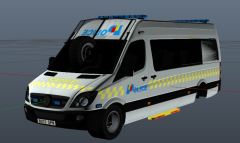
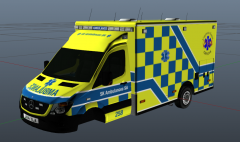
You can see here all the screnshots of my work, you can see some Work In Progress and some released content.

Keep in mind that I'm new here and I do not promise any regular release. I hope you will appreciate it! ^^

Français:

Vous pouvez voir ici toutes les photos de mon travail, vous pouvez y voir des projets en développement ou des projets déjà disponibles.

Gardez à l'esprit que je suis nouveau dans ce domaine et que je ne promet aucune sortie de fichiers régulière. J'espère que vous allez apprécier! ^^

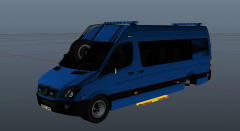
20160710210745_1.jpg

There are no comments to display.

Join the conversation

You can post now and register later. If you have an account, sign in now to post with your account.

Guest
Add a comment...

Recently Browsing 0

  • No registered users viewing this page.

Account

Navigation

Search

Search

Configure browser push notifications

Chrome (Android)
  1. Tap the lock icon next to the address bar.
  2. Tap Permissions → Notifications.
  3. Adjust your preference.
Chrome (Desktop)
  1. Click the padlock icon in the address bar.
  2. Select Site settings.
  3. Find Notifications and adjust your preference.