NewbCrazy
Members
-
Joined
-
Last visited
Everything posted by NewbCrazy
-
 Very nice! Great job so far.
 -
 Thank you! I think I'm finally getting in the swing of taking decent looking pictures!
 -
From the album: Random Pictures
-
 I'm ready, I'm ready!
 -
From the album: Random Pictures
-
From the album: Random Pictures
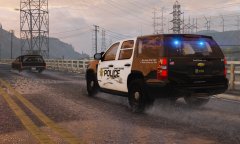
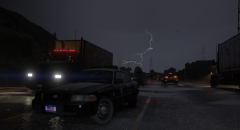
Sandy Shores Police along with the Blaine County Sheriff's Office hard at work during a rainy morning. -
From the album: Random Pictures
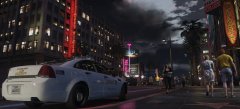
Some pictures from R* Editor. I am getting much more involved in picture taking than I ever thought I would. -
From the album: Random Pictures
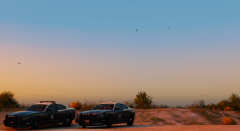
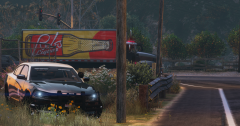
After the Paleto Bay's Police Chief told his Officers to stop "Proactive Policing," the lieutenant of the FHP assigned 5 Troopers to Patrol within Paleto Bay. "We have jurisdiction over the entire State." lieutenant Marks said. "If sending a few of our Troopers up there means the tourists and residents are safe, then we will gladly do it." Paleto Bay's Chief said in a letter to his officers that there were "Too many citizen complaints" and "We cannot run a department when we receive dozens of complaints a month. Anything less than someone's blatant carelessness should not be pulled over or stopped." The Chief and Mayor failed to respond to our phone calls. FHP Lieutenant said that 5 Troopers will patrol Paleto Bay until further notice. yes this is based off of the Midland PA recent PD issues -
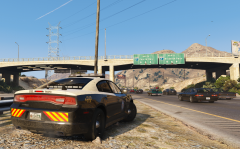
From the album: Random Pictures
-
-
.jpg.7861acbb4e6f20074624fd618fa92423.jpg)
From the album: Random Pictures
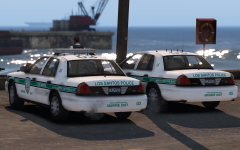
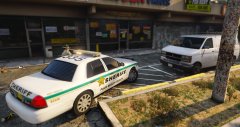
Manage to catch a traffic stop with the Los Santos Police Department and Palm Beach County Sheriff's Office right outside my apartment! ignore PLD im new to this pls -
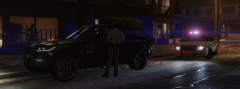
From the album: Random Pictures
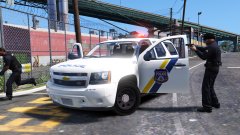
Palm Beach County Sheriff's Deputy stopped a vehicle for running a red light. Driver was cited. *Edit: Didnt know the picture would be so tiny. Damn. -
From the album: Random Pictures
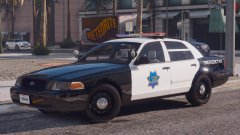
First ever gallery, and first ever pictures in my first ever gallery. Whynot make them be of beautiful cars? Cars by @TaylorSwift -
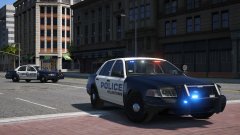 I'm a fan! I guess I should have said "It" instead of me. Very beautiful cars, but dare I say not more beautiful than my small town police cars ;)
 -
You're killing me with these PA cars!
-
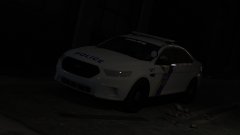 Beautiful. Keep it up!
 -
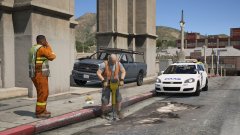 Fantastic job so far!
 -
-
I personally use Patchday11ng to install my vehicles, however instead of installing your vehicles to patchday2ng, I suggest installing them in to a more recent patchday, like patchday15ng (Which should be the most recent.) As to your sheriff3 vehicle, installing add-on cars is a very interesting process. I suggest learning how to install replacement vehicles, and making sure they work, before going ahead and doing add-on cars. Of course, you are you and can do what you want, just my suggestion. If you do want to do add-ons, go ahead and search up a youtube video to learn. In short, perhaps you putting the fbi2 vehicle in patchday2ng is the problem. Like I said, try putting it in a more recent patchday. And no, you do not have to restart your computer for any changes to take effect.
-
Hopefully this is the problem: Did you install OpenIV's .asi's? To check, go ahead and open OpenIV, and go to the top and look for this little symbol: http://prntscr.com/fzv8p5 Click on that symbol, and make suer you have "ASI Loader" and "OpenIV.ASI" Installed.
-
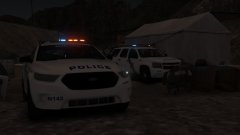 Don't tease us with only a few! D: They are looking phenomenal!
 -
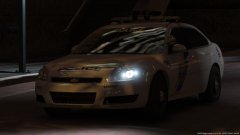 This. Is. Awesome.
 -
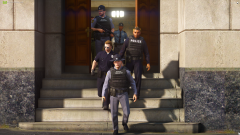 Hey! I see myself again!
 -
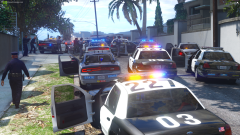 Hey! I see myself!
 -
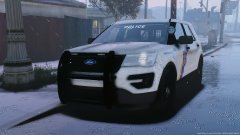 This is the only reason Im going to be reinstalling GTA. Looks amazing!



.jpg.7861acbb4e6f20074624fd618fa92423.jpg)