TYPD
Members
-
Joined
-
Last visited
Everything posted by TYPD
-
 no problem
 -
@officerwallerPro-gard rambar
-
@HDgamerzPC What about that unmarked 2015 Tahoe?
-
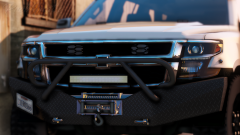
 @TickleMyElmo then never mind it looks good i'm not used to seeing go rhino push bars without wrap arounds.
 -
@TickleMyElmoNo that's for the previous generation if it's a setina ram bar, the new one looks a lot different look at @Black Jesus els lspd pack for a reference.
-
the ram bar is weird @TickleMyElmo
-
 @Him1250 Can't wait for your work man.
 -
Who made that car pack @CG Blaze
-
-
-
-
 well damn then.
 -
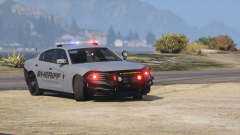 @Constable Lego What are your graphics settings?
 -
-
-
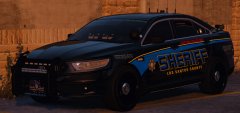 Good luck on the exam @Gumpalso do what you can in the next 4 weeks.
 -
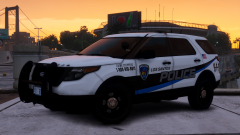 @BradM What are your graphics settings and or mods in your game?
 -
 @Maurice97 Any armored body panels?
 -
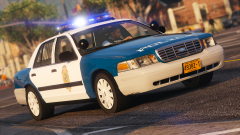 @Black Jesus You need t make then look sexy then. barf* barf* just get rid of the damn blue livery.
 -
aww shucks that's awfully scary, i'm a little nervous.
-
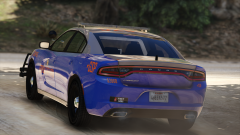 @xMoD You should add alpr's before you release this. And put awd charger rims on it
 -
-
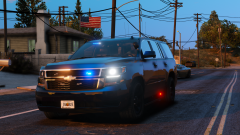 @thegreathah Is there a release date on this yet?
 -
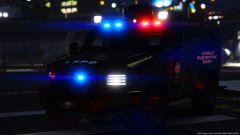 @J.J Dawkins Can you upload your car packs again? I can't find them on lspdfr anymore.
 -
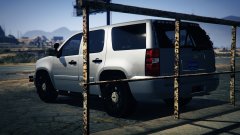 I have been waiting for a Tahoe with that exact lighting setup,please release soon. @J.J Dawkins