Salashdot03
Members
-
Joined
-
Last visited
Everything posted by Salashdot03
-
 Doesn't matter it is so unrealistic and the parts you're using are awful.
 -
Please uninstall this piece of shit. Look JJ my brotha. I really don't like being mean and giving bad reviews, but this shit made my eyes bleed.
-

From the album: Hafen's WIP
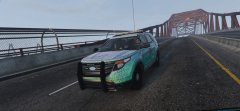
Credits to @Officer27 for the screenshot. -
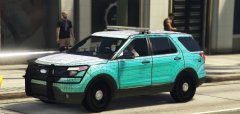
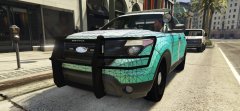
Don't mind the textures. Give me suggestions.
-
 You never stop improving these models.
 -
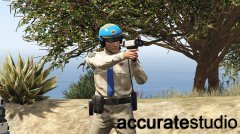 Looks good!
 -
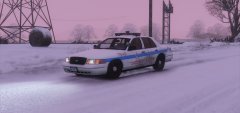 PM me.
 -
-
Here I will be showcasing all my new cars that I will be releasing.
-
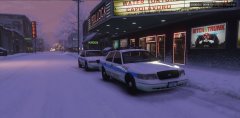
From the album: Old Style Vehicles
Expect a release this Friday. -
From the album: Old Style Vehicles
-
-
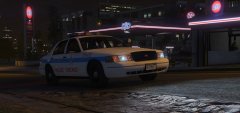
From the album: Old Style Vehicles
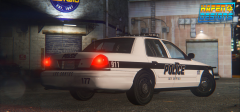
Finally got my friend @RekRam to make me a CPD unit car holder. Without him this wouldn't be possible. Thanks @RekRam. -
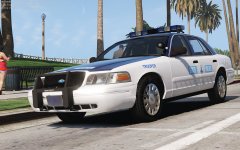 You should switch to Solo's Edge.
 -
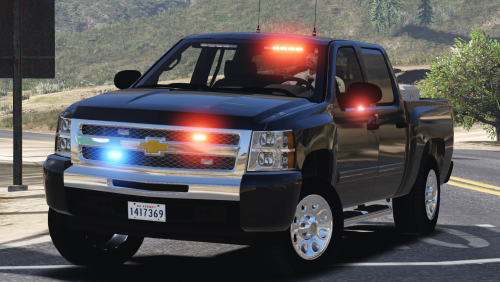
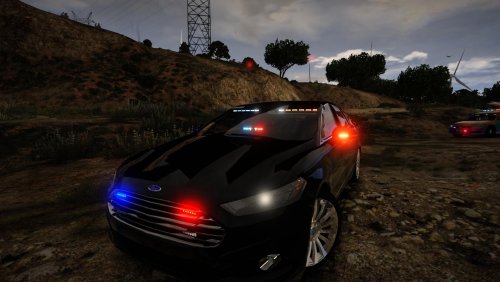 Just as Him said the amount of lights you are using for this car is ridiculous and it's not just this car. It is all your other cars too. Also for some reason you continue to use the same lights. Don't be lazy convert something new and try something different. In no way am I saying Christmas trees are bad, but you must use proper judgement on what kinds of cars you're gonna make into Christmas trees.
- 30 comments
- 14 reviews
-

From the album: Old Style Vehicles
XO -
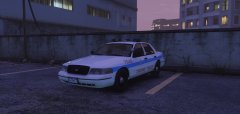
From the album: Old Style Vehicles
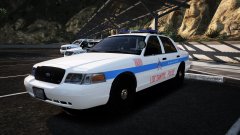
I plan on getting this car out to you guys sooner or late. Everything is done except for the unit card holder at the top. Once I have that it will be ready for release along side a 2002 CPD Crown Vic I am also making. -
 Yup pissy offy
 -
-
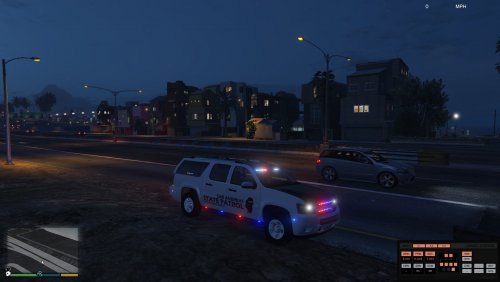 It's not compete as you stated. Way to act smart about it. Release something when it's done.
- 69 comments
- 11 reviews
-
Just ewwwwee. Don't release something just to release it. Take your time. The best models are the ones that take the longest to make.
- 69 comments
- 11 reviews
-
-

- 1
-
-
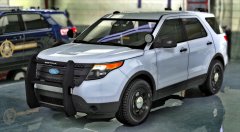 If I give you the Tuarus. Will you give it to JJ Dawkins?
 -
God bless this mod dev. Not u.
-
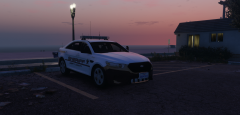 It's prefectly sized. Any thinner and it would be a liberty.
 -
It's a whelen freedom it's supposed to be larger than an average bar.