TrooperA1868
Members
-
Joined
-
Last visited
Everything posted by TrooperA1868
-
 did it to both just to make sure
 -
replaced it but the same vanilla one shows up when in game 😕
-
Can you tell me where the path is for the model and texture file is in open iv?
-
-
-
-
 pics?
pics? -
-
 can you make a live PD one? or cops
 -
-
-
 Hello I tried getting on to your discord but I couldn't. I have a few suggestions for callouts! For more realism you could add traffic collisions since there isn't a good updated callout pack that features accidents. 1. You could do a minor fender bender on the freeway. 2. Truck rollover! a heavy truck took a turn on the highway and tipped over. 3. A drunk driver totals vehicle by hitting the guard rail 4. and basically your typical collisions on the highway could happen for any reason
 -
-
-
-
-
-
-
Hello all just started a new twitch where I aim to play LSPDFR as realistic as possible with my experience and knowledge. Come follow as I just started and every viewer matters. First stream is happening now!
-
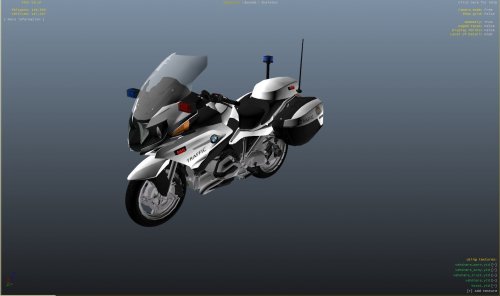 can you make a state patrol one?
 -
What vehicle is that?
-
-
You have to activate stage 3 lighting if you are using ELS which is default the key J
-
Just be proficient in the area that you patrol and learn/look at the signs.
-
Hate to say it but start from scratch and install everything one by one while starting your game at every change you make.

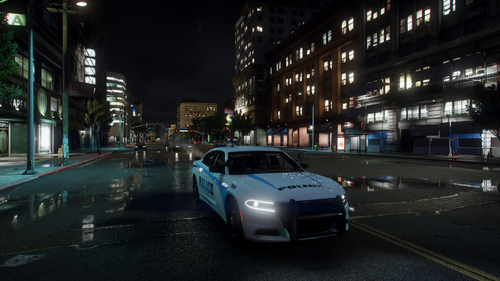




.thumb.jpg.37cdb54de83d6dee03b6b15e76b2f5fd.jpg)