austinjack31
Members
-
Joined
-
Last visited
Everything posted by austinjack31
-
 Any progress on this?
 -
-
Ya Toronto uses a variation of the MX7000. I already have the lightbar file that was custom made. Once again just need someone to make it lol
-
I think you're misunderstanding what I mean. I dont want skins. I need car models. Ones with the actual PROPER lightbar. Which I can supply to anyone who is willing to do the cars. Trust me ive looked around lcpdfr before.
-
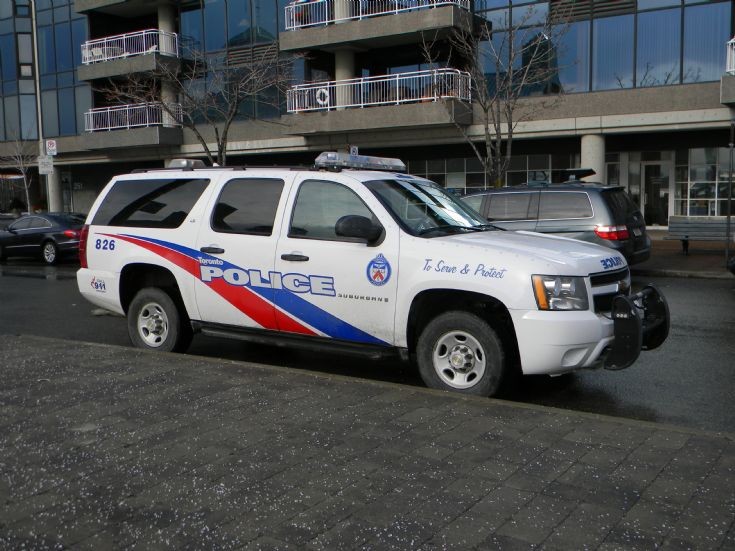
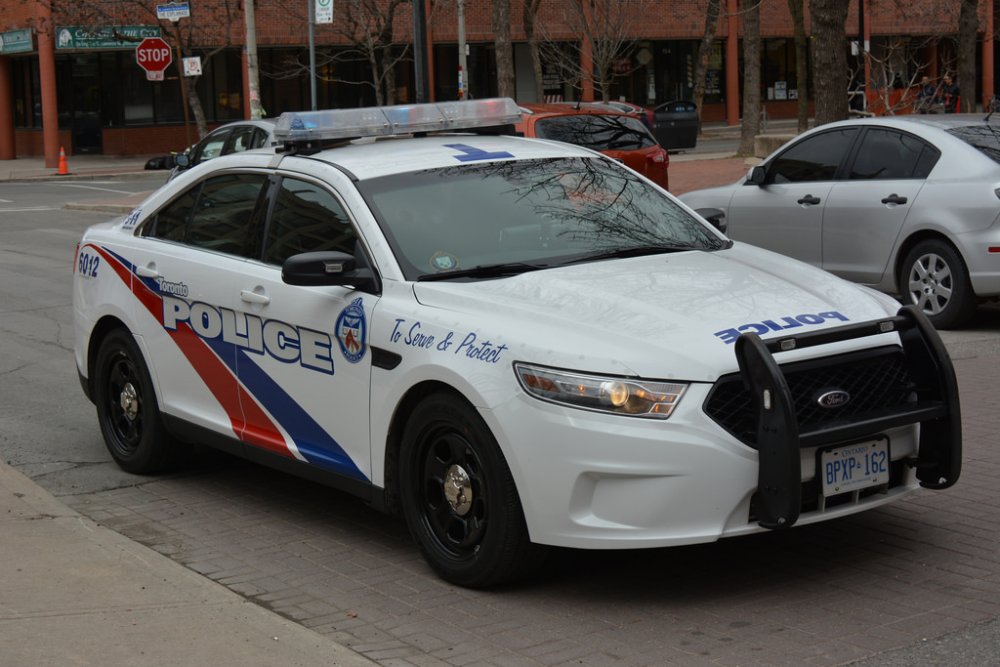
Hey everyone. I am in need of Non-ELS Toronto Police cars (specifically: CVPI, FPI, FPIU, Suburban). I have the light-bar and everything. I just need a skilled modeler to be able to do it, someone who knows how to make rotators work for Non-ELS. PM me and we can work something out. I'll attach pictures of the cars.
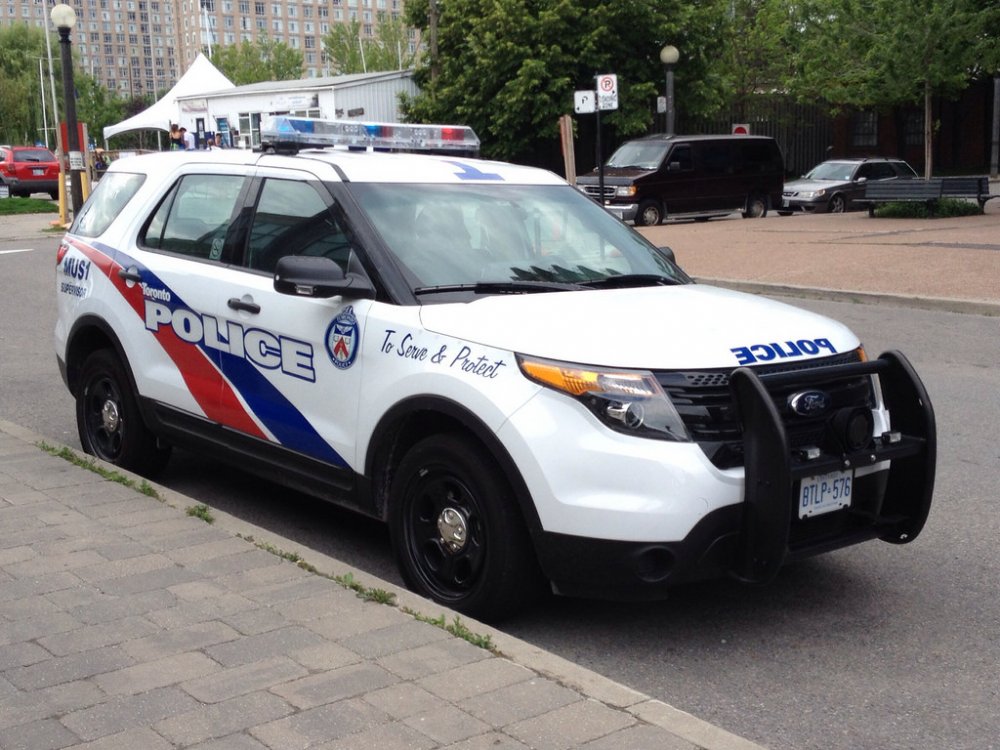
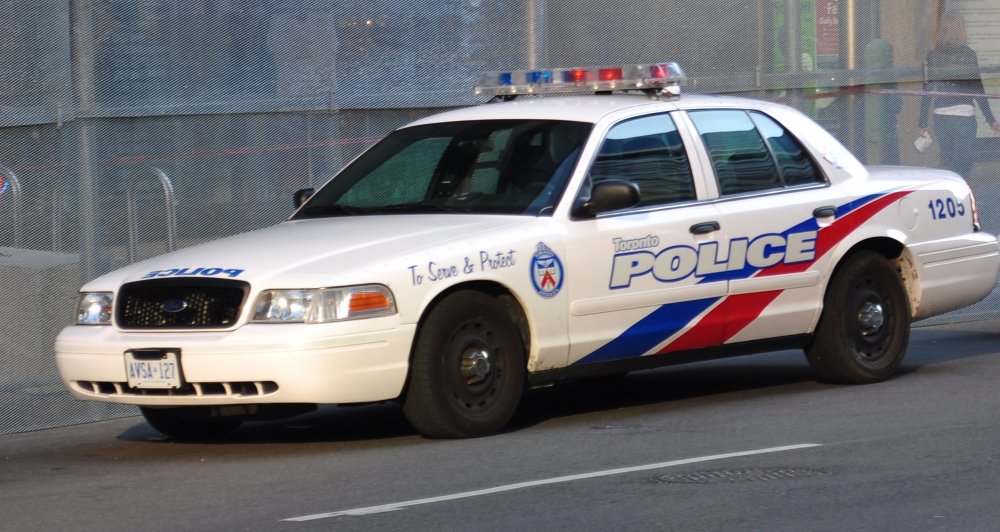
-
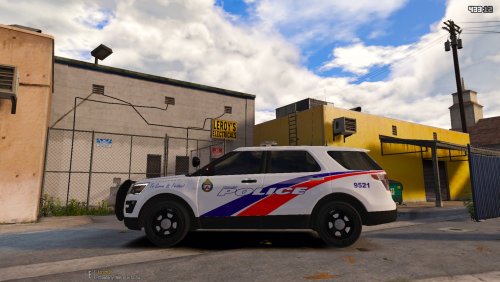 It looks great! Very well made skin. Only thing that should be changed is the logo/badge. TPS uses a blue version of that logo on their cars. Other than that it looks great, good job!
- 1 comment
- 1 review
-
-
link?
-
nah gotta figure this out
-
Haha yeah. And I appreciate it. I'm trying to get my friends to help but they're all busy lol
-
So I made a CVPI in Zmodeler 2, when I finished it I exported it. Settings for export were: Locked = Checked, Store Textures = Unchecked, Sliced Model = Checked. And I put it into OpenIV. I tried viewing it in OpenIV, all of that was good. But when I went in game and I tried spawning the car through the console, it came up with an unable to create object error, and if I tried spawning it through the trainer the trainer just froze. Does anyone know the reason for this? Or has anyone experienced this issue before? I didn't get any errors when exporting or anything. I'm new to modelling in Zmodeler so any help would be greatly appreciated :)
-
-
 Public Model?
 -
-
-
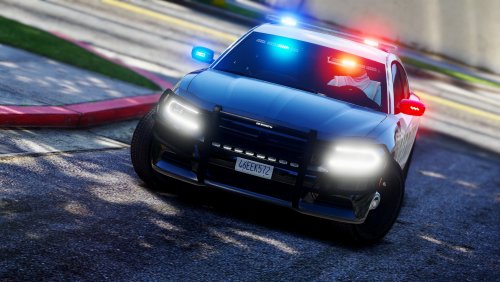
.png.492e6c0d0d847d654e941123c9c4b1bc.thumb.png.37759929590f0b6bc781fb067977847e.png) Do Not Re-Upload this Skin to any other website. My YouTube Channel: https://www.youtube.com/channel/UCmCDTpXfZAiMFQfHF3RzsiQ Skin was made for use with this model Here's a video MrMaticks made showing off the charger (his channel: https://www.youtube.com/user/MrMaticks10 ) This is a fictional Montreal Police Department I made for the MrMaticks 2013 Dodge Charger. It is loosely based off of the Detroit and Orlando PD Vehicles. I hope you all enjoy :) (I'm using MrMaticks Screenshots because I'm too lazy to take my own right now) Credits: -MrMaticks for the 2013 Dodge Charger Model -MrMaticks for the screenshots
Do Not Re-Upload this Skin to any other website. My YouTube Channel: https://www.youtube.com/channel/UCmCDTpXfZAiMFQfHF3RzsiQ Skin was made for use with this model Here's a video MrMaticks made showing off the charger (his channel: https://www.youtube.com/user/MrMaticks10 ) This is a fictional Montreal Police Department I made for the MrMaticks 2013 Dodge Charger. It is loosely based off of the Detroit and Orlando PD Vehicles. I hope you all enjoy :) (I'm using MrMaticks Screenshots because I'm too lazy to take my own right now) Credits: -MrMaticks for the 2013 Dodge Charger Model -MrMaticks for the screenshots -
Oh I found it. For anyone else wondering it is the Code 3 RLS Siren
-
I've looked far and wide and I can't seem to find the name of the siren the Toronto Police Services use. Does anyone know the name of it? If so would you be so kind as to tell me what it is? Thanks :)
-
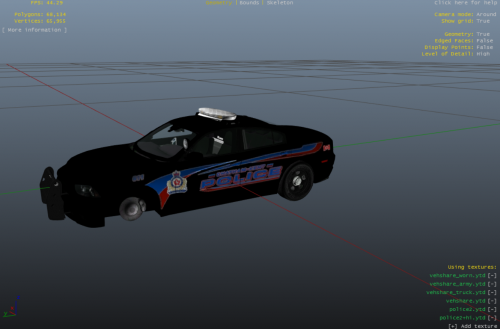 Use it on this model This is a texture for a Chatham-Kent Police based out of Ontario, Canada. Please do not re-upload this texture without my permission. Thank you.
 -
Yeah sorry didn't see that you can remove this post if you want
-
Hey guys I'm in need of someone to model me some custom Toronto cars. I would like someone to model them with the toronto version of the code 3 mx7000 lightbar. Thanks in advance :)
-
I'd be interested in a marked suburban
-
-
So I installed a Taurus into the police4 slot. I'm not sure if it's just the slot I installed it into (probably is) but when I try to use the lights the lightbar doesn't light up. Could this be because police4 is an unmarked slot? If so is there a way for me to edit the way the lights are? Or am I going to have to put it in a different spot?
-





.png.492e6c0d0d847d654e941123c9c4b1bc.thumb.png.37759929590f0b6bc781fb067977847e.png)