




Soko N Lime
Members
-
Joined
-
Last visited
Everything posted by Soko N Lime
-
 lspd first response.dll crashes when i use the command ForceDuty. I removed Traffic policer and it no longer crashed. here is my log, im not sure what else is conflicting to cause the crash. RagePluginHook.log
- 3,646 comments
- 306 reviews
-
-
-
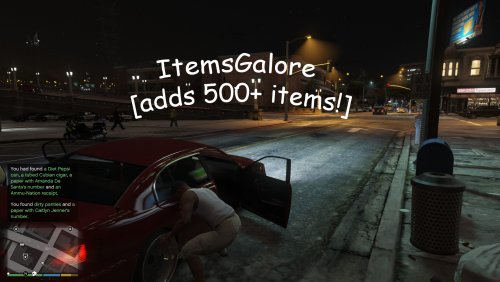 I dont know if im the only one but every time I add this list to my police search lists folder (either replace or addon) it crashes my lspdfr
- 8 comments
- 3 reviews
-
 format of the xml file. i took mine out, ran the plugin so a new one was generated, then put my setups back in one at a time. i think i have like 5 or 6 set ups but after i added them all back in it worked.
- 851 comments
- 108 reviews
-
-

- 1
-
-
I actually figured out what was wrong. This is an awesome addition to LSPDFR. thanks albo
- 851 comments
- 108 reviews
-
-
- 1
-
-
Siren mastery keeps crashing on me when I have a custom vehiclesirensetup xml file in the Siren mastery folder. I took my custom out and it works without crashing. Not sure what I'm doing wrong. Help Me albo. You're my only hope.
- 851 comments
- 108 reviews
-
same thing happening to me. getting error code ex28

