
Jphil
Members
-
Joined
-
Last visited
Everything posted by Jphil
-
I tried to expand the database today, however when I used FI lookup and autofill respectively I immediately get an index crash of LSPDFR 100% of the time now.
-
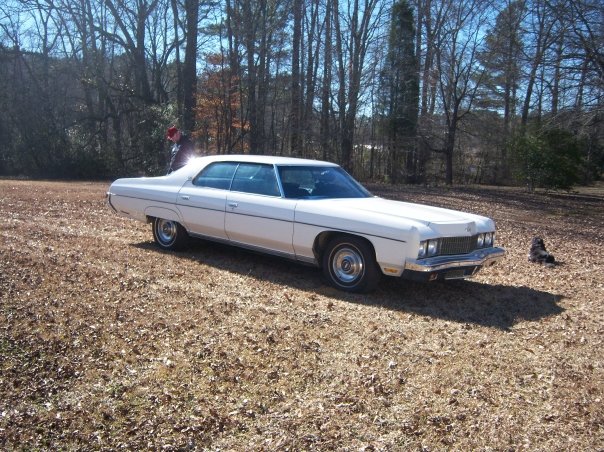
 :O what is love. I think I have found it. Again i have found the Ford of dreams *drools alittle*
 -
my second database update after an extensive Vinewood patrol MDTupload2.zip
-
I started doing stop and frisks and entering my findings into the system. (I try to use actual LA and some NYC policies, though I'm struggling with instability because of other mods.) here are my first three stop and frisk. MDT.zip
-
I was sketpical, but now after watching the video and reading this.... I love it. As aspiring LEO, this is great.
-
 I get random LSPDFR crashes, i've had it happen when I'm just patroling, No callouts starting or anything. I used to get 2 or more hours of gameplay, wanted to add vocal because I find the backup menu just a bit slow and clunky. When i added vocal I can get get anywhere from 5-45minutes without a crash.Rather new here. Don't know if I can attach a notepad document to a comment or what have you.
- 587 comments
- 106 reviews
-
anyone else having problems? I rebound the controller to DPadDown, but that's the only change I've made. It has produced an insane amount of instability to my stable mode group. I love the mod for quick backup calls but that seems to be the only thing working. Any ideas?
- 587 comments
- 106 reviews