
PCRatcat
Members
-
Joined
-
Last visited
Everything posted by PCRatcat
-
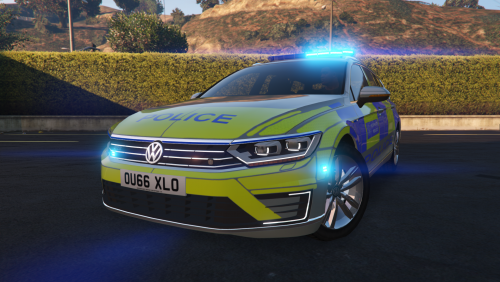 Absolutely brilliant, lovely to drive and a lovely vehicle for my collection!!
- 19 comments
- 5 reviews
-
-

- 1
-
-
-
-
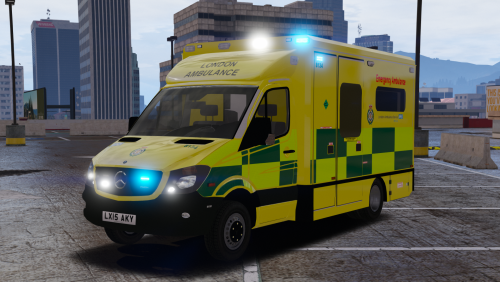 Ofcourse, ignore the pervy comment on your video, Ill probably do a video in it.
- 17 comments
- 8 reviews
-
-
- 1
-
-
-
-
-
-
He isnt the commissioner of every service. Every service has its own Chief Constable or Commissioner. He is just for London.
- 7 comments
- 5 reviews
-
-

- 1
-
-
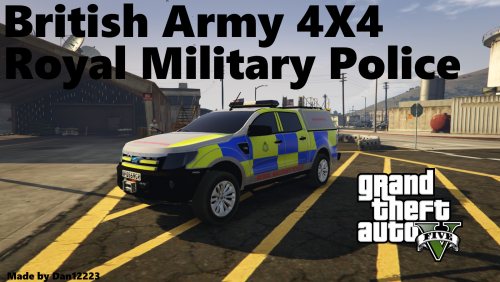 2 Things, I trust you have Permission from Eric James / BritishGamer88, Also, I wouldn't have bothered making my own if I had seen this lol!
 -
 No Problem!
 -
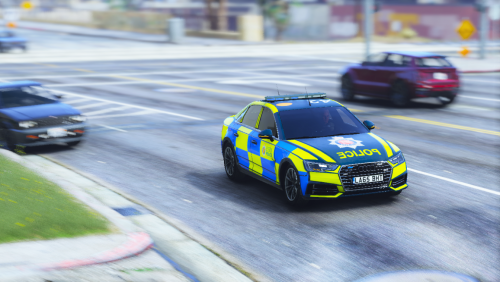
This reskin looks very nice however, you could make It even better by making the logo on the Bonnet smaller.
-
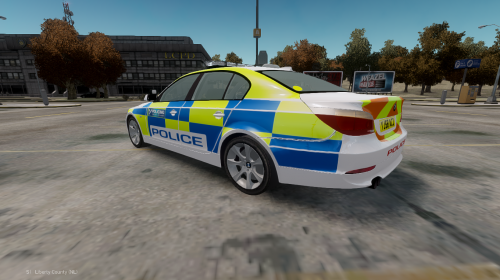 Will you be doing any more Regional Roads Crime Team Skins/Cars for like some of the 3Series? I live in West Yorkshire so I feel privileged to use these!
- 2 comments
- 1 review