


Ridered1990
Members
-
Joined
-
Last visited
Everything posted by Ridered1990
-
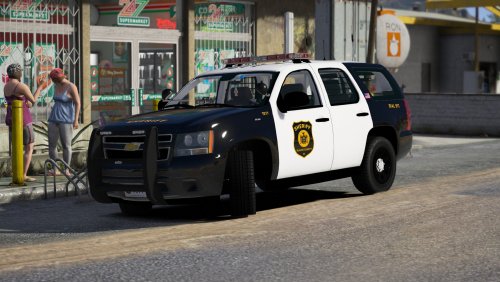 Something i do not understand and it happens with a lot of mods, i try and used Rar opener, 7 zip and something else but none of them work and it loads halfway or it says can not detect the file type.
- 18 comments
- 16 reviews
-
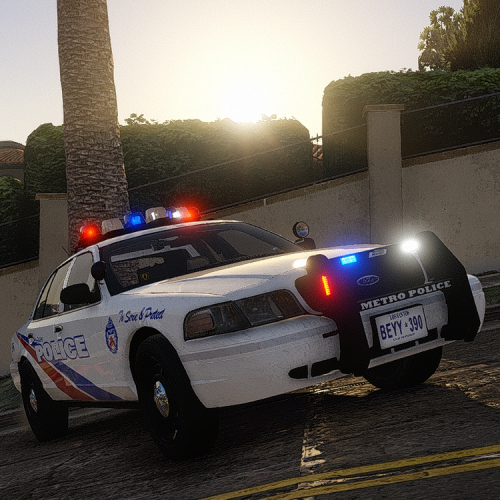 I am enjoying the mod but again what everyone else said would be nice if it was louder.
- 40 comments
- 7 reviews
-
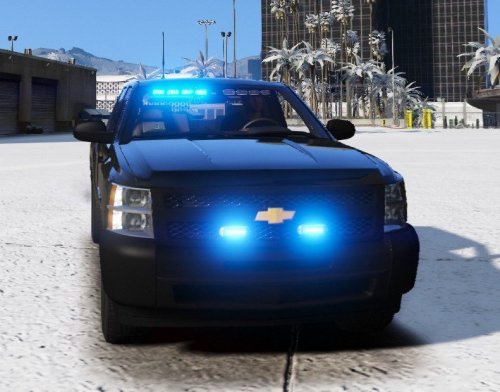 I am able to download the mod, but i cannot unpack it, it loads halfway and then wont go any further. Says it could be not complete or corrupted.
- 31 comments
- 15 reviews
-
 I love the vehicles and the light packages, only problem with it is when i activate the lights i get different parts like the passenger side spotlight, partition and the push bar are flashing on and off with the lights. Also vehicles in slots like police 6 and 7 are not ELS
- 779 comments
- 187 reviews
-
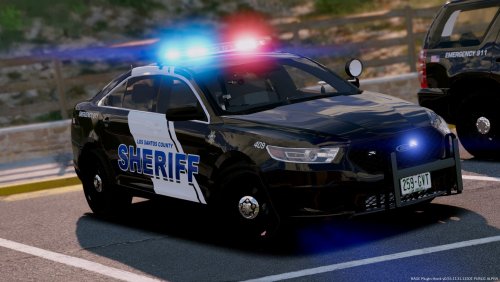 While i liked the models and the skin the light set up for me was just a little goofy and the light modes were goofy as well. For the CVPI the front visor lights were not in the right place i feel like either they needed to me moved up or have the model with the suction cups on them. The Charger and i assume the other marked vehicles the traffic advisor i tried to change the light pattern but it was hard to find something that they didn't all flash at one. Also the center light on the traffic advisor did not come on until stage 3.
- 17 comments
- 11 reviews
-
Eyyyy go Nascar lol
-
Oh ok, yeah that is crazy a controller could do that, dumb. Also yeah i found that out long after i did a million other things haha
-
Thankfully the wireless 360 controller is not affected(yet) but i would have never in a million years thought of that..
-
@NoNameSet It works, what i had to do what force run DirectX11 and force window mode and bingo bango, thanks again for all the help!!
-
So i tested this for myself when i got home and BAM it worked for me, hopefully it does for you.
-
WOW!! Ok so i might know the fix for freezing i need to try it when i get home but try and hold shift when you open rage and go into the settings and force direct x 10 or 11, its "freezing" because of police smart radio.
-
Ok so we can prbably rule out that its GTA side, have you tried uninstalling OpenIV and trying to run rage? And it was right before it loaded lol.
-
Ok, if you load into the single player via steam does it still crash? On a side note i laughed kinda hard at work when you were going over the steam notification, thinking in my head i can see you yelling "gtfo steam!"
-
You set the video to private, i cannot view it.
-
If you can take a video of what it is doing and maybe someone can diagnose.
-
Ah ok, i will give shit a shot tonight.
-
I will check the versions when i get home, at work now, also i do not think so but i will double check. A lot of what i have is from Albo
-
Ok, well unfortunately that is all i know thus far on what to do, if i learn anything else i will let you know, sorry couldn't get it fixed..
-
Ok so Ragenativeui was last modified 10-9-16 Albo was 5-20-17 but i cannot find Darkmrye..
-
I updated everything, scrithookv, openiv, scripts.
-
So i think i may have figured out the issue here, so when i load in to RPH when i hit the console key i get nothing but a frozen screen, so i tried to untick the "Disable permanent version text rendering" in the RPH console when you hold down shift. I got it to work once and i got this loading screen overlay when i loaded the game telling me exactly what RPH was doing, but i cannot get this to come back. So i am thinking that when i load into policesmartradio and computer+ they are not showing the boxes and text just like i cant see the console when i hit the key. Let me know what you think.
-
Well darn, everything is up to date correct? Open IV, stuff like albo common, Scripthookv, etc?
-
Ey no problem, just glad someone helped me so i can spread the love lol
-
Ok so let me get a few screen grabs and i will try and explain. Ok so i have attached the files that i have in my "Mods" folder. What i did was grab the original un modded folders from GTA and put them in my mods folder overwriting what was in there so my mods folder was "un modded" which means no textures, car models, everything was back to stock.

-
Which part? Because i had to update my GTA V, or do you mean updating my Mods Folder?


