


SCMatt
-
Joined
-
Last visited
Everything posted by SCMatt
-
-
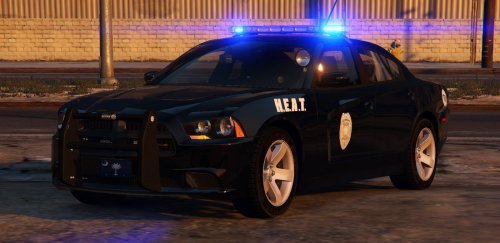 Oh man this thing is beautiful! Here is my line up, need to switch the skin on the slicktop as it's a homemade one and the color is off. The one that comes with this car is excellent. A lot of the Charger type cars with SC departments don't seem to have cages in them, county will usually call in another unit to transport and SCHP will ride them in the front seat if need be.
- 56 comments
- 25 reviews
-
-

- 2
-
-
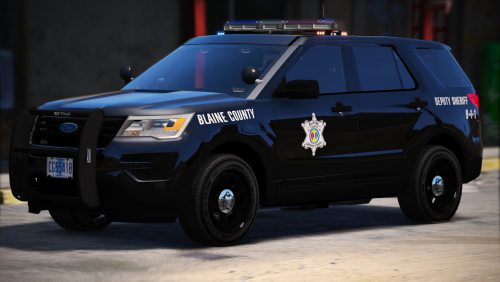 Amazing!! Richland resident myself, very accurate. Been using a RCSD skin I made for Gump's Tahoe for a while now but you just killed it with all the cars. Thanks! If I had to offer something up I'd say I wish the Challenger had a light bar (not a texture thing) and a CAT Team logo on it just for a bit more realism.
- 17 comments
- 14 reviews
-
-
- 1
-
-
 I need this livery in a bad way! Love me some SCHP skins. This would look good slicktop or on your cobra unit.
 -
 You are correct! It's an SCHP skin I made for the Charger, have one for CVPI and working on one for this Tahoe as well. Will try and get those in a pack asap. Here is my gallery with more photos of the SCHP skins on the way.
- 7 comments
- 1 review
-
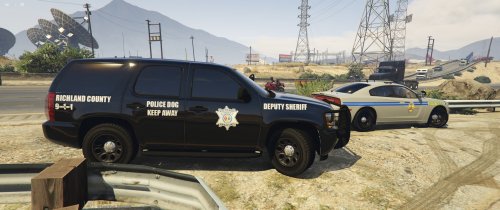
Skin made by myself for Gump's New Slick Top Tahoe. Richland County K9 unit from South Carolina, complete with County Gov plates in the back and K9 plate up front. Gump's Tahoe - http://www.lcpdfr.com/files/file/11834-andreas-state-patrol-slicktop-tahoe/ Working on CVPI versions.
- 7 comments
- 1 review
-
-
- 2
-
-
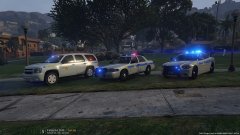
From the album: South Carolina HP skins
Another line up, All blues are what dreams are made of!!! To bad I can't get rid of all of the reds, this isn't EMS or Fire bahhhh. Made as many blue as I could though! -
New SCHP (South Carolina Highway Patrol) skins I threw together for some current models. Didn't really find one when I started putting skins on my cars so I had my first go at skinning and I think it came out fairly well. Still want to do a FPI unit, and the grey/silver is tough to nail color wise it's just not quite right but not terrible. Still a WIP I guess, always is. I wish I could use all Blue lights. I've edited all I can but there are still red ones left in there and they just can't go away. I guess majority blue will have to do. Red lights look so crappy, this isn't EMS or Fire. Bah!
-
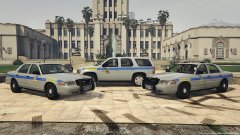
From the album: South Carolina HP skins
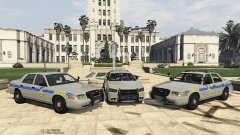
Line up at City Hall -
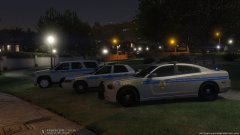
From the album: South Carolina HP skins
Line up at night, love the Charger -
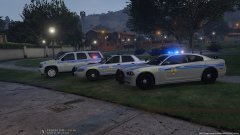
From the album: South Carolina HP skins
Line up at night. -
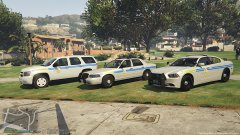
From the album: South Carolina HP skins
Line up with Tahoe added! -
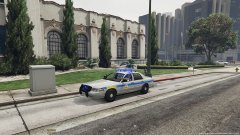
From the album: South Carolina HP skins
CVPI blues again -
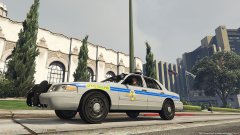
From the album: South Carolina HP skins
CVPI -
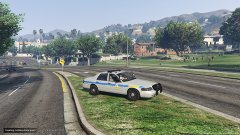
From the album: South Carolina HP skins
CVPI running traffic -
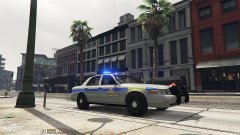
From the album: South Carolina HP skins
CVPI All blue dreams! -
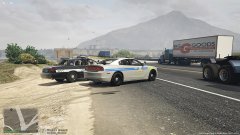
From the album: South Carolina HP skins
Assisting local units on traffic -
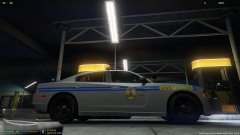
From the album: South Carolina HP skins
Mean looking SCHP Charger......at the gas pump. -
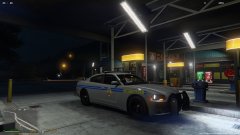
From the album: South Carolina HP skins
Mean looking SCHP Charger......at the gas pump. -
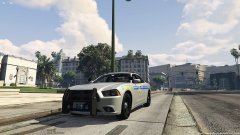
From the album: South Carolina HP skins
Mean looking SCHP Charger! -
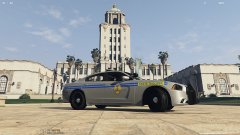
From the album: South Carolina HP skins
Mean looking SCHP Charger -
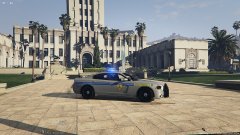
From the album: South Carolina HP skins
Mean looking SCHP Charger! All blue DREAMS! -
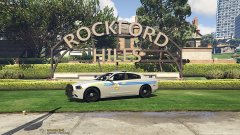
From the album: South Carolina HP skins
Mean looking SCHP Charger! -
From the album: South Carolina HP skins
Line up at city hall. Slicktop CVPI, Charger, CVPI

