


South Carolina HP skins
Album created by
SCMatt ·
Updated
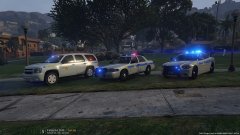
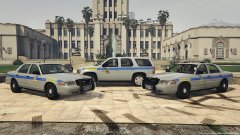
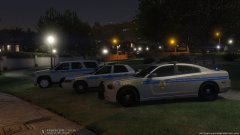
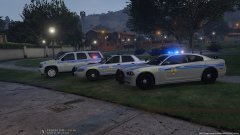
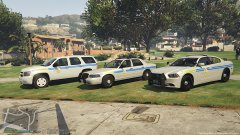
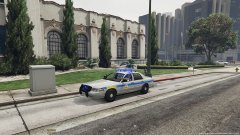
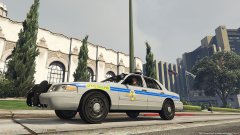
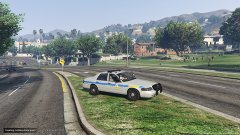
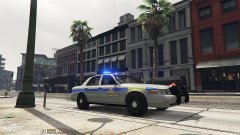
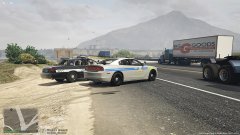
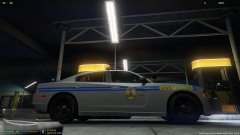
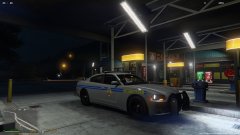
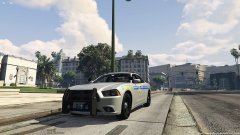
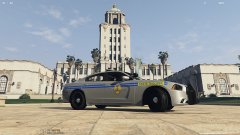
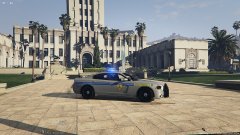
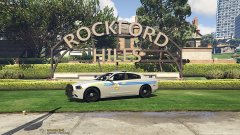
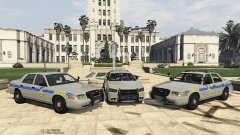
New SCHP (South Carolina Highway Patrol) skins I threw together for some current models. Didn't really find one when I started putting skins on my cars so I had my first go at skinning and I think it came out fairly well. Still want to do a FPI unit, and the grey/silver is tough to nail color wise it's just not quite right but not terrible. Still a WIP I guess, always is.
I wish I could use all Blue lights. I've edited all I can but there are still red ones left in there and they just can't go away. I guess majority blue will have to do. Red lights look so crappy, this isn't EMS or Fire. Bah!
17 images
Recently Browsing 0
- No registered users viewing this page.
0 Album Comments
There are no comments to display.
Join the conversation
You can post now and register later. If you have an account, sign in now to post with your account.