



RoyceTheFox
Members
-
Joined
-
Last visited
Everything posted by RoyceTheFox
-
Basically, no matter how I launch the game, thru RPH or Steam, GTA 5 will crash 5 seconds after launch. I've reinstalled DirectX, my GTA V folder is excluded in Windows Defender, and everything should be up to date. My log is included. Sorry about it being within 3 clicks xd
-
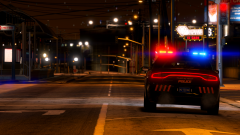
From the album: My screenshots
-

From the album: My screenshots
-
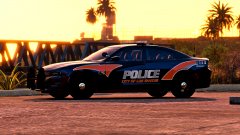
From the album: My screenshots
-

From the album: My screenshots
-
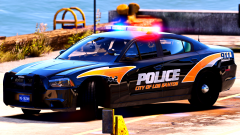
From the album: My screenshots
-
 i wasnt talking about just that message, im talking about everything youre doing here. an like Clarinetplayer77 said, maybe he got a bit too enthusiastic and posted it before the testing stage was complete.
 -
 owo
owo -
-
Yea, you should be fine. If the old vehicle is in an old patchday, you can put it in a newer one and it will override the old model, aslong as its named the same. To make modding easier, I'd suggest downloading and installing Albo's Modding DLC.
-
-
-
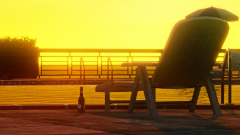
From the album: My screenshots
-

From the album: My screenshots
-
 Damn, this thing really took off. 😁 I'm glad I was able to take screenshots for this.
- 55 comments
- 9 reviews
-
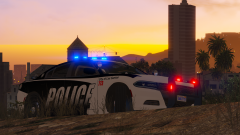
From the album: My screenshots
-
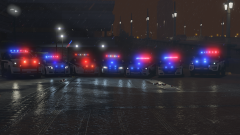
From the album: My screenshots
-
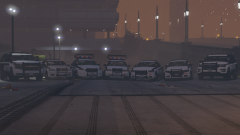
From the album: My screenshots
-
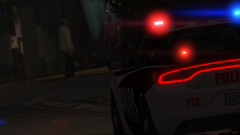
From the album: My screenshots
-
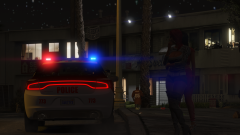
From the album: My screenshots
-
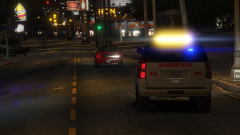
From the album: My screenshots
-

From the album: My screenshots
-
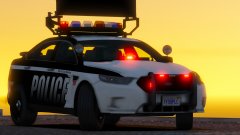
From the album: My screenshots
-
.png.f9b803b7ef269d0d826ded904c6a1c56.png)
From the album: My screenshots
-
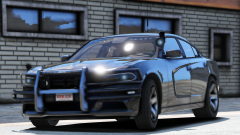
From the album: My screenshots


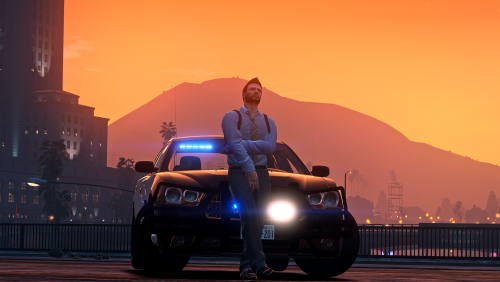
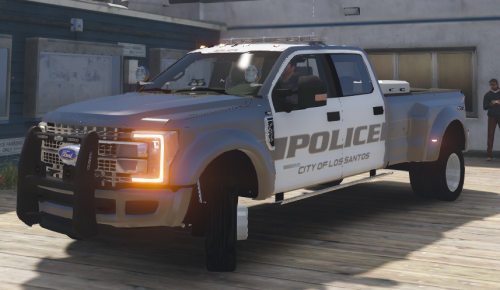

.png.f9b803b7ef269d0d826ded904c6a1c56.png)
