Skip to content
View in the app

A better way to browse. Learn more.

LCPDFR.com

A full-screen app on your home screen with push notifications, badges and more.

To install this app on iOS and iPadOS
  1. Tap the Share icon in Safari
  2. Scroll the menu and tap Add to Home Screen.
  3. Tap Add in the top-right corner.
To install this app on Android
  1. Tap the 3-dot menu (⋮) in the top-right corner of the browser.
  2. Tap Add to Home screen or Install app.
  3. Confirm by tapping Install.

Kent Robbins

Members
  • Joined

  • Last visited

About Me

"I don’t have to draw a line in the sand. I already have one. It’s thin. It’s blue. It’s mine and if you cross it, I will protect it."


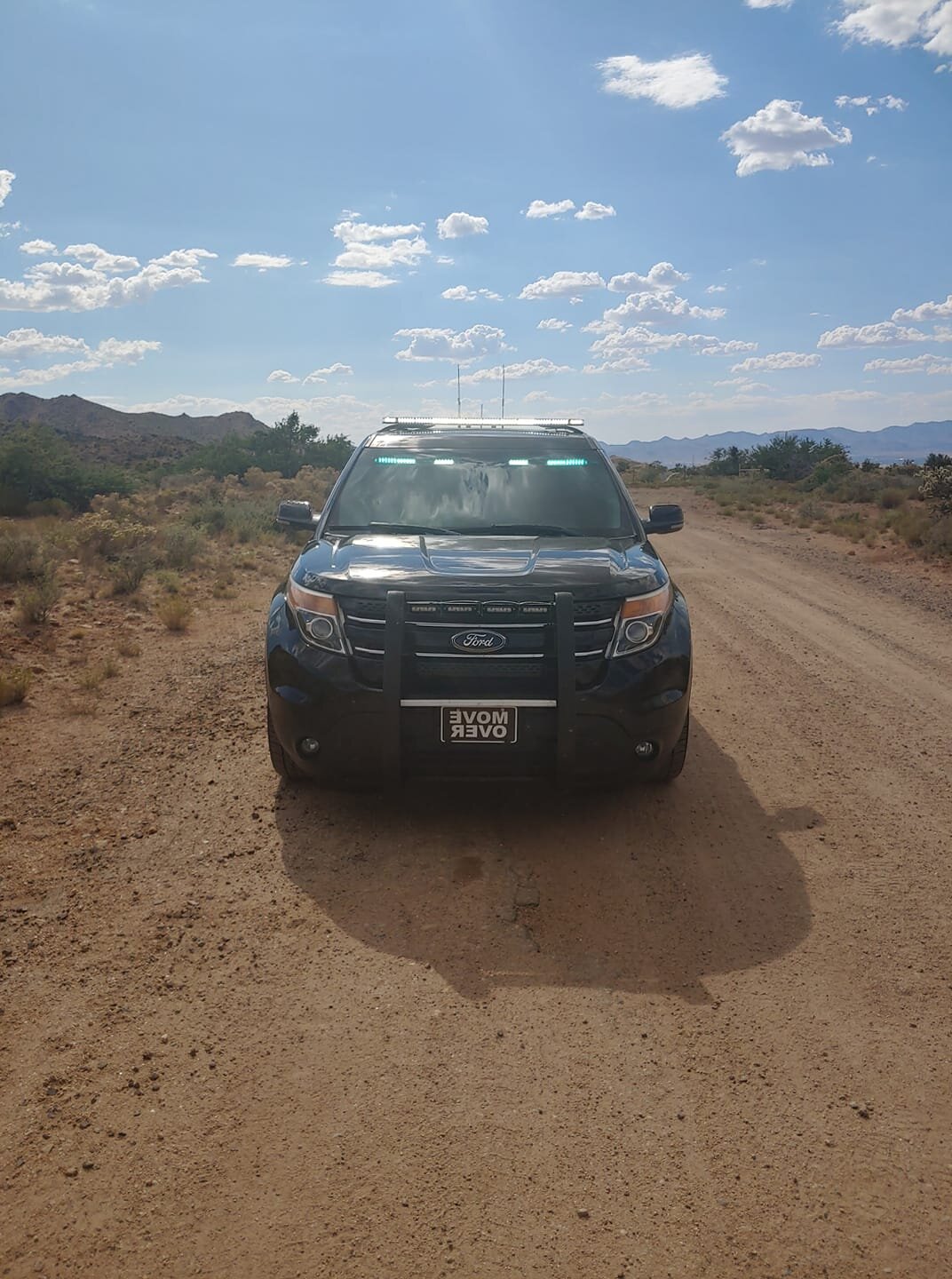
I am a 24 year old that works for Arizona Department of Public Safety, also an avid off-roader and gamer. I enjoy playing LSPDFR. The vehicle in my photos is my personal response vehicle, a 2013 ford explorer. 


I am starting to put myself into the LSPDFR community to help out others and start making my own content, I have been installing and using mods off the community for awhile and decided that I should start to make some of the unmarked vehicles that we use in Arizona. There is no current ETA for file releases but keep you eye out for them they will be coming.

Account

Navigation

Search

Search

Configure browser push notifications

Chrome (Android)
  1. Tap the lock icon next to the address bar.
  2. Tap Permissions → Notifications.
  3. Adjust your preference.
Chrome (Desktop)
  1. Click the padlock icon in the address bar.
  2. Select Site settings.
  3. Find Notifications and adjust your preference.