


Reddington
Members
-
Joined
Everything posted by Reddington
-
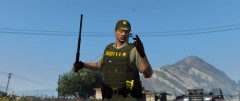 Why are you getting your hands dirty? Sick the dog after them!
 -
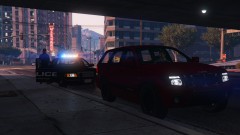
From the album: Red's LSPDFR chaos
-
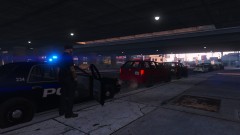
From the album: Red's LSPDFR chaos
-
I've been asking around for a few days, and thus far have not had any luck getting an answer. The only info I've gotten is that it might be an EMS siren, which it sounds like is correct. Skip to 0:50
-
-
Goodnight. 😛
-
-
That goes in the same spot as the .dll and the config for whatever plugin you're installing. The pdb file is for the plugin developer, as it helps give them information on plugin crashes.
-
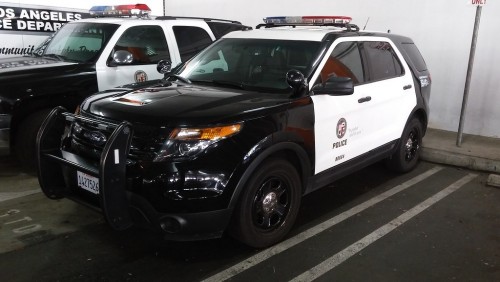 Normally I really hate the SS2000 siren because of how overused it is by everyone, but I really like your version. The sirens sound very authentic and the tones all fit nicely together. Good job!
- 14 comments
- 2 reviews
-
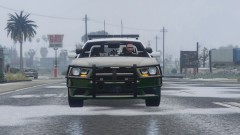
From the album: Red's LSPDFR chaos
-
 I'm very back and forth on my livery preference. One week I'm into dark themes, another white, and another mixed. However, I think this is my new permanent skin. I really love the blend of colors and how you designed it. Nice job!
- 65 comments
- 34 reviews
-
-

- 1
-
-
-
 I'm not sure why, and I'm not sure which visualsetting in the download is the culprit, but my coronas are massive. They are even larger than the lights on the light bar. Anyway of toning them down, or no? I'm guessing no since coronas is a graphics.ytd thing. For whatever reason there's an incompatibility between the NVR graphics.ytd and the visualsettings in the download.
- 67 comments
- 10 reviews
-
@EchoWolf TickleMyElmo recently updated his pack and included a new Silverado. Can you please add that when you have time? 🙂
- 65 comments
- 34 reviews
-
Look at the very first FAQ, I explain it. 🙂
-
The thing is, you can easily do yourself what Radiance and all these "make lights brighter" mods do, it just requires opening the visualsettings and changing some values. These guys aren't doing anything special or unique, they are just raising values to make lights brighter. The visualsettings you started off with by default can be just as good if all you want is better lights.
-
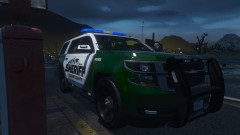
From the album: Red's LSPDFR chaos
-
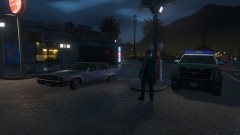
From the album: Red's LSPDFR chaos
-
The horn sounds like it's from a big rig. 😄 I love it.
-
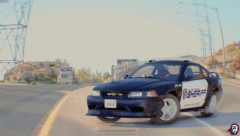 *Opens OpenIV* TIME FOR NEW SHERIFF PACK!
 -
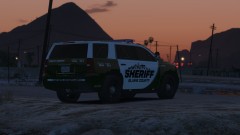
From the album: Red's LSPDFR chaos
-
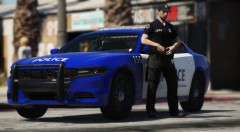 Which pack/livery is this? That's gorgeous!
 -
Just so you're aware, you never had ScriptHook to begin with. If you did have it and it vanished from your directory, your anti virus probably flagged it as a virus and removed it.
-
Hello, Follow my guide and you'll be set.
-
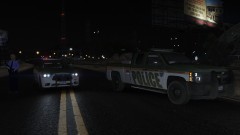
From the album: Red's LSPDFR chaos

