Creators: Due to background reprocessing of files, approvals and file security checks may be delayed. Thanks for your patience.


Reddington
Members
-
Joined
Everything posted by Reddington
-
G on keyboard DPadLeft + A on controller Here's a tip: If files come with a .INI/config file, check that first. It usually lists the controls. 🙂
-
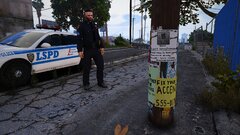
From the album: Red's LSPDFR chaos
-
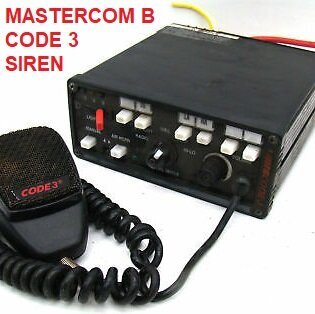 It still blows my mind the shitlord on a motorcycle makes GTA sirens. 😂 Best sounding Mastercom B I've heard.
- 21 comments
- 7 reviews
-
-

- 3
-
-
Damnit, here I go again swapping between your sirens again. 😂 Are the gun sounds on that server available anywhere, or private?
- 21 comments
- 7 reviews
-
-
- 2
-
-
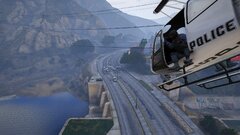
From the album: Red's LSPDFR chaos
-
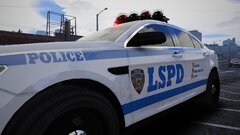
From the album: Red's LSPDFR chaos
-
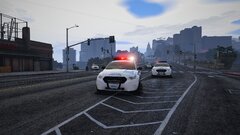
From the album: Red's LSPDFR chaos
-
 Hi there. I had a look through all the slicktop files and I did make a tiny mistake with some of them (forgot to change the dashlights blue, which is what I believe you're referring to) and will fix that shortly. However, all the slicktops did have a Whelen Dominator Series texture prior to me changing them.
- 269 comments
- 17 reviews
-
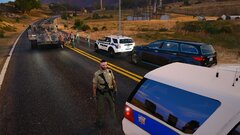
From the album: Red's LSPDFR chaos
-
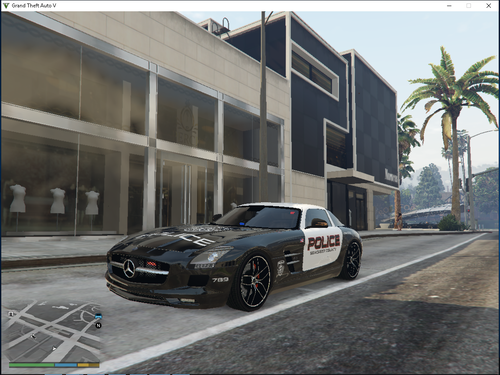 For the car, so we can make liveries.
 -
@garriboss Can you please include a template?
-
 @AmKoma Regarding the paparazo callout - I'm not sure if the laws are different where you live, but in America, you are legally allowed to take pictures of people in a public setting without permission. My recommendation would be to modify this callout so that the person taking the picture is a peeping Tom (taking pictures through people's windows) or something that is actually a crime.
- 255 comments
- 16 reviews
-
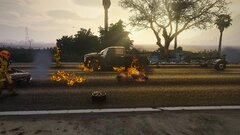
From the album: Red's LSPDFR chaos
-
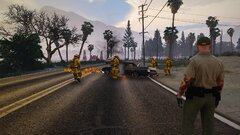
From the album: Red's LSPDFR chaos
-
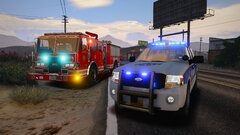
From the album: Red's LSPDFR chaos
-
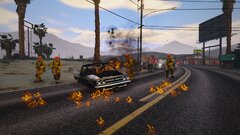
From the album: Red's LSPDFR chaos
-
-
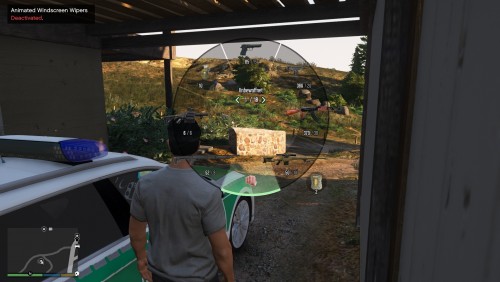 Been using this for a while now, but forgot to review. Love all the icons, adds some realism to the unrealistic weapon wheel. 😂 Nice job!
- 6 comments
- 2 reviews
-
-
- 1
-
-
-
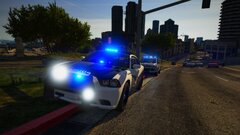
From the album: Red's LSPDFR chaos
-
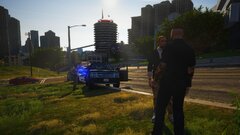
From the album: Red's LSPDFR chaos
-
Reading through this topic, I'm even a little confused as to what the question was and how some of these topics came up, so allow me to offer some insight. - You can utilize ELS's features (siren control only) with non ELS via a VCF that disabled ELS using the vehicle extras. However, you still need ELS installed. - Non-ELS came first. That's what stock GTA is, vanilla cars, vanilla lighting. I'm not sure how this confusion started of non-ELS cars not working with GTA. - Non-ELS cars install the same way as ELS, there's just one differences: ELS comes with an XML that has to be installed. @KentuckyDeputy Having "6 years of experience" means nothing when you're being toxic to other people and putting them down. Your initial post wasn't rude at all, was going to ignore it and let you be. This isn't a contest to see who has been helping longer or who has more experience. Furthermore, "being new here" doesn't mean someone doesn't know anything. Please treat other members of this community with respect, and if you can't be nice when replying, don't reply. If you don't like what someone has said to you, report it so we can review, don't fire back at them. Thanks.
-
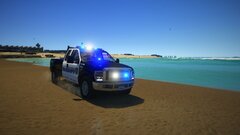
From the album: Red's LSPDFR chaos
-
The issue there is I'd have to start labeling archives "Part 1, part 2" and then put in the description "part 1 contains so and so, part 2 contains ...". Lets be honest, people rarely read file descriptions and would be so confused as to where the pack/vehicle is they want. 😂 I was able to knock it down a little bit by putting author's who had 3-4 individual files into one archive.
- 269 comments
- 17 reviews
-
Went ahead and changed it back. 🙂 It's not the ideal way I'd like, but it works better.
- 269 comments
- 17 reviews
-
-
- 1
-