Reddington
Members
-
Joined
Everything posted by Reddington
-
Your topic has been moved to LSPDFR 0.4 Support. Please post in the correct location in the future.
-
Your topic has been moved to LSPDFR 0.4 Support. Please post in the correct location in the future.
-
Bejoljo recently included adding drugs into your car/testing them into STP, my assumption is that STP and Interaction+ are conflicting. My recommendation is to remove Interaction+, it's no longer needed.
-
Your topic has been moved to LSPDFR 0.4 Support. Please post in the correct location in the future.
-
Your topic has been moved to LSPDFR 0.4 Support. Please post in the correct location in the future.
-
What were you doing prior to the crash?
-
The crash seems to be something with Ultimate Backup. Can you tell me what you were doing prior to the crash?
-
Sounds like your vehicle might not have the proper flags. What car are you trying to use?
-
Check my topic and see what works for you.
-
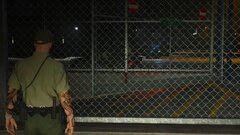
From the album: Red's LSPDFR chaos
-
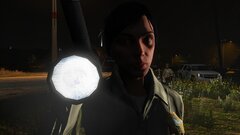
From the album: Red's LSPDFR chaos
-
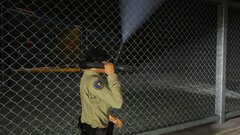
From the album: Red's LSPDFR chaos
-
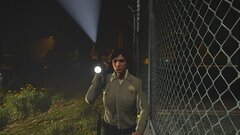
From the album: Red's LSPDFR chaos
-
-
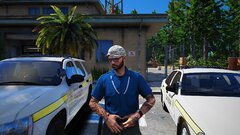 20200220150504_1.jpg
-
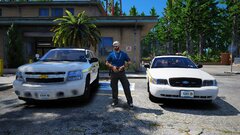 20200220150446_1.jpg
-
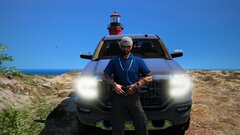 20200227004546_1.jpg
-
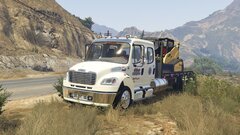 20191103151347_1.jpg
-
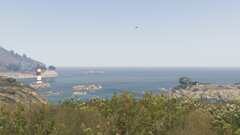 Beautiful
-
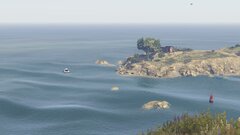 Peaceful
-
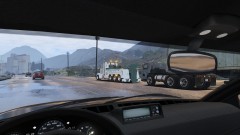 20190627035537_1.jpg
-
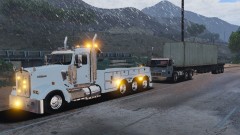 20190627035451_1.jpg
-
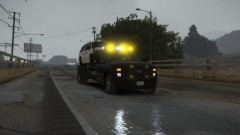 20190210015952_1.jpg
-
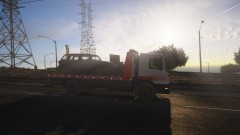 20190203222105_1.jpg
-
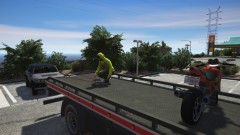 20190203222020_1.jpg
-
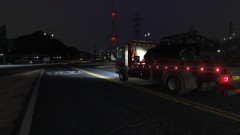 20190203221927_1.jpg
-
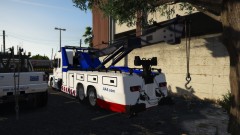 20190127080426_1.jpg
-
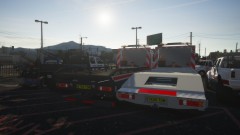 20190127080412_1.jpg
-
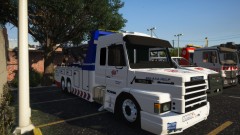 20190127080339_1.jpg
-
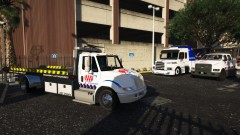 20190127080325_1.jpg
-
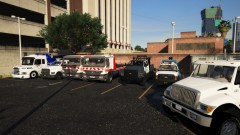 20190127080308_1.jpg
-
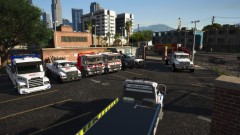 20190127080255_1.jpg
-
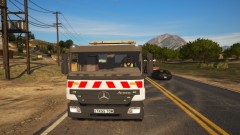 20190127080208_1
-
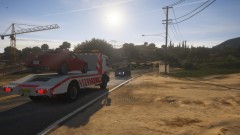 20190127080145_1
-
-
From the album: Off duty shenanigans
-
From the album: Off duty shenanigans
-
From the album: Off duty shenanigans
-
-
-
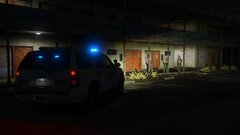
From the album: Red's LSPDFR chaos
-
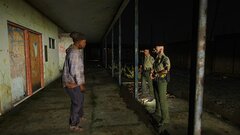
From the album: Red's LSPDFR chaos
-
-
I'm not sure which model this is, but - https://www.gta5-mods.com/player/axon-body-camera-texture
-
Your topic has been moved to LSPDFR 0.4 Support. Please post in the correct location in the future.
-
This topic has been moved to the appropriate forum. Please post in the correct location in the future.