


Creators: Due to background reprocessing of files, approvals and file security checks may be delayed. Thanks for your patience.


Reddington
Members
-
Joined
Everything posted by Reddington
-
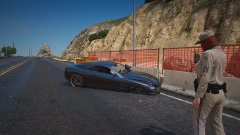
From the album: Red's LSPDFR chaos
-
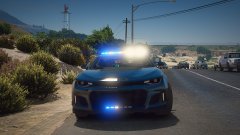
From the album: Red's LSPDFR chaos
-
-
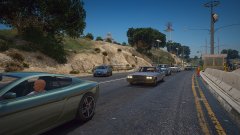
From the album: Red's LSPDFR chaos
-
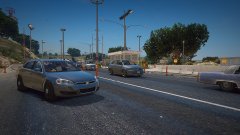
From the album: Red's LSPDFR chaos
-
 That's an LOD issue. You can fix this in the vehicles.meta by finding the <LodDistance> section and increasing the numbers to 500.
- 131 comments
- 45 reviews
-
-

- 1
-
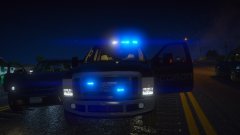
From the album: Red's LSPDFR chaos
From the album: Red's LSPDFR chaos
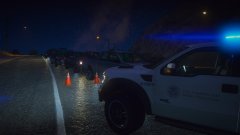
From the album: Red's LSPDFR chaos
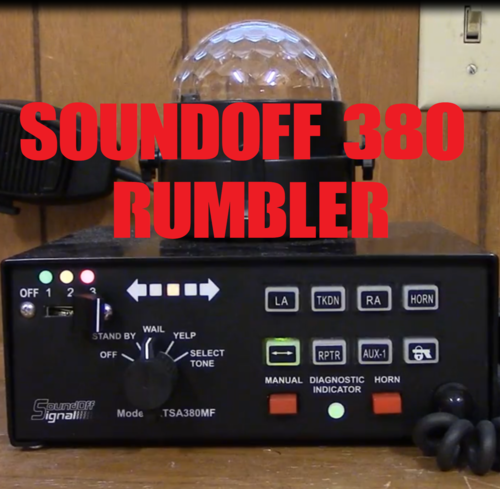 Your Mastercom B was my favorite of the Rumblers, now this definitely takes the cake. Has a nice blend of rumbler and regular siren in each tone, and I LOVE you used a normal airhorn and not the NYPD style horn.
- 14 comments
- 1 review

From the album: Red's LSPDFR chaos
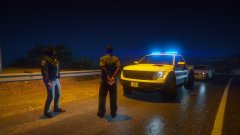
From the album: Red's LSPDFR chaos
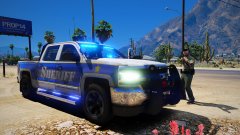
From the album: Red's LSPDFR chaos
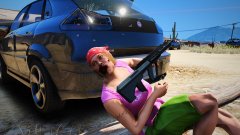
From the album: Red's LSPDFR chaos
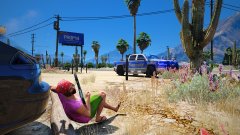
From the album: Red's LSPDFR chaos
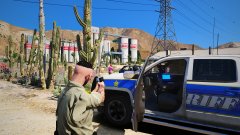
From the album: Red's LSPDFR chaos
Do you have Arrest Manager? If so, that is conflicting with STP.No, caps doesn't matter. Double check you're typing the name correctly. 🙂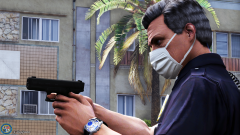 Looking at your history, you really would do better to just stop commenting entirely. Nothing you have said has been positive, it's all bitching and complaining.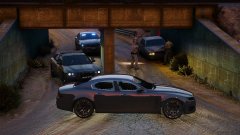
From the album: Red's LSPDFR chaos
 The bike is a meme of Jeremy Dewitte, a police impersonator who does funeral escorts. His company runs purple and yellow lights. So no, this is not a police bike, but many of us who have followed Jeremy's funny story love this to death.
- 89 comments
- 7 reviews
 I could kiss you! I have been desperately wanting to skip the stupid ass intro. FINALLY!!!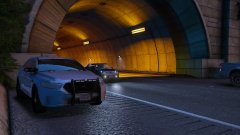
From the album: Red's LSPDFR chaos




