


ngresla10
Members
-
Joined
-
Last visited
Everything posted by ngresla10
-
Hello, I was wondering if someone could help me out with an issue, I currently have LSPDFR 0.4 and you can’t force callouts in that version so I turn up the multiplier to 1,000 however when I go to the LSPDFR tab in the game it still says 250 for callouts multiplier I would appreciate any help I can get.
-
no are they going to make mods like traffic policer and those mods compatible for the newest version?
-
Anyone if lspdfr is going to support version 1.0.1180.1, are they going to make mods for that version which is the newest version
-
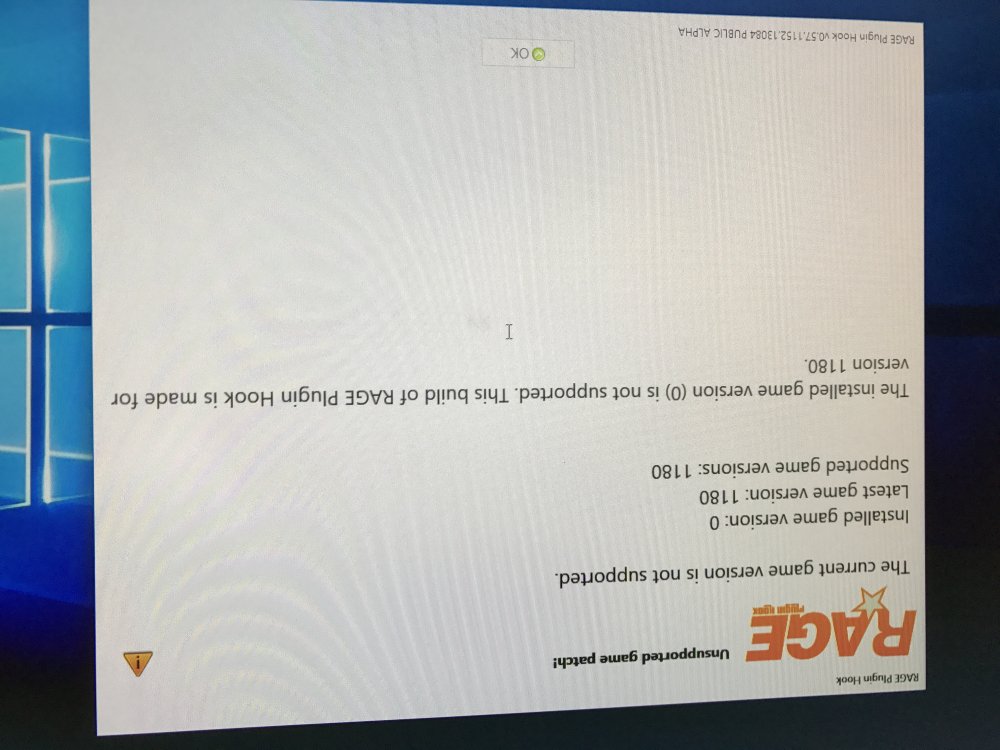
Hello, I was just wondering if you had steam version or boxed version to download LSPDFR, because when I tried to run Rage hook plugin, it said I had version 0 and under my apps directly I'd didn't display the version information. And it said version 1.0.1180.1 steam not supported, what version of RAGE would support that one of GTA V.
-
But if I have steam version, can I still get lspdfr?
-
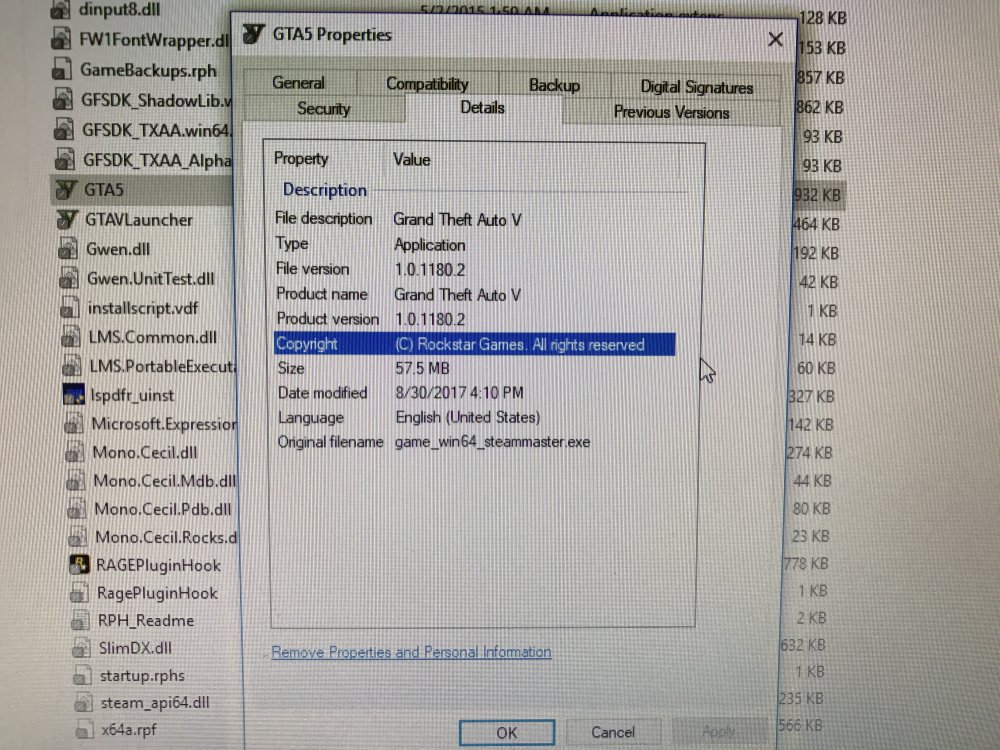
Hello, I downloaded the Rage plugin hook and it doesn't work, I have version 1.0.1180.1 of GTA and it says I have version 0. I've listed some pictures below, one is the game specs, and the other is what happens when I try to run the plugin. I don't know if it's because I got it off steam or what, but I will be 1,000% grateful if you could help me fix this issue.
-
does anybody know what consoles LSPDFR is for.
-
I was wondering if they could make lspdfr for consoles too in addition to the PC version

