
Dannycam.ofcl
Members
-
Joined
-
Last visited
Everything posted by Dannycam.ofcl
-
From the album: Dannycam Paint Shop
-
From the album: Dannycam Paint Shop
-
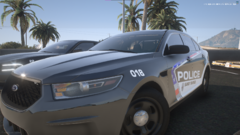
From the album: Dannycam Paint Shop
-
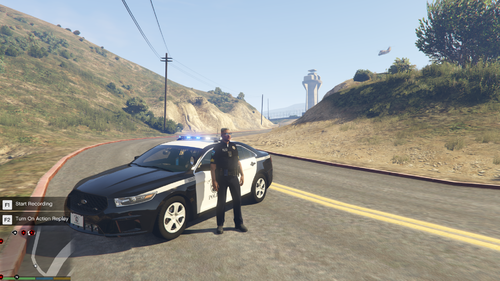 Im not understanding what youre asking
 -
This is for EUP 9.3 and this contains edits to JFloyds Uniforms To make them more realistic. Read me is attached to the file. I will be updating as I feel doing more to this. Let me know if you have any questions. More In game pictures on the way. Stay tuned. I strongly Recommend reading the Readme. Link to Updated EUP (do not download old from LSPDFR.com if you don't want the updated link) https://drive.google.com/file/d/1Z6B_HyHkybGdrGBJTbkOVzp-xSLusRsi/view?usp=sharing Please give feedback. Details. Class A HPD : Vest Optional Class B HPD : Vest Optional Class C HPD : Vest Optional Class A CHPD : Vest Optional Class B CHPD : Vest Optional Class C CHPD : Vest Optional Class A OCSO : Vest Optional Class B OCSO : Vest Optional Class C OCOS : Vest Optional More Vests are Added Holsters and Duty Belts are Added Ultimate Backup Configurations. https://drive.google.com/drive/folders/1R4rUcemZtNfgkE04-yJW9MSAZzA6n7a8?usp=sharing Updated as well for the updated uniforms. Ultimate Backup Preset Outfits are WIP. Change Log: 10/3/2021 20:44 EST More pictures have been posted about the EUP. Any Questions Just Ask. More pictures https://drive.google.com/drive/folders/1Ko1P8I90VpRNTwqnPs6RSIHgTwKvEuvO?usp=sharing
-
-
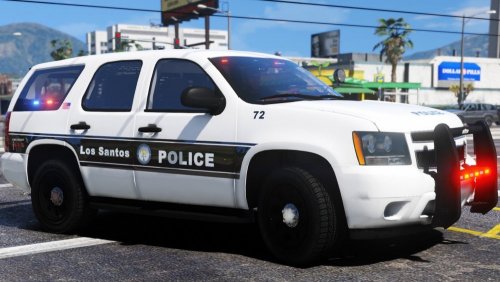 Due to the fact of that I think that this pack is Based of the IRL NCSHP pack and I love it thanks for the mod>
- 39 comments
- 12 reviews
-
-

- 1
-