


RambosNachbar
Members
-
Joined
-
Last visited
Everything posted by RambosNachbar
-
Good evening guys, I wanted to add this CVPI as an Add on Car into my game. I renamed it and draged all 4 files to the mpheist vehicles folder (in openiv, of course) and edited the vehicle.meta and the carvariations.meta. But in the game when I type the name I gave it, it says invalid vehicle (or name, not sure). I've done it before with other cars, that's why I'm a little confused at the moment. Any help is appreciated. Thanks in advance. vehicles meta.txt carvariations meta.txt
-
-

From the album: Police Cars I'm using
-
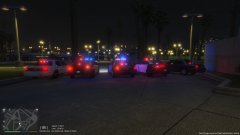
From the album: Police Cars I'm using
-
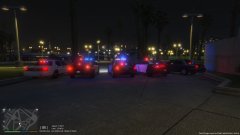
From the album: Police Cars I'm using
-

From the album: Police Cars I'm using
-

From the album: Police Cars I'm using
-
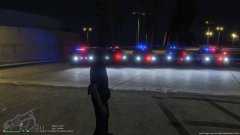
From the album: Police Cars I'm using
-
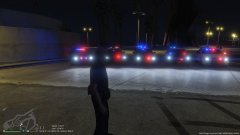
From the album: Police Cars I'm using
-
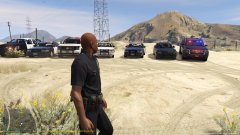
From the album: Police Cars I'm using
-
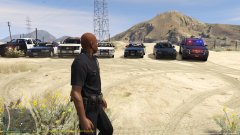
From the album: Police Cars I'm using
-


