



OneOceanTen
Members
-
Joined
-
Last visited
Everything posted by OneOceanTen
-
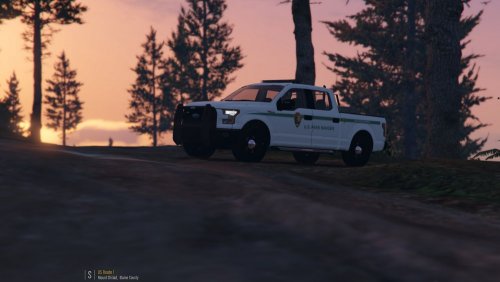 Nice! I haven't been a non-Raptor F150 on this site yet, and I'm looking forward to use this in my next park ranger episode, and looking forward to see what skins come out for it as well.
- 31 comments
- 11 reviews
-
-

- 1
-
 Once again, Thehurk outdoes himself with every new model (or in this case, pack) he puts out. The quality of these vehicles, the attention to detail, is beyond fathomable. This pack has become a staple in my directory ever since it came out, and it will be for however long I continue my LSPDFR series. (Which better for for a long time!) It is easy to tell each individual car has been worked over with a fine tooth comb from rubber to lightbar. We even get a Ford Expedition, which is a rare model to see in LSPDFR compared to the popularity of other state bid SUVs. The variety of vehicles will keep bringing you back to this pack. Well done, hurk. Thank you for your hard work. Very happy with this pack, and I'm excited to see what you roll out next. Also, I cannot forget to thank all of contributors to this pack as well. Well done, guys.
- 501 comments
- 104 reviews
A message of encouragement for all of you here! https://youtu.be/xqrcZSxNnu4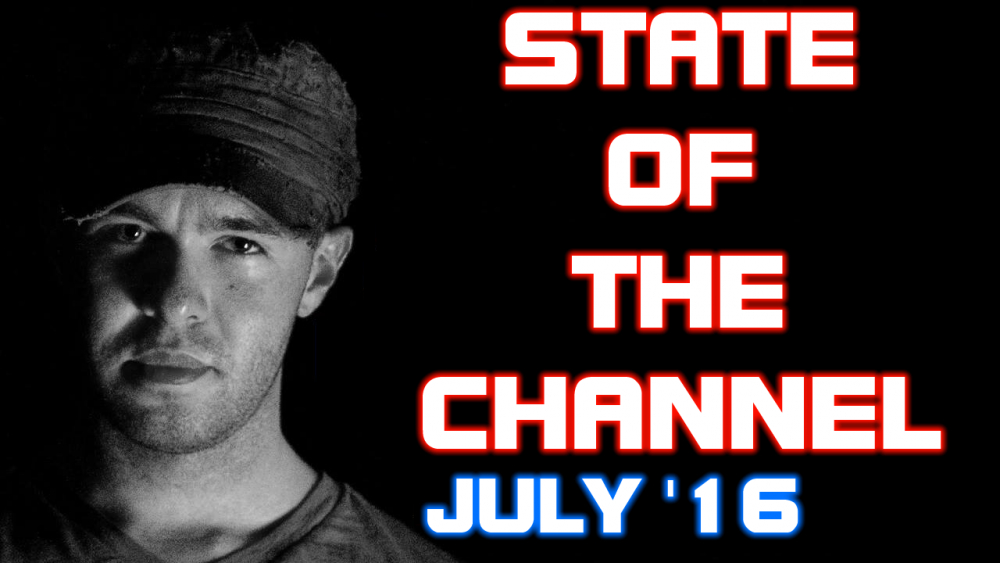 "...and behold, a dark horse; and he who sat on it had the name... Petyr."Ride with me here. --> https://youtu.be/DjlixFhm8JY (Why are my links not auto-embedding the video like they used to? Anyone know?)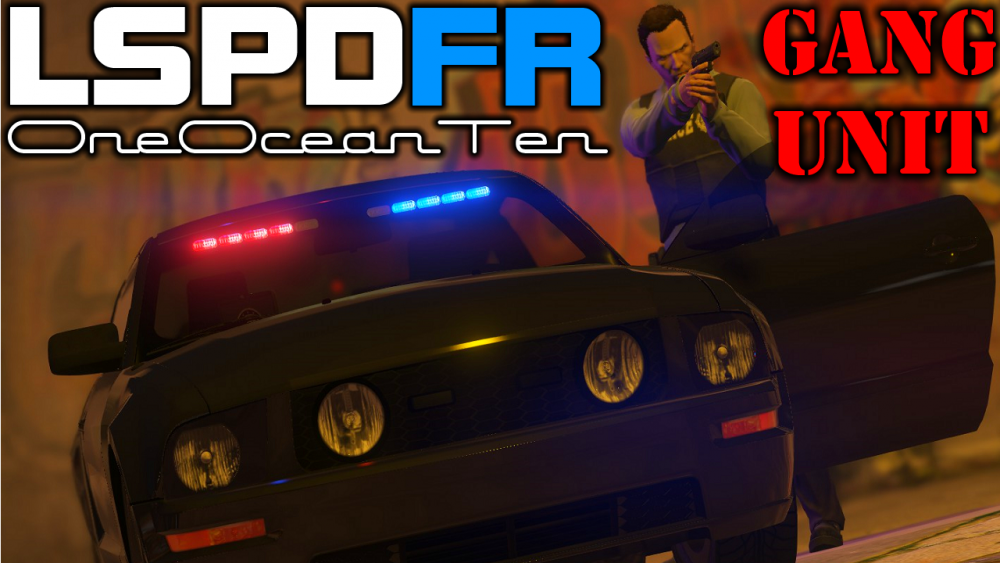
 Another amazing vehicle by thehurk. The attention to detail is amazing, perfect lighting choices, and realistic handling. Used it in one patrol already, looking forward to using it again!
- 158 comments
- 54 reviews
CHP / SAHP Commercial Vehicle Enforcement using @Thehurk 's Ford F350! Check it out! https://youtu.be/1H7JdpqPJN4 https://youtu.be/y-Ap9J9iVCkBig thank you to @Darkmyre for making the Partner Mod. Couldn't have done this without you! Check out two friends and I commentate using the Partner mod and bodyguard function of Simple Trainer. It was a lot of fun to make.Not the sharpest tool in the shed on this patrol.LSPDFR #25 - Stopping Steve Harwell (Smash Mouth)Thank you, guys! As per usual, being me with my luck, I literally figured it out fifteen minutes after posting this. Literally happens every time. As an oddity with my editing software, the resolution can be fixed on each clip in the stream, and that's where I found the settings. I guess it wouldn't make sense for it to be in the settings for the whole project. Whatever! It works, I'm happy, and my content looks so much better. Just put up the new one with the fixed size. Thank you guys for the help, again! Not the sharpest tool in the shed on this patrol.LSPDFR #25 - Stopping Steve Harwell (Smash Mouth)https://youtu.be/ZVOnscdxN9IHey everyone! So, I tried looking for information on Google, YouTube, here, for this information, but I keep ending up with answers that have nothing to do with my questions. I'm a YouTube content creator who primarily does LSPDFR patrols, as well as other games and real-life dash-cam footage from my car. I strive to always better my content, but I've been having a really hard time getting one thing down. Let's go with GTAV for example (but this applies to all of my videos, so I'm guessing it is a problem in my recording software). I record in 1680x1050, which is my monitor's screen size, but when I finish rendering the edited video, I get a black frame all the way around the video, so when it's finally on YouTube, it does not fully fit the screen. I really want the max resolution for YouTube, because it just looks terrible otherwise. As an example: https://youtu.be/3mAiyyX0yRI As you can see, the "OneOceanTen" opener and the image that fades in after my intro are a great size for the video, however, the footage itself in between and throughout the episode have a black frame. I haven't been able to fix this, and no matter what I seem to change in the settings of my recording software (Movie Studio Platinum 13) it still renders this way. If you need additional information to help me out, please ask! I really want to fix this and I feel I have exhausted all of my knowledge on this. Thank you in advance!Something a little different...
Account
Navigation
Search
Configure browser push notifications
Chrome (Android)
- Tap the lock icon next to the address bar.
- Tap Permissions → Notifications.
- Adjust your preference.
Chrome (Desktop)
- Click the padlock icon in the address bar.
- Select Site settings.
- Find Notifications and adjust your preference.
Safari (iOS 16.4+)
- Ensure the site is installed via Add to Home Screen.
- Open Settings App → Notifications.
- Find your app name and adjust your preference.
Safari (macOS)
- Go to Safari → Preferences.
- Click the Websites tab.
- Select Notifications in the sidebar.
- Find this website and adjust your preference.
Edge (Android)
- Tap the lock icon next to the address bar.
- Tap Permissions.
- Find Notifications and adjust your preference.
Edge (Desktop)
- Click the padlock icon in the address bar.
- Click Permissions for this site.
- Find Notifications and adjust your preference.
Firefox (Android)
- Go to Settings → Site permissions.
- Tap Notifications.
- Find this site in the list and adjust your preference.
Firefox (Desktop)
- Open Firefox Settings.
- Search for Notifications.
- Find this site in the list and adjust your preference.


