
HistoryStartedOn1776
Members
-
Joined
-
Last visited
Everything posted by HistoryStartedOn1776
-
Little late to this, but the siren is a Whelen siren. Its using the Whelen - B tones that sound like the PA300, but Whelen's version
-
 Hmm, SketchUp engine... Never thought I'd see the day of someone taking stuff from SketchUp and putting it into GTA V.
 -
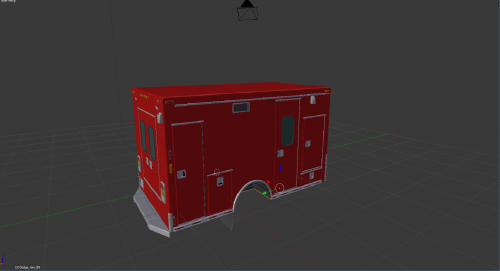 Not complaining at all, just asking. Did you rip this body off of another model? I see some Dodge parts in this.
 -
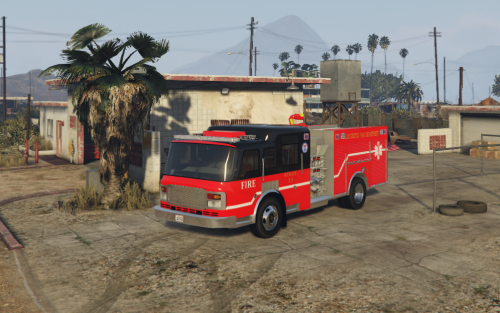
knockout, Hillsdale City Fire now has a new truck. I believe you can find the engine on the GTA V Cars for the Rosenbauer. I also think that the Chief has ordered a new Ladder truck to replace 341. It has been sent as "complete decommission".
-
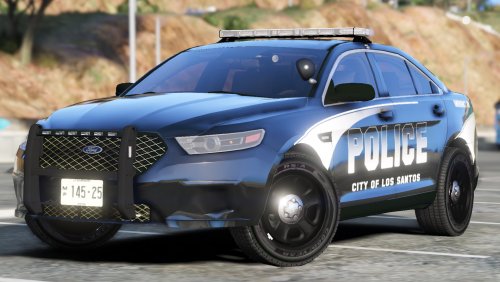 Might be late review but oh well. I live just two towns from Coldwater and this looks spot on! 10/10!
- 8 comments
- 10 reviews
-
-

- 1
-
-
Hi is there a way to put LSPDFR onto XBOX 360?
-
 YAY! I live in Michigan Thank you sooo much been waiting for this for a long time!
 -
-
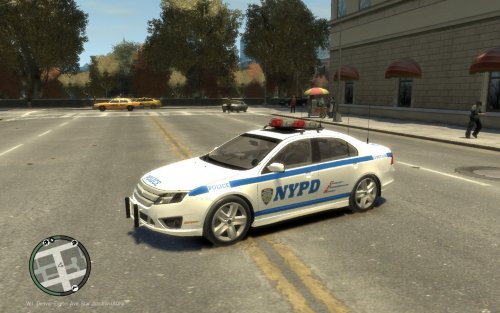 can you make a non els version?
 -
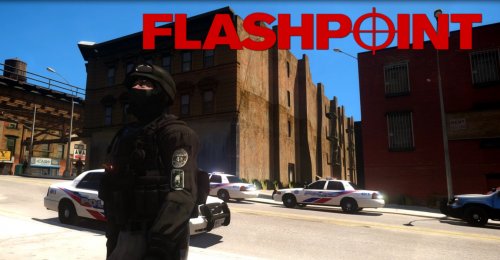 Glad i'm not the only one who watches FlashPoint! Also nice Tahoes!