wantedelf
Members
-
Joined
-
Last visited
Everything posted by wantedelf
-
thanks for the feedback
-
why is the scripthook link on this site unsecure this time. I've been a member for years it has never told me that it was unsecure before.
-
 I use your prowler radar too . along with BejoIjo'S ALPR.... Grammer police is a game changer. along with ELS they are no doubt two of the biggest game changers to come along for LSPDFR
- 1,366 comments
- 87 reviews
-
-

- 1
-
-
-
Just curious is the plate display something private, seen it in some other videos. i use grammer police. the plate display looks better than just the plate number.
- 1,366 comments
- 87 reviews
-
-
-
-
-
 Load Up...jpg
-
 Time 2 Roll.jpg
-
 Choices hmm..Tahoe Charger.jpg
-
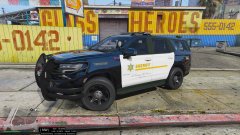 Tahoe Delight.jpg
-
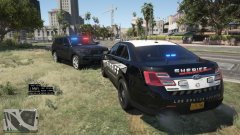 ford patrol.jpg
-
 Blaine Sheriff.jpg
-
 Not Fair.jpg
-
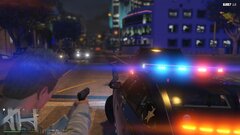 one at gunpoint.jpg
-
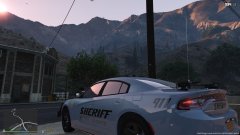 Main ST..jpg
-
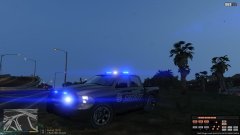 Blaine Sheriff.jpg
-
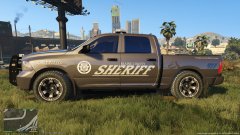 BCSO.jpg
-
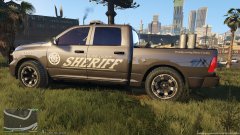 B.C. Sheriff.jpg
-
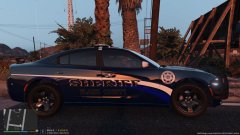 New Sheriff.jpg
-
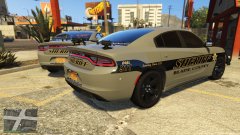 B.C.S.O..jpg
-
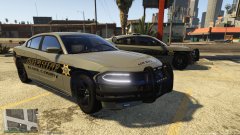 B.C. SHERIFF.jpg
-
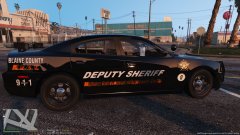 The H.E.A.T.jpg
-
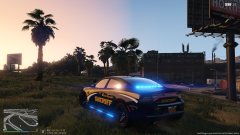 AHH the BLUES.jpg
-
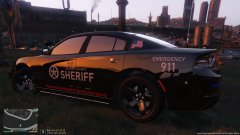 B.C.S.O..jpg
-
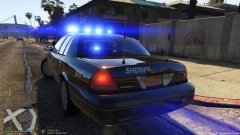 Blues.jpg
-
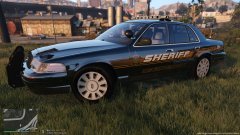 L.S.S.D. CVPI.jpg
-
-
-
From the album: Sheriff's Dept.
-
From the album: Sheriff's Dept.
-
eup menu has to be updated ......the update they did for the new EUP pack is messed up, if you have a backup of the old eup dll and the prior version of eup which was 8.1 just put those back in your game and use it until the new eup dlll is fixed. thats what i did ALWAYS KEEP YOUR OLD FILES JUST IN CASE CRAP LIKE THIS HAPPPENS !! because it happens every time...
-
-
-
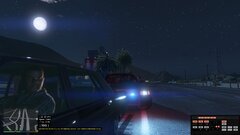
From the album: GOTCHA!!!
-
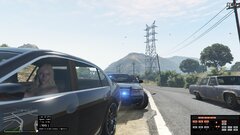
From the album: GOTCHA!!!
-
-
 ok sweet i wasn't aware you could do that....the only way i do it is the manual way i just prefer that way of installing my cars don't take it as was implying you were lying lol looking forward to installing it and trying it out thanks for the hard work putting models together. Wantedelf
- 116 comments
- 13 reviews
-
ok so where are the three files that are needed to replace you have to have a hi.ytf you have to have a yft file and you have to have a ytd file if you replace the way i do. i only use X64e and patchday 2 three and four i dont do the dlc stuff it just cause's alot of unnecessary headaches . most downloads that say replace have those three files and sometimes a fourth file that is a hi ytd
- 116 comments
- 13 reviews
-
-
-
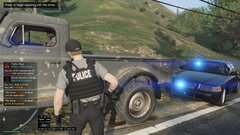 Just being cautious.jpg
-
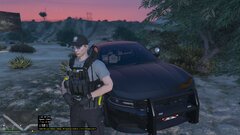 decked out.jpg
-
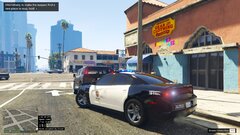 just another day on the job.jpg
-
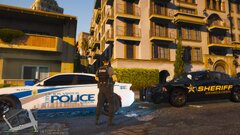 backup for the LSCSO.jpg
-
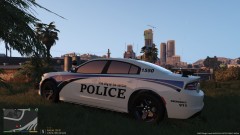 LS Police.jpg
-
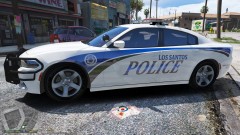 L.S. Police.jpg
-
 blue n white.jpg
-
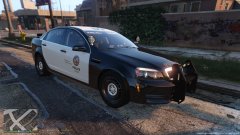 POlice.jpg
-
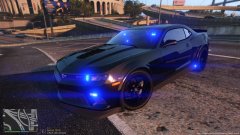 BLK N BLUE.jpg
-
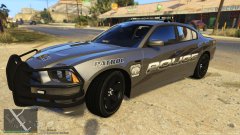 PO PO.jpg
-
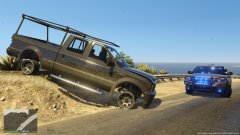 Stolen1.jpg
-
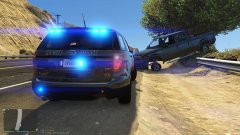 Stolen.jpg
-
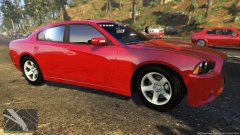 Unmarked P.B.P.D..jpg
-
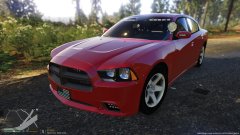 P.B.P.D..jpg
-
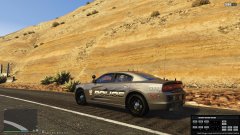 Police...jpg
-
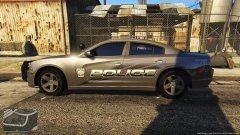 Police.....jpg
-
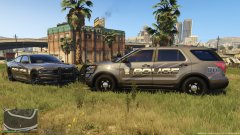 DUO.jpg
-
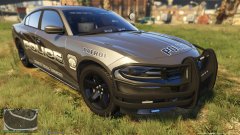 Police.....jpg
-
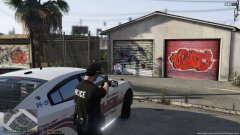 Suspect DOWN !.jpg
-
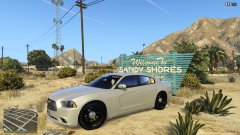 Sandy Shores Unit.jpg
-
-
From the album: Police Department
-
From the album: Police Department
-
From the album: Police Department