Skip to content
View in the app

A better way to browse. Learn more.

LCPDFR.com

A full-screen app on your home screen with push notifications, badges and more.

To install this app on iOS and iPadOS
  1. Tap the Share icon in Safari
  2. Scroll the menu and tap Add to Home Screen.
  3. Tap Add in the top-right corner.
To install this app on Android
  1. Tap the 3-dot menu (⋮) in the top-right corner of the browser.
  2. Tap Add to Home screen or Install app.
  3. Confirm by tapping Install.

JAM

Community Team
  • Joined

  • Last visited

Image Comments posted by JAM

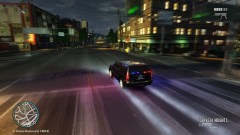
  1. Fire!

          12

      Both of you, knock it off. If you have a personal issue with each other, fine. Don't start bashing each other publicly, it will honestly get you no where except make your self look even worse. I also hate to say it but guys, it's still just a picture/car model.


      Mark twain said it best: "It is better to remain silent and be thought a fool than to open one's mouth and remove all doubt.".


    Further instigation of flaming will be met with a warning and the post hidden.

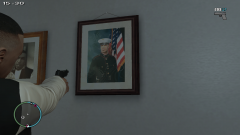
  2. LCPD

          10

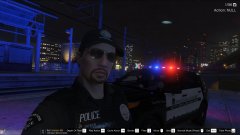
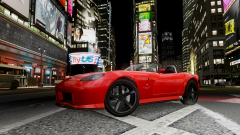
    I don't think your allowed real pictures in the gallery. ;)

    I actually came here for that reason, was about to remove it. :D. Mind telling us what ENB that is bud?

Account

Navigation

Search

Search

Configure browser push notifications

Chrome (Android)
  1. Tap the lock icon next to the address bar.
  2. Tap Permissions → Notifications.
  3. Adjust your preference.
Chrome (Desktop)
  1. Click the padlock icon in the address bar.
  2. Select Site settings.
  3. Find Notifications and adjust your preference.