AdenStewart
Members
-
Joined
-
Last visited
Everything posted by AdenStewart
-
Hello everyone, I am currently mulling the idea of potentially modding a custom campaign story into GTA V in a way that’s bootable from the main menu when single player is selected or similar. I want it to *feel* like a DLC. I can theoretically retarget animations from motion capture if I have the ability to sequence cutscenes + get voice acting, etc. I have experience in game development and want to take some paces back into modding again. I did a lot of modding here from when I was 16 through 19 iirc and since then I have launched a game known as SCP: 5K. My goal would to create a story that can hopefully last a couple of hours and would be provided as a free mod as with any other. Anyone know of resources or general advice to pull something like this off? Additionally, would love to see if there are any existing projects like this, as well. Current story idea is to start the perspective from the side of law enforcement.
-
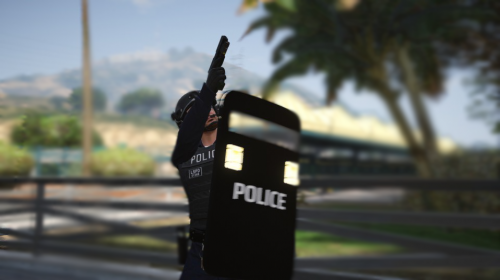 About | I (personally) wasn’t satisfied with the material base colors (textures) for the shield modification, so I decided I wanted to spend a couple hours of my day making some new ones. They aren’t likely to be my permanent designs, but there is not much I can do with the model being locked in OpenIV, since it would make life much easier being able to pull it into Substance Painter and making proper materials with editable text blocks for easy modification (would export the Photoshop Document (PSD)). For now, this is the best I can do until I either get my own shield made with my team or get an unlocked model file from @Sniper296. I do hope you guys enjoy this in the meantime! Required | OpenIV (Required to install both the base mod, and my edit.): https://openiv.com/ WinRar or 7Zip (For extracting from the .rar file) GTA V > mods > x64c.rpf > levels > gta5 > props > lev_des > v_minigame.rpf Then, simply drag the new files from the “Shield Materials” folder in the .rar into the content browser. For the EUP agency.xml I provided, you can install via your operating system’s file explorer in the following location: GTA V > LSPDFR > data This is where you simply drag and drop the file in and replace the pre-existing file. You’re done! Extra | We are creating a new SCP-based tactical shooter game in Unreal Engine 4. If you’d like to check it out, you can do so via the following links: https://discord.gg/affray https://www.affraystudios.com/ https://www.patreon.com/affraystudios https://twitter.com/affraystudios https://www.reddit.com/r/SCPAscension/ Cheers, you handsome bois.
 -
-
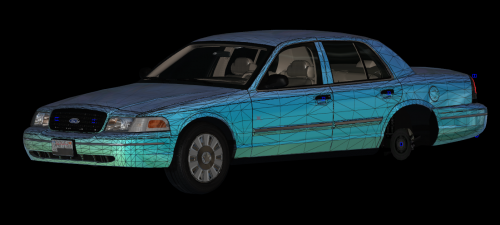 [REMOVED]
 -
-
 This script most definitely crashes the game whenever installed, at least for me. RagePluginHook.log
- 195 comments
- 24 reviews
-
Crashes for me whenever I try to use it - even before LSPDFR is fully loaded. Whenever I delete the files I can play for hours-on-end, whenever the files are there I can't even get in the game. Whenever I disable LSPDFR from loading by default, the game will crash when I go near the main police station, as well with this installed. Again, this doesn't occur when I deleted the files.
- 195 comments
- 24 reviews
-
The plugin time threshold worked! Thanks greatly.
-
I'm sure it's been brought up a plethora of times - but, LSPDFR keeps crashing whenever I try to load it both automatically with RAGEPH or the console. I have a fresh install and even disabled all Scripthook files temporarily to see if it would work, as that is the only "modifications" I have outside of the new LSPDFR and RAGE versions. Hope the support topic is opened soon, a bummer it hasn't already. Hope it's a simple fix, as well. Basically my situation TL;DR: - Fresh install, added SImple Trainer V, LSPDFR 0.4 (no previous versions or plugins for 0.3), ELS V (tried disabling both it and advancedhook.dll), and OpenIV.asi (tried disabling the mods folder, no effect). - Whenever I load in I see "LSPDR is loading...", the DiscordRPC enables and can see I'm playing it on my account, but eventually RagePH says "LSPDFR was forcefully shut down" or something along those lines due to LSPDFR freezing the GTA V application. Although, I can still play GTA V normally, just no LSPDFR. Cheers.
-
Saw on videos you have to hold B.
-
 I am using 1.6.3. EDIT: I feel like a dumbass, I put them in the wrong GTA V folder after I deleted the old version in the other. Totally my mistake.
- 637 comments
- 75 reviews
-
-

- 1
-
-
Could not load file or assembly 'EUPMenu, Version=2.2.0.2, Culture=neutral, PublicKeyToken=null' or one of its dependencies. The system cannot find the file specified.
- 637 comments
- 75 reviews
-
-
-
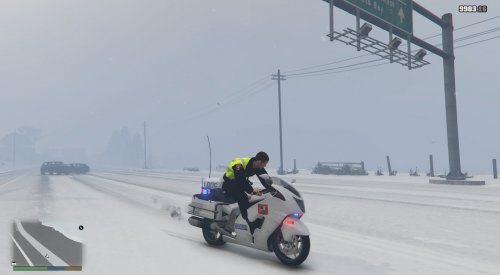 In Russia.... They ride bikes incorrectly...
 -
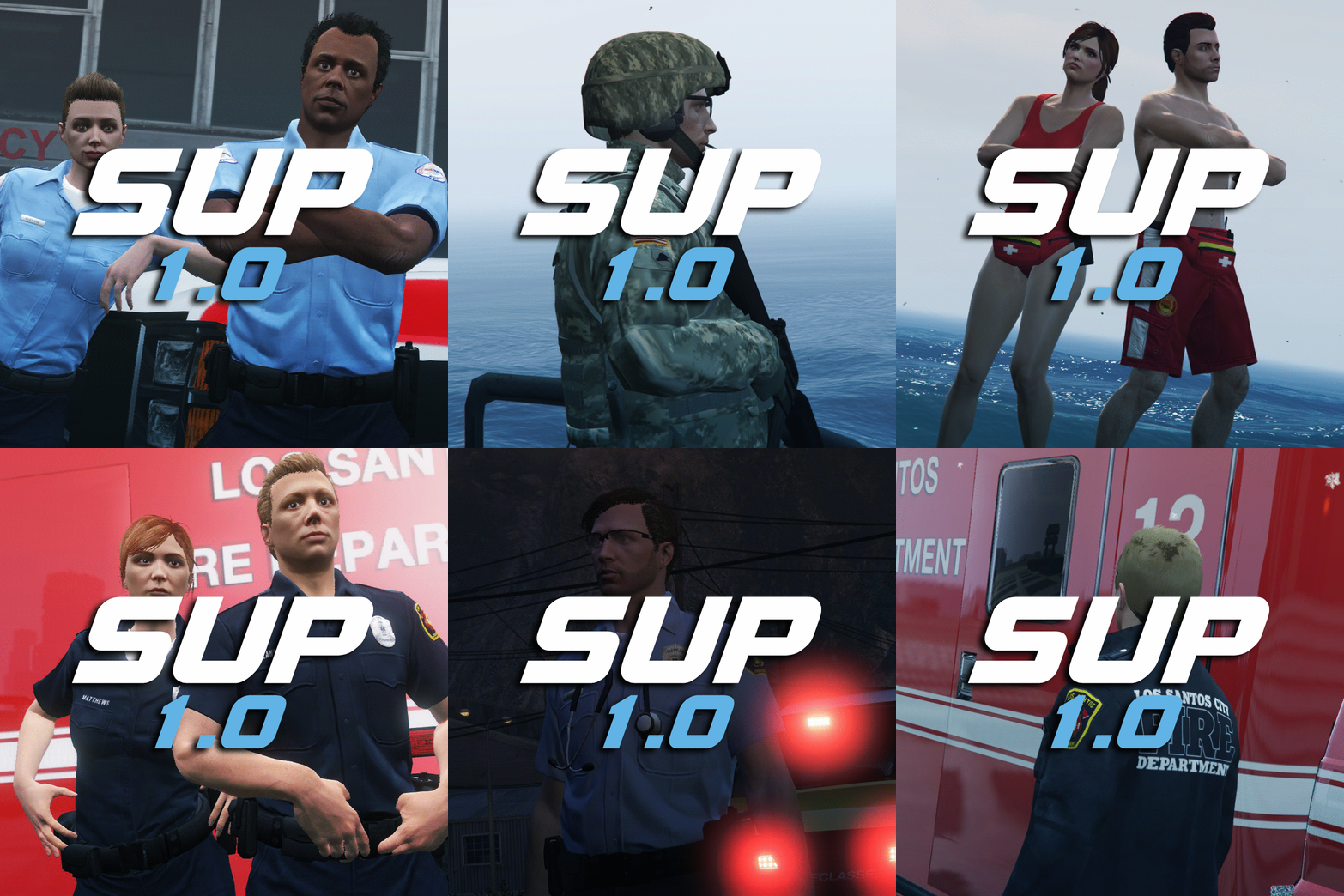 At least it came before HL3.
 -
As some may know, the new GTA online "Cunning Stunts" is on the horizon for July 12th. And in this update they show off a really nice bike that can be seen in this screenshot. My idea is, if someone can use Zmodeler to add police lights, I can handle the texture and meta editing. Just an idea that came to mind. -Jaden
-
Its called the Tornado in GTA V
-
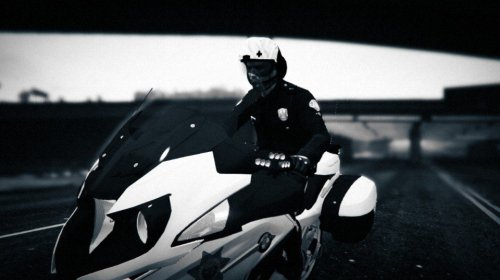 Requirements:
 -
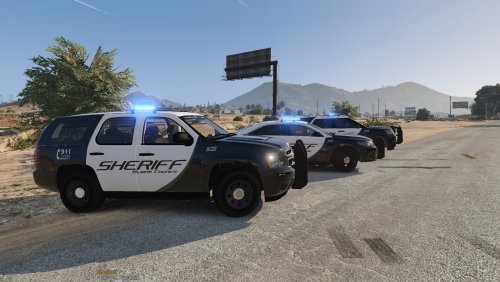
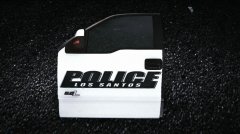 No, the door fell off and I screenshotted it xD
 -
From the album: GTA V Modding
-
-
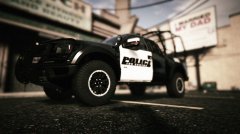
From the album: GTA V Modding
-
-