Skip to content
View in the app

A better way to browse. Learn more.

LCPDFR.com

A full-screen app on your home screen with push notifications, badges and more.

To install this app on iOS and iPadOS
  1. Tap the Share icon in Safari
  2. Scroll the menu and tap Add to Home Screen.
  3. Tap Add in the top-right corner.
To install this app on Android
  1. Tap the 3-dot menu (⋮) in the top-right corner of the browser.
  2. Tap Add to Home screen or Install app.
  3. Confirm by tapping Install.

Intense

Members
  • Joined

  • Last visited

Everything posted by Intense

  1. The past 20 minutes I spent copying my Vanilla backup of GTA 4 and installed ELS 8.5 and it still didn't work. The cars are ELS 8 compatible. So as far as I know, I can only run ELS 7 and LCPDFR 0.95.
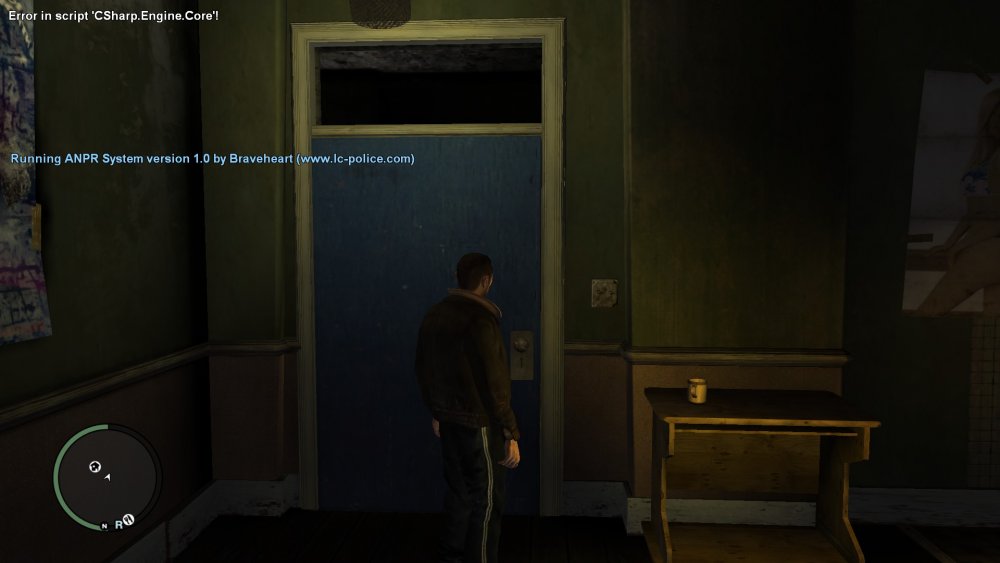
  2. I just did both ELS 8.5 and LCPDFR 1.1 and it's still doing the same thing. Even the Csharp.engine.core error.
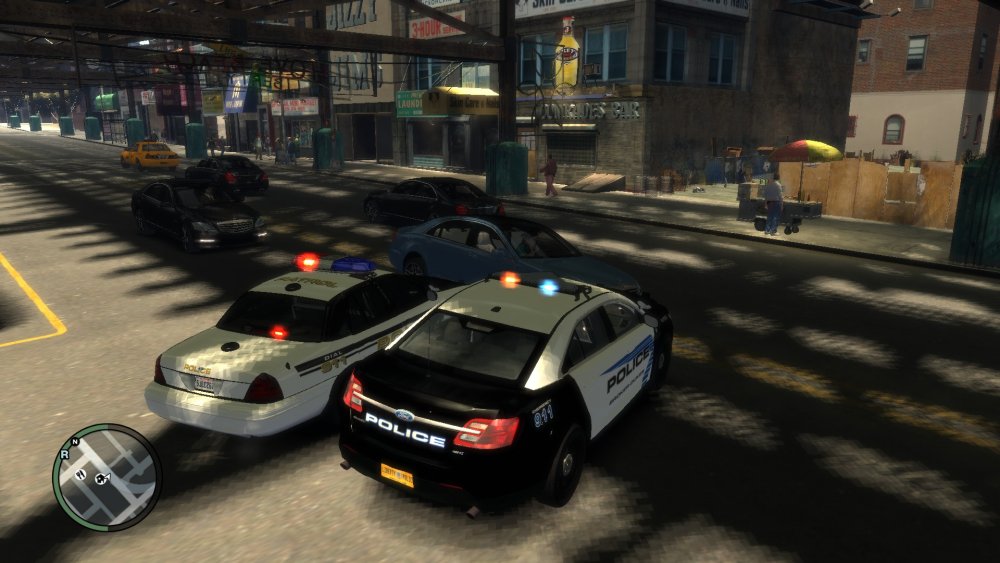
  3. So I tried to install ELS 8 yesterday for the fifth time. The other few times I tried, I had no luck. I don't know what to do anymore. Every time I go in game, I press j to start ELS and only a few lights are on by default when the car spawns. Not even the ELS pattern menu pops up. Some times when I start the game, I get a Csharp.engine.core error too. Since I also installed els 8, LCPDFR doesn't want to start either.
Account

Navigation

Search

Search

Configure browser push notifications

Chrome (Android)
  1. Tap the lock icon next to the address bar.
  2. Tap Permissions → Notifications.
  3. Adjust your preference.
Chrome (Desktop)
  1. Click the padlock icon in the address bar.
  2. Select Site settings.
  3. Find Notifications and adjust your preference.