Headline
Members
-
Joined
-
Last visited
Everything posted by Headline
-
@JKL409 I doubt it's going to be February the 31st or the 30th or 29th xd
-
@Sam When will we have access to the complete changelog from 3.1 to 4?
-
We'll be waiting for it for sure ❤️
-
-
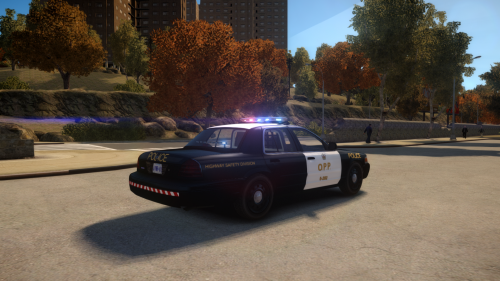 For sure that you run your game at 60 fps with this enb because i have an 940m and I can not get more than 17/18 and I also have a commandline with -availablevidmem 50.0 so I dont know how you run your game at 60 fps