



TheOddestBall
Members
-
Joined
-
Last visited
Everything posted by TheOddestBall
-
 Your problem may lie within the method of which you are utilizing the controller. Sometimes mapping can cause these kinds of issues, especially when this mood itself is basically a mapper. I'll do some investigating.
 -
-
Hey guys! If you like this plugin, please be sure and give it a review. Make sure these Devs know how much we appreciate them! ALSO, I will be working closely with CQoute to ensure this plugins stability. If you guys need help, feel free to ask me either here, on my YouTube channel, or at my email theoddestball@gmail.com. Thanks!
-
<- New video up now guys, sorry about the quality!!
-
I think I'm going to work on a tutorial video for this mod.... :)
-
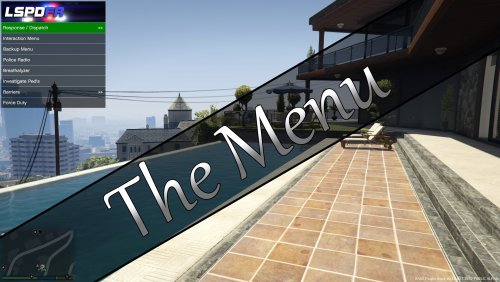
I just wanted to be one of the first to tell you that I absolutely love this mod. You have done something truly amazing, and hopefully game changing here by creating this! I can't even tell you how many times I've gotten so frustrated with the clustermess of shortcut keys that I have had to remember or remap due to overlap causing me moments of wanting to rip my hair out! NO MORE! This mod does exactly what it intends to do and I've been happily using it since yesterday without a single crash or hiccup. Keep it up!!

